PixMira AI
Free AI photo editor and image generatorTurn photos and prompts into edited images in seconds
Highlights
What you can do with it
- Turn a selfie into an anime style avatar for social accounts
- Change a product photo background and lighting for an online listing
- Generate event posters and invitations from a short text prompt
How to use it
- 1 Upload a photo in PNG, JPG, JPEG, or WEBP format, up to 10MB.
- 2 Type a prompt describing the edit, such as turn this into a cartoon style.
- 3 Click generate and wait about one to two seconds for the result.
- 4 Preview the image, then download or share it if you are happy.
Who it is for
Pros
- Free to start and fast, with most edits done in a second or two
- No design experience needed since you describe edits in plain words
- Keeps the subject consistent while changing background, light, or style
Limitations
- Some features and resolutions need credits, so the free rules may change
- Prompt quality affects results, so vague wording can miss the mark
- Focused on single image edits, not multi-layer design work
What PixMira AI is
PixMira AI, formerly Banana AI, is a free AI photo editor and image generator that works from text prompts. You upload a picture, describe the change in everyday words, and get a high-quality result in about one to two seconds, with the main subject kept consistent. It can swap backgrounds with automatic edge refinement and light matching, adjust the direction and mood of lighting, convert photos into styles such as anime, watercolor, oil, or cyberpunk, and turn pictures into 3D dolls. Some features are free after you log in, while certain resolutions use credits, and a discounted Nano Banana 2 model is offered. No design experience is required, so beginners can get usable edits quickly, and the fast turnaround makes it easy to try a few variations before you settle on one.
What you can do with it
- Generate images from text prompts, such as avatars, posters, and fan visuals
- Replace a photo background and match edges and lighting automatically
- Adjust lighting direction, intensity, and atmosphere like a studio setup
- Convert photos into art styles, including anime, watercolor, and cyberpunk
- Turn a photo into a 3D doll with real structure, perspective, and shadow
Who it is for
- Everyday users who want quick avatars and edits without design skills
- E-commerce sellers who need cleaner, more attractive product images
- Marketers and event planners making posters and promotional material
What to watch out for
Some features and higher resolutions need credits, so the free rules may change or your balance may limit how much you can do. The tool follows your written prompt closely, so vague wording often needs a second attempt before the image looks right. It handles single image edits and generation rather than layered design work, so use it as a fast photo helper instead of a full editor. Keep prompts specific and check the output before you publish or share it.
FAQ
Is PixMira AI free?
Some features are free after you log in. Certain resolutions use credits, and there is a discounted Nano Banana 2 model.
How fast is it?
Most text prompt edits finish in about one to two seconds.
What files can I upload?
PNG, JPG, JPEG, or WEBP images up to 10MB.
Why it is free
What the official page says: for free
Free limits, trial length and features are decided by the official site and can change at any time.
Product preview
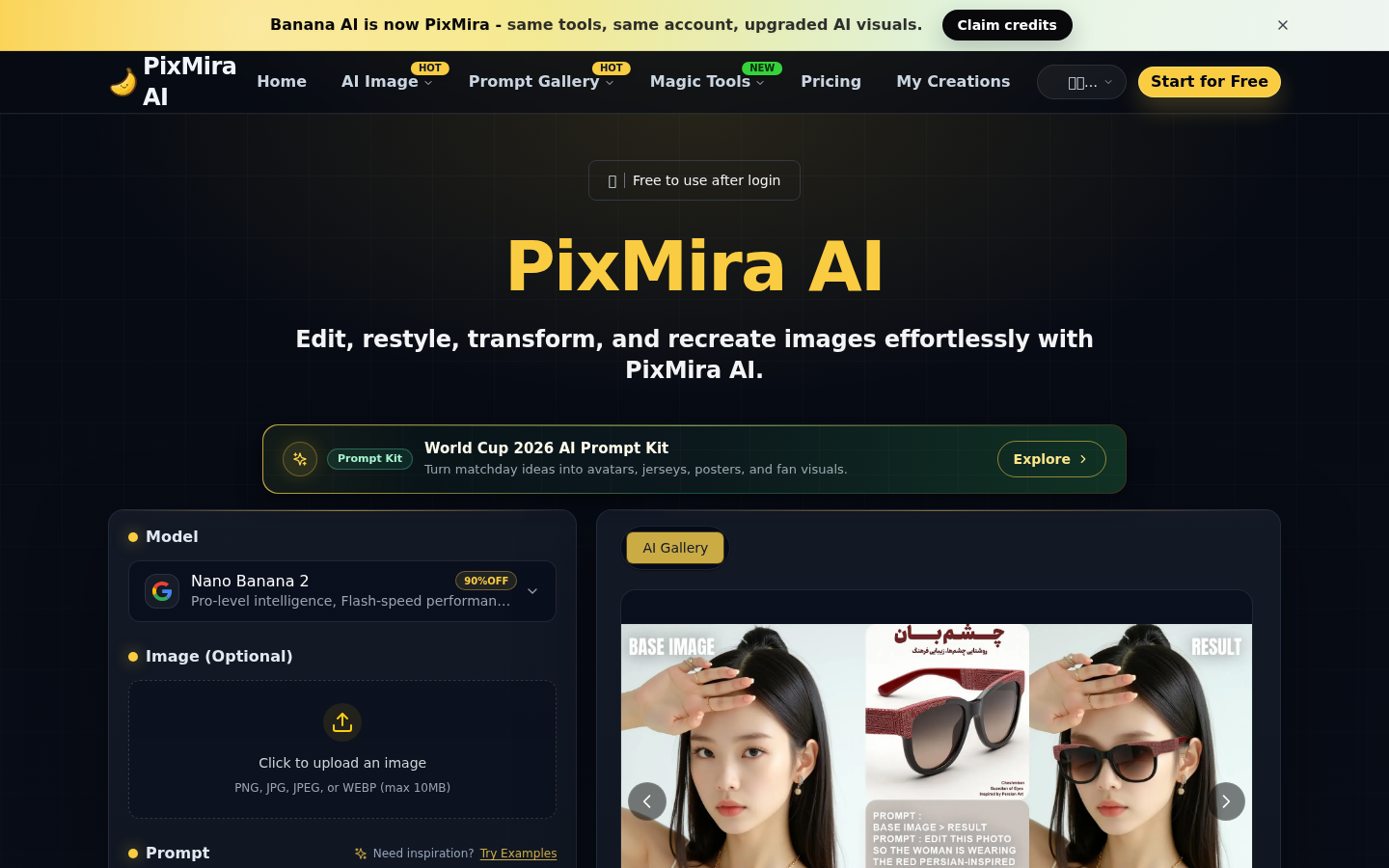
Screenshot archived from the listing page, for preview only.











