
Pixlio AI
Free multi-model AI image editorEdit, generate, and convert images in one place
Highlights
What you can do with it
- Create product images for a listing without a photographer
- Clean up a photo by removing unwanted text or objects
- Add captions and effects to social posts
How to use it
- 1 Go to the Pixlio AI site and register for a free quota.
- 2 Pick the function you need.
- 3 Upload an image or type a prompt.
- 4 Adjust styles and effects.
- 5 Save or download the finished image.
Who it is for
Pros
- Free to use with a registration quota
- Covers editing and generation in one interface
- Several models behind one workflow
Limitations
- Free quota limits and paid pricing need checking on the site
- Output quality varies by model and by input
- Removing watermarks or text from images you do not own raises rights questions you are responsible for
What Pixlio AI is
Pixlio AI is an all-in-one image editor that runs on several models, including Qwen Image Edit, Nano Banana, and Seedream 4. The idea is that creation and editing sit in one place instead of forcing you between a generator, a background remover, and a design tool. The listing says it is free to use, with free quotas available after registration and paid plans alongside.
The feature set covers the jobs that come up most. Text handling adds properly typeset captions or removes unwanted text, watermarks, and overlays. Background work changes or removes backgrounds with what the listing calls pixel-level precision. Product image creation generates display images without a shoot. There is text-to-image generation, a set of effects covering Christmas, New Year, and snow scene styles, and bundled utilities such as image description, enlargement, image-to-image, and text-to-image.
What you can do with it
- Add or remove text and watermarks in an image.
- Change or remove backgrounds with precision.
- Create product display images without a photographer.
- Generate new images from text prompts and apply effects.
Who it is for
- E-commerce sellers who need product imagery on a budget.
- Content creators producing social visuals with captions and effects.
- Designers who want a quick edit or a source of inspiration.
What to watch out for
Free quotas are an allowance, not an unlimited plan, and the listing does not state the size of the quota or the paid pricing. Establish both before you rely on it for client work, because running out mid-project is a bad time to find out.
Output quality varies by model and by input, so results are not consistent across the tool. And the ability to remove watermarks and text comes with a responsibility: stripping those from images you do not own can breach copyright and platform rules, and the consequences are yours, not the tool's.
FAQ
Is Pixlio AI free?
The listing says it offers free usage and free quotas after registration, alongside paid plans.
Which models does it use?
It is supported by models including Qwen Image Edit, Nano Banana, and Seedream 4.
What can I edit?
Text and watermarks, backgrounds, product imagery, plus generation from prompts and a range of photo effects.
Do I need an account?
Registering gets you free quotas and access to more functions, according to the listed steps.
Why it is free
What the official page says: for free
Free limits, trial length and features are decided by the official site and can change at any time.
Product preview
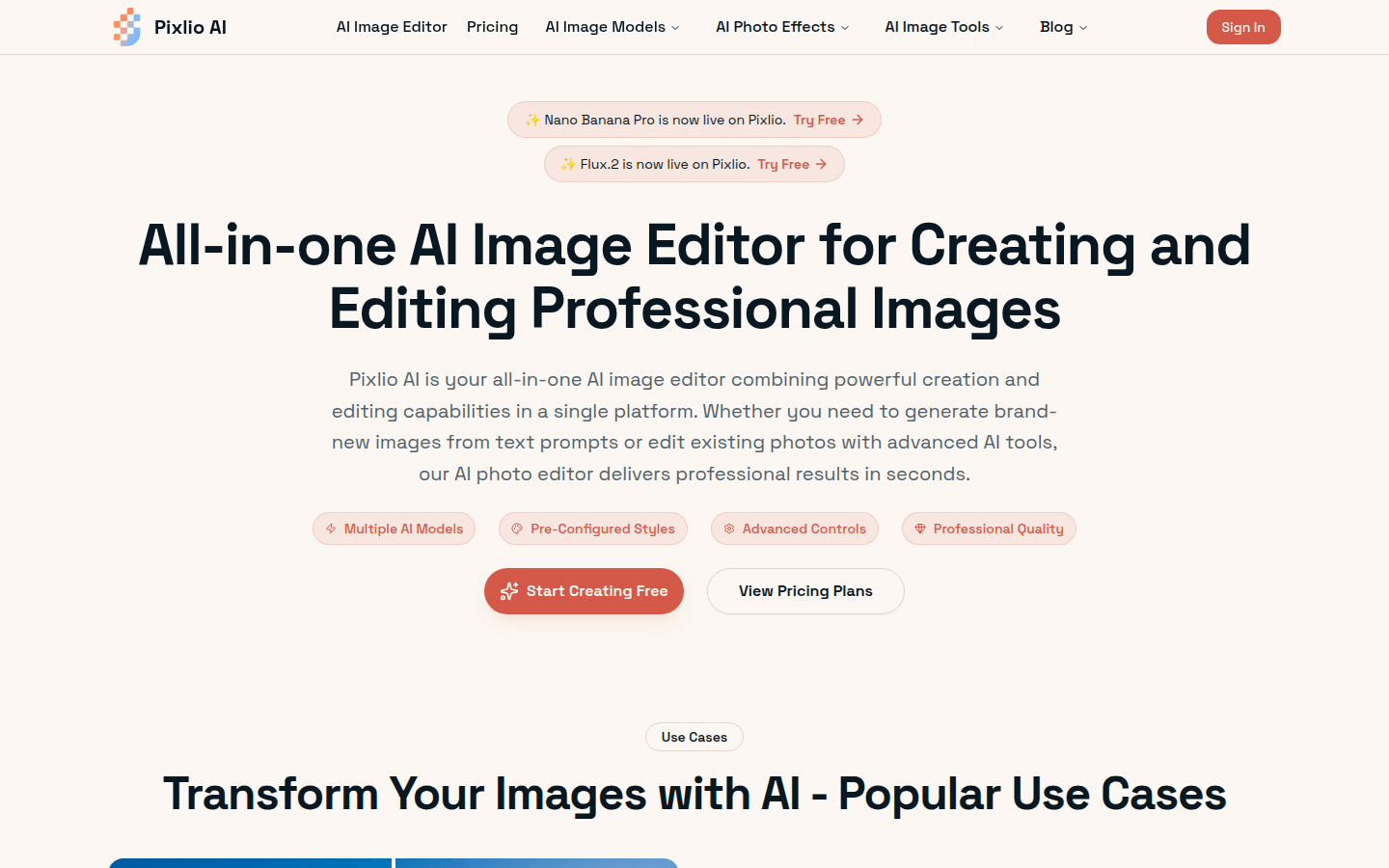
Screenshot archived from the listing page, for preview only.











