
Pixflux AI
Free AI photo editorClean product photos, no signup
Highlights
What you can do with it
- Cleaning product photos for an online store.
- Removing watermarks and unwanted objects.
- Batch editing many listing images at once.
How to use it
- 1 Open the Pixflux AI site without signing up.
- 2 Pick a function such as background or watermark removal.
- 3 Upload your image and let the AI process it.
- 4 Review, adjust, and download the result.
Who it is for
Pros
- Free to use without registration.
- Fast, seconds-level processing on common edits.
- Batch processing saves time on many images.
Limitations
- It is in public testing, so features and free access can change.
- Some advanced features may require payment.
- Removing watermarks you do not own can breach rules.
What Pixflux AI is
Pixflux AI is an online AI photo editor aimed at e-commerce sellers and creators. It can remove backgrounds and watermarks, enhance image quality, replace backgrounds, and remove unwanted objects, all within seconds and without registration. It handles common tasks like fixing blur, reducing noise, and enlarging images to a clear quality, and it can restore old or low-resolution photos. It supports batch processing for many images at once, which saves time for anyone with a large catalog, and it offers e-commerce templates to help optimize product photos and marketing materials. The tool is currently in public testing, is free to use without registration, and some advanced features may require payment. Reported examples include higher sales and lower image-processing costs.
What you can do with it
- Remove backgrounds and watermarks in seconds.
- Enhance, upscale, and restore photo quality.
- Replace backgrounds and remove unwanted objects.
- Batch process many images and use e-commerce templates.
Who it is for
- E-commerce sellers optimizing product images.
- Photographers doing quick post-processing.
- Designers and creators editing many images.
What to watch out for
The tool is in public testing, so features and free access can change, and some advanced options may require payment, so confirm the current terms. Removing watermarks or content you do not own can breach platform rules or copyright, and the consequences fall on you, so only edit images you have the rights to. Results still need a quick review, since automatic edits can leave small artifacts. Because it is a free, no-signup web tool, be careful about uploading sensitive or private photos, and check the privacy terms before you process anything confidential.
FAQ
Is Pixflux AI free?
It can be used for free without registration, though some advanced features may require payment.
What can it edit?
It can remove backgrounds and watermarks, enhance and upscale images, replace backgrounds, and remove objects.
Can I edit many images at once?
Yes. It supports batch processing, which helps sellers and creators who handle large volumes of images.
Why it is free
What the official page says: for free
Free limits, trial length and features are decided by the official site and can change at any time.
Product preview
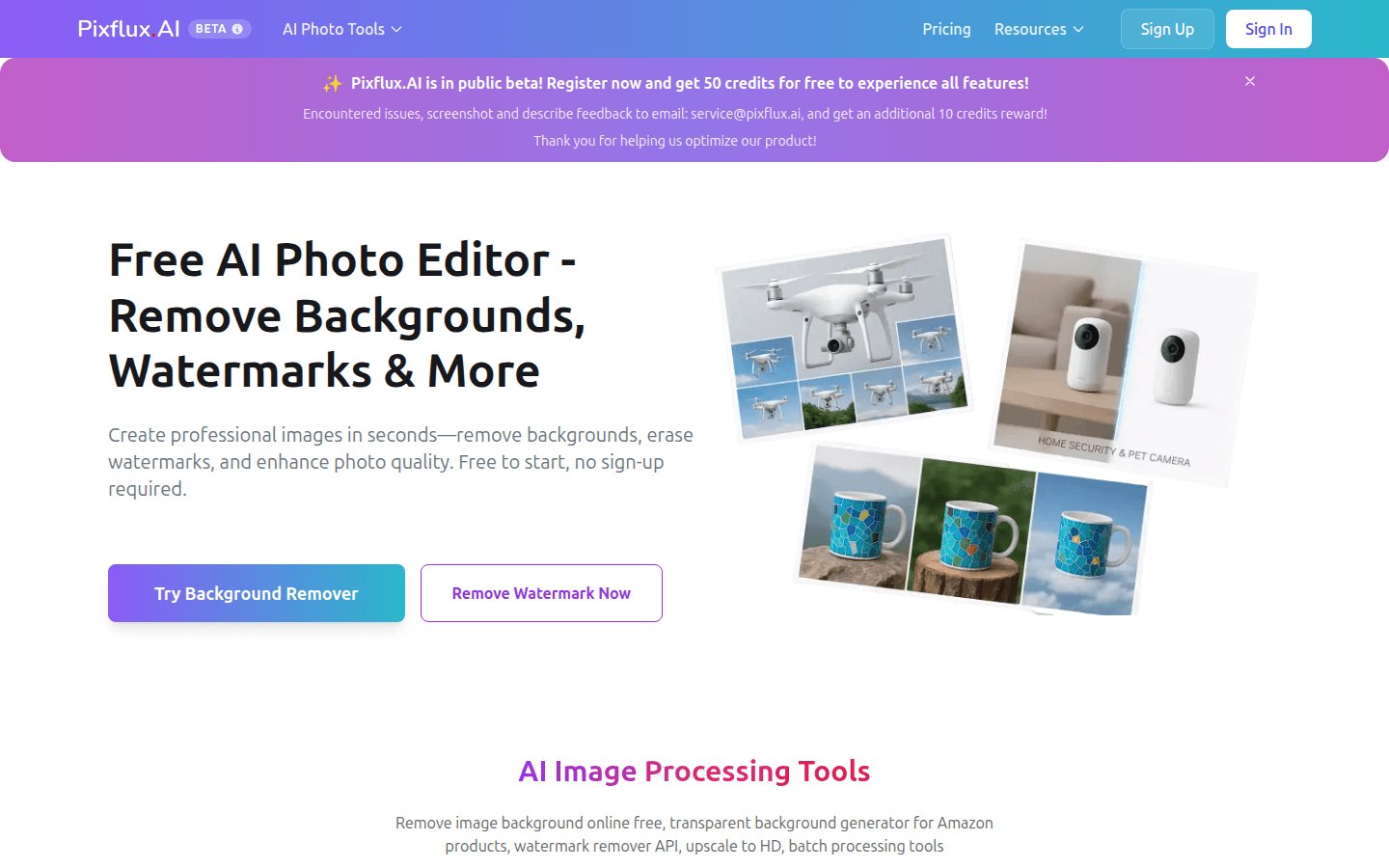
Screenshot archived from the listing page, for preview only.











