
Pixelmax.art
Free online AI photo editorTwenty-plus AI photo tools in browser
Highlights
What you can do with it
- Cut out a product background for a listing image.
- Turn a product shot into an anime style poster.
- Restore a faded family group photo.
How to use it
- 1 Open the Pixelmax site in your browser.
- 2 Choose the tool you need from the list.
- 3 Upload your image in a supported format.
- 4 Adjust the parameters to taste.
- 5 Apply, review and save the result.
Who it is for
Pros
- Free to use in the browser.
- Wide tool coverage without switching sites.
- Fast processing per image.
- No software install required.
Limitations
- Free access limits for heavy use are unclear.
- Complex edits need manual cleanup.
- Uploading images means they leave your device.
- Tool list and free terms may change.
What Pixelmax.art is
Pixelmax.art is a free online AI photo editor that runs entirely in the browser. It brings together more than 20 tools covering the jobs people actually need: background removal with clean transparent edges, image enhancement and enlargement, restoration of old or damaged photos, style conversion into artistic looks such as impressionism, cubism or anime, and portrait retouching that adjusts age, expression, hair and makeup. There is no desktop software to install, and uploads accept PNG, JPEG, JPG and WebP. Each tool follows the same pattern: upload, adjust parameters, apply, save.
What you can do with it
- Remove a background and export a transparent image.
- Enlarge and sharpen a low resolution photo.
- Restore noise, blur and faded detail in old pictures.
- Apply an artistic style or retouch a portrait.
Who it is for
- Photographers who need quick post processing.
- Designers experimenting with styles for posters.
- Home users restoring family photographs.
What to watch out for
Free access limits for heavy use are not spelled out, so do not assume unlimited processing. Complex edits such as fine hair edges or detailed restoration usually need manual cleanup afterwards. Because everything is processed through the site, your images are uploaded, which matters for client or private material. The tool list and the free terms are current and can change. Behavior may vary across browsers and devices, so test before production use and consult the help docs if errors appear. Features and interface details may change between versions, so review the latest notes on the page before you start. Start with a small sample to confirm the output meets your expectations before processing the full batch.
FAQ
How many tools are there?
The site advertises more than 20 AI photo tools.
Which formats can I upload?
PNG, JPEG, JPG and WebP are supported.
Is it free?
Yes, it is described as a free online AI photo editor.
Do I need to install software?
No, everything runs in the browser.
Why it is free
What the official page says: 免费
Free limits, trial length and features are decided by the official site and can change at any time.
Product preview
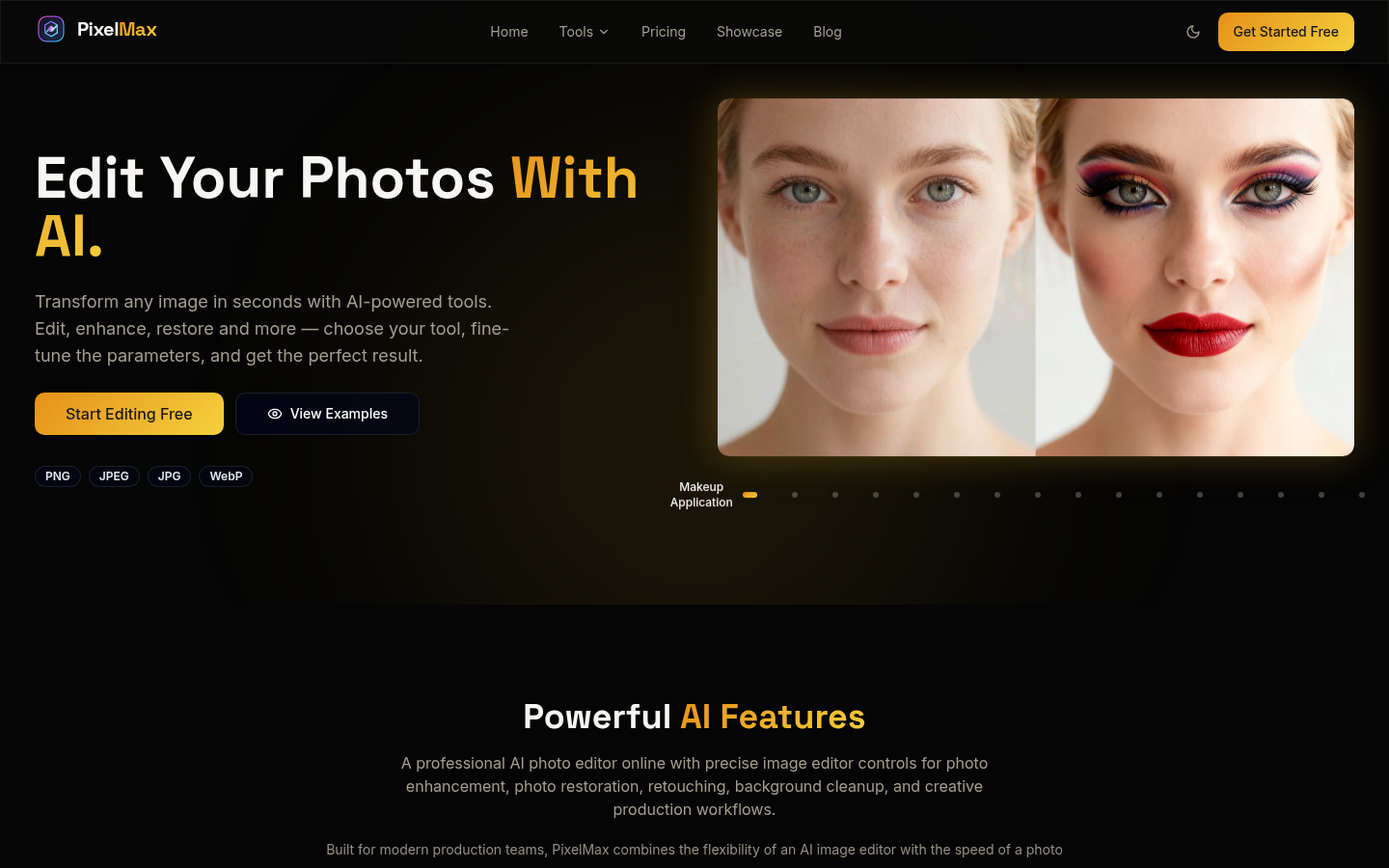
Screenshot archived from the listing page, for preview only.











