
PixArmory
AI image editor built on the nano banana model.Edit photos with plain language prompts and fast AI processing.
Highlights
What you can do with it
- An e-commerce seller removes backgrounds from product photos for listings
- A designer turns an ordinary photo into an oil painting style artwork
- A casual user combines photos and prompts into a fun social media image
- A photographer enlarges a small image without obvious quality loss
How to use it
- 1 Visit the PixArmory website and register if you want more features
- 2 Choose a tool such as image generation or photo enhancement
- 3 Upload a JPG or PNG file, up to 10MB
- 4 Describe the edit in simple language, for example 'change the background to a beach'
- 5 Wait for processing, review the result, then apply multi-round edits if needed
- 6 Download the finished image
Who it is for
Pros
- Plain language prompts replace complex editing panels
- Fast processing, usually 10 to 30 seconds per image
- Multi-round editing keeps the subject identity and quality stable
- A free starting allowance for new users to test the tools
Limitations
- Free use is limited to 3 operations, and extra credits require payment
- Free allowances and credit rules can change without notice
- Only JPG and PNG files up to 10MB are supported
- Results still need review, since AI edits can misread complex prompts
What PixArmory is
PixArmory is an AI image editor built on Google's nano banana model. The idea is that you describe the change you want in normal language and the model carries it out, instead of learning layers, masks, and sliders. According to the site, free users can run 3 image processing operations, and newly registered users get 12 additional credits, while a paid subscription uses a credit system for more credits and advanced functions. The tool is aimed at creators, designers, e-commerce sellers, and casual users who want professional looking edits without professional software.
What you can do with it
- Remove backgrounds, enhance dull photos, and enlarge images with less quality loss
- Transfer an artistic style from one image to another, such as an oil painting look
- Fuse several photos into one seamless composite
- Edit in multiple rounds, adjusting details while the main subject stays consistent
Who it is for
- E-commerce sellers who need clean product images for listings and ads
- Designers working on style experiments and visual concepts
- Creators building composite images for social content
- Ordinary users who want quick photo fixes without design training
What to watch out for
The free path is small by design: 3 operations for free users, plus 12 credits for new registrations, after which a paid credit system applies. Credit counts and free allowances are the kind of thing that changes, so treat today's numbers as a starting point rather than a fixed promise. File support is limited to JPG and PNG up to 10MB, and each edit usually takes 10 to 30 seconds, so large batches take time. AI edits also depend on prompt wording, and complex scenes can be misread, which means you should always review the result before publishing. Finally, the service depends on an upstream model, so availability and output quality can shift when that model is updated.
FAQ
How much can I use PixArmory for free?
The site says free users get 3 image processing operations, and new registered users receive 12 additional credits.
What files can I upload?
JPG and PNG files are supported, with a maximum size of 10MB.
How long does one edit take?
The site states that processing usually takes 10 to 30 seconds, depending on complexity and image size.
Can I keep editing after the first result?
Yes. Multi-round editing is supported so you can refine details while keeping the main subject consistent.
Why it is free
What the official page says: 免费免费用户
Free limits, trial length and features are decided by the official site and can change at any time.
Product preview
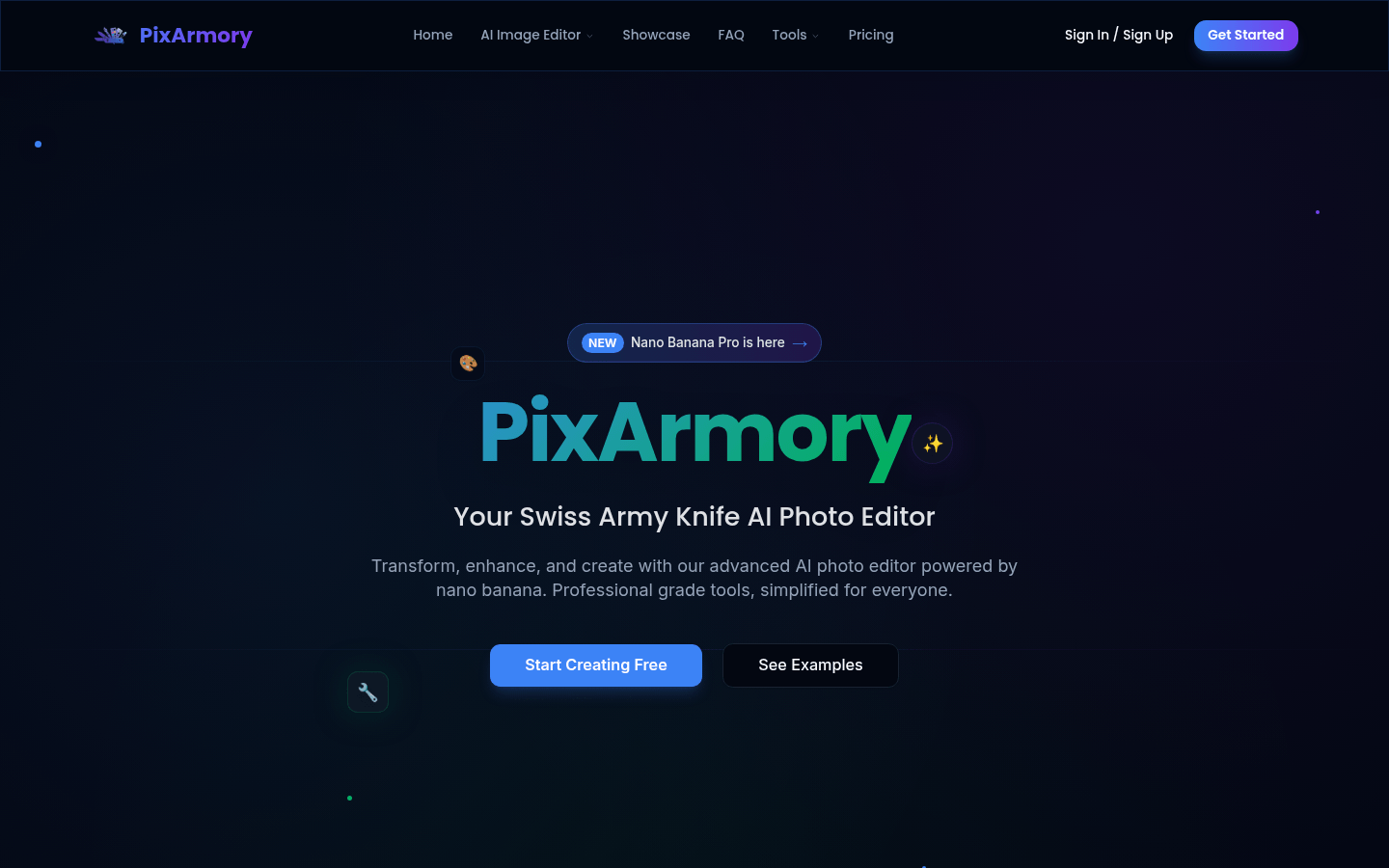
Screenshot archived from the listing page, for preview only.











