Pitch Avatar.com
AI avatars that turn presentations into conversationsMake slides interactive with AI chatbots and virtual presenters
Highlights
What you can do with it
- Sales teams adding a talking avatar to a pitch deck
- Marketing teams localising a presentation for new markets
- Trainers building interactive onboarding material
How to use it
- 1 Register at pitchavatar.com and start the free trial
- 2 Upload your presentation or video content
- 3 Choose or create an AI chatbot or virtual avatar
- 4 Configure the dialogue flow and embed the result
- 5 Watch the interaction data and refine the script
Who it is for
Pros
- Makes an existing deck interactive without rebuilding it
- Multilingual support suits distributed teams
- CRM integration and a free trial to evaluate
Limitations
- The trial is short, so evaluate quickly
- Results depend heavily on the quality of your source material
- Trial terms and pricing can change
What Pitch Avatar is
Pitch Avatar is an AI-based platform focused on turning static presentations into dynamic, interactive experiences. Instead of sending a deck that someone clicks through alone, you add an AI chatbot or a virtual avatar that can hold a conversation, answer common questions, and adjust what it shows based on how the viewer behaves. It is aimed at sales, marketing, and training teams that need the same material to work in more than one language. The platform offers a free trial and integrates with tools such as Salesforce and HubSpot.
What you can do with it
- Convert a PPTX, PDF, or video into an interactive presentation
- Add an AI chatbot or a customisable virtual avatar as the presenter
- Run multilingual conversations for different markets
- Adjust content dynamically based on viewer behaviour and preferences
- Sync data with Salesforce and HubSpot for automated follow-up
Who it is for
- Sales teams who want a deck that answers questions on its own
- Marketing teams localising one presentation for several regions
- Trainers and HR teams building onboarding that people actually finish
What to watch out for
An avatar is only as good as the script and the source material behind it. If your presentation is thin or your dialogue flow is vague, the interaction will feel shallow no matter how polished the avatar looks. The free trial is a window to test, not a permanent tier, so plan your evaluation around the trial period and check current pricing before you rely on it. Connecting a CRM also means handling customer data, so review what the integration stores and who can see it. Finally, avatars work best for structured topics; open-ended conversations still need a human nearby.
FAQ
Is there a free trial?
Yes, the site describes a free trial, with registration to start it.
What file types can I upload?
It supports formats such as PPTX, PDF, and YouTube videos.
Does it connect to my CRM?
Yes, it integrates with systems like Salesforce and HubSpot for data sync and automated workflows.
Why it is free
What the official page says: free trial
Free limits, trial length and features are decided by the official site and can change at any time.
Product preview
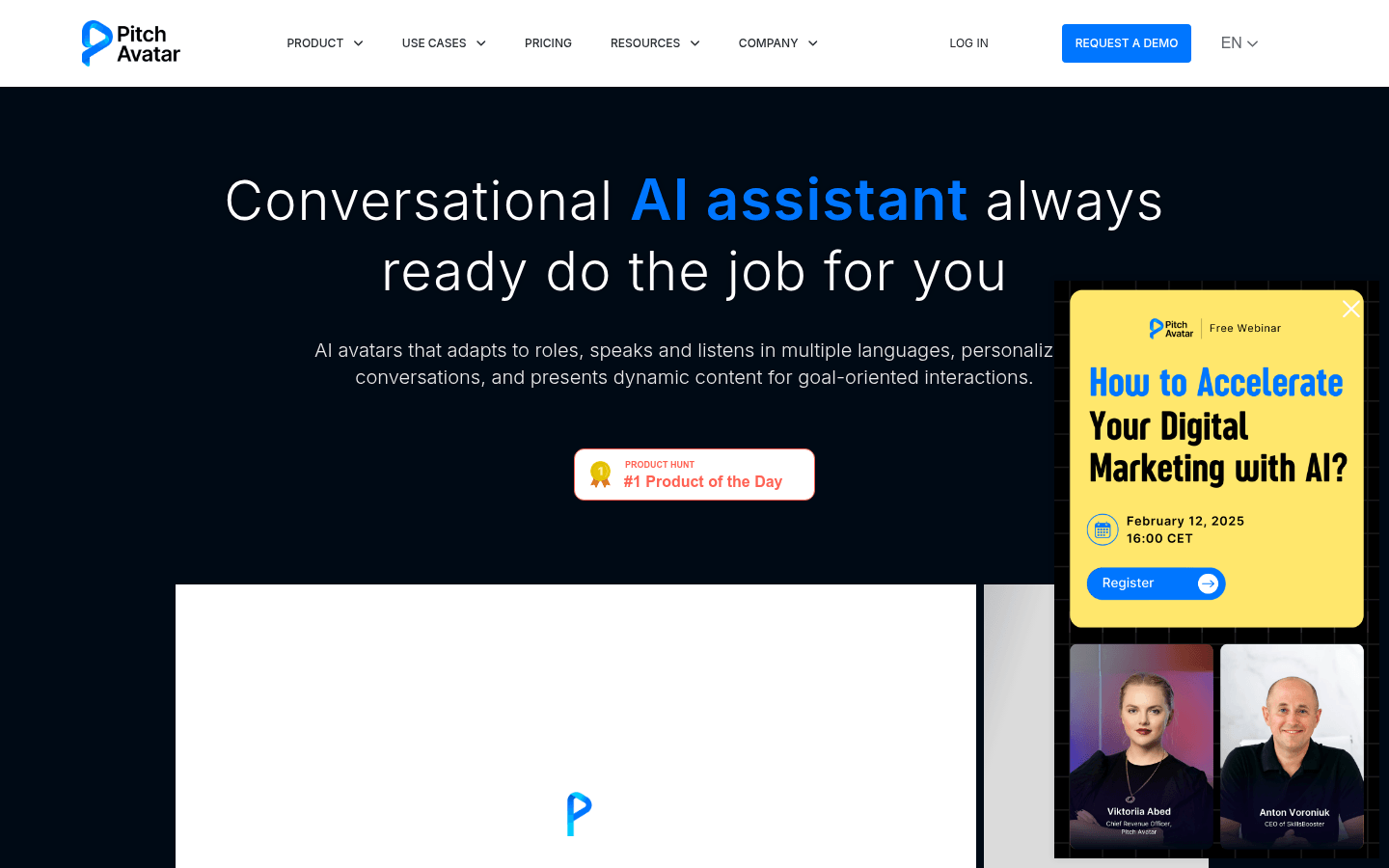
Screenshot archived from the listing page, for preview only.