PIQAPART
Video and photos to SOPs and manualsRecord the process, get the document
Highlights
What you can do with it
- A manufacturer recording assembly steps as a training manual
- A restaurant chain creating a unified recipe book
- A retailer building visual display guides for stores
How to use it
- 1 Upload a video or an ordered set of photos
- 2 Wait for the AI to identify key actions and steps
- 3 Review the generated titles, descriptions and key frames
- 4 Customise the format and layout to match your brand
- 5 Generate the document, then export, publish or print it
Who it is for
Pros
- Removes the manual work of writing step-by-step documents
- Key frames make instructions easier to follow
- Translation covers multilingual teams and partners
- A free trial is available before paying
Limitations
- The free trial is limited and payment details are not specified
- Extracted steps need review for accuracy and safety wording
- Video quality and lighting affect extraction quality
- Custom layout work takes time for brand alignment
What PIQAPART is
PIQAPART converts video and photos into written procedures. You upload footage of a production process, a recipe or a technical operation, or a sequence of photos that records each stage. The AI analyses the material, identifies the key actions, and for each one generates an optimised title, a detailed technical description and a captured key frame. Those extractions are assembled into an operation manual or SOP that can be published, exported or printed straight away. Documents can be translated automatically into more than 30 languages, which matters for teams and partners in different regions, and the layout can be customised so the output matches a company's brand image. The vendor cites manufacturing, catering, retail, medical and hotel scenarios, including a claim that new employee training time was halved in one case. A free trial is offered, and payment details are not specified.
What you can do with it
- Convert process video or photo sequences into manuals and SOPs
- Extract key actions with titles, descriptions and key frames
- Translate documents into more than 30 languages
- Customise layout and format for brand consistency
- Publish, export or print the finished document
Who it is for
- Manufacturing teams documenting assembly and machine processes
- Food and catering businesses standardising recipes across sites
- Retail, medical and hotel teams writing repeatable procedures
What to watch out for
The free trial is limited and payment details are not specified, so confirm pricing before you depend on it for a documentation project. Extracted steps are a draft: anything involving safety, compliance or regulated equipment needs review by someone qualified, because a missing or reordered step has real consequences. Extraction quality depends on the source, so poor lighting, shaky footage or ambiguous actions produce weak output. Finally, brand alignment takes manual effort, and a fully customised document set across several languages is a bigger job than the quick demo suggests.
FAQ
Is there a free trial?
Yes. A free trial is offered, and specific payment details are not stated in the source material.
What can I convert?
Videos of production processes, recipes or technical operations, or a set of photos arranged in sequence.
How many languages are supported?
Automatic translation covers more than 30 languages, which the vendor positions for cross-region teams and partners.
Why it is free
What the official page says: free trial
Free limits, trial length and features are decided by the official site and can change at any time.
Product preview
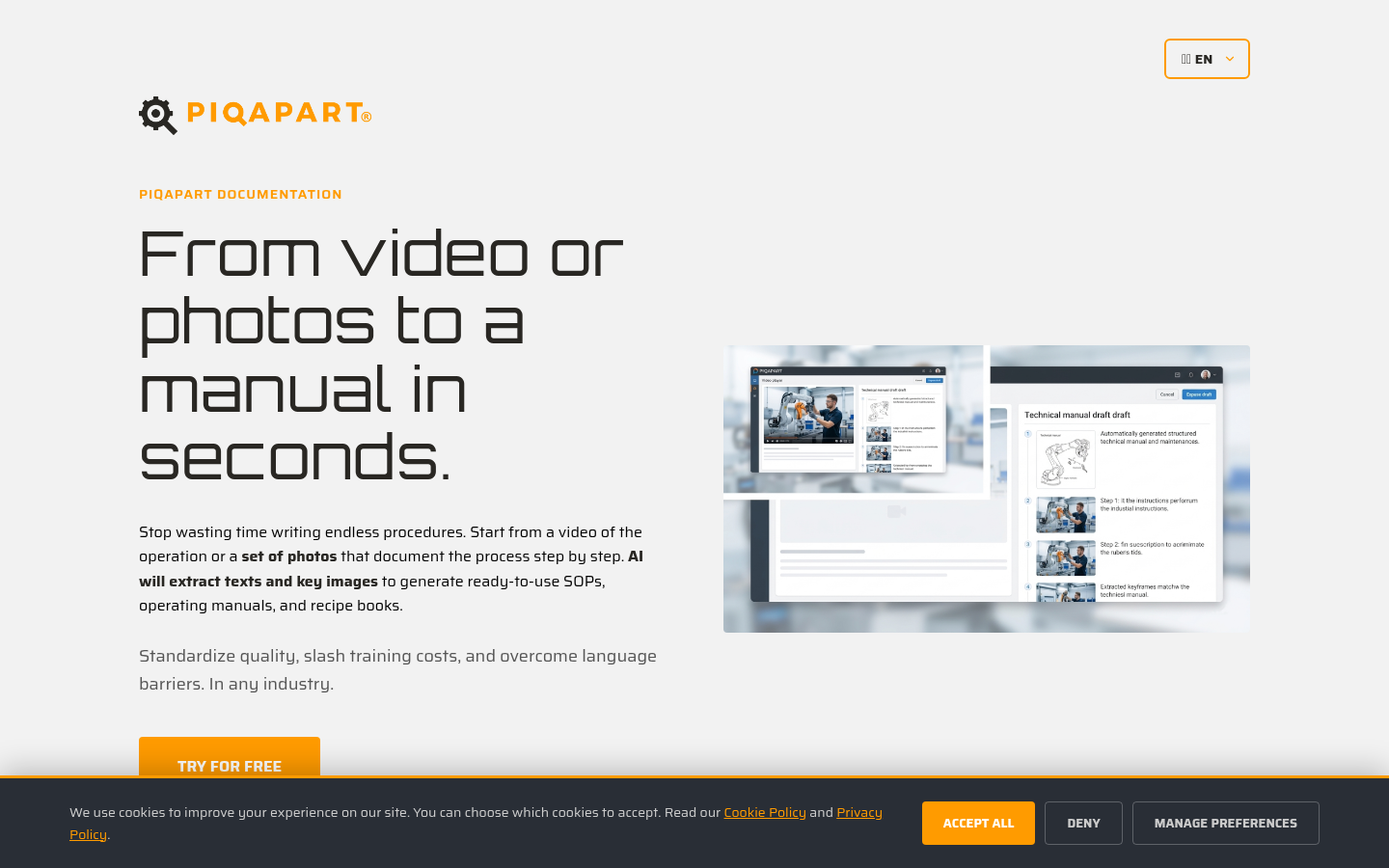
Screenshot archived from the listing page, for preview only.











