
Pileometer
Brick DIY ideas and guidesTurn spare bricks into home projects
Highlights
What you can do with it
- Build a brick fireplace for a living room
- Turn bricks into an outdoor planter stand
- Make a brick bookshelf that is useful and decorative
How to use it
- 1 Download the Pileometer app on iOS or Android
- 2 Browse brick design cases for inspiration
- 3 Plan the project with the materials and layout guidance
- 4 Build it and share photos in the community
Who it is for
Pros
- Turns spare materials into usable projects
- Guidance and checklists reduce mistakes
- Works on both iOS and Android
Limitations
- Pricing is not clearly stated on the site
- Niche focus on brick projects only
- Requires physical effort and basic building skills
What Pileometer is
Pileometer is a DIY app built around one material: bricks. If you have a pile of them sitting in the attic or the yard, the app gives you design inspiration and step-by-step guidance for turning them into something useful, such as a fireplace, an outdoor planter stand, or a bookshelf. Alongside the ideas it provides practical help: a materials checklist so you know what to gather, and project planning for dimensions, quantity, and layout. Once a project is finished you can upload it to a community and share the result. The app is cross-platform, with versions for iOS and Android. One thing to note is that the site does not clearly state pricing, even though the listing suggests free access.
What you can do with it
- Browse brick design cases for inspiration
- Follow step-by-step building guidance
- Plan dimensions, quantity, and layout before starting
- Share finished projects with the community
Who it is for
- DIY enthusiasts with leftover bricks
- Homeowners wanting a budget garden or decor project
- People who like guided projects with checklists
What to watch out for
Pricing is unclear from the site, so confirm cost before downloading. The focus is narrow: this is a brick project app, not a general DIY planner. The projects require real physical work, basic building skills, and in some cases tools, so difficulty varies. And since availability can differ between the App Store and Google Play, check that the version you want is offered on your device. Free tiers and usage limits can change, so check the current rules on the official page before relying on it long term.
FAQ
What is Pileometer?
An app that turns piles of bricks into design projects with guidance.
Is it free?
The listing suggests free access, but the site does not state pricing clearly.
Which platforms?
It is available on the App Store and Google Play.
Why it is free
What the official page says: 免费
Free limits, trial length and features are decided by the official site and can change at any time.
Product preview
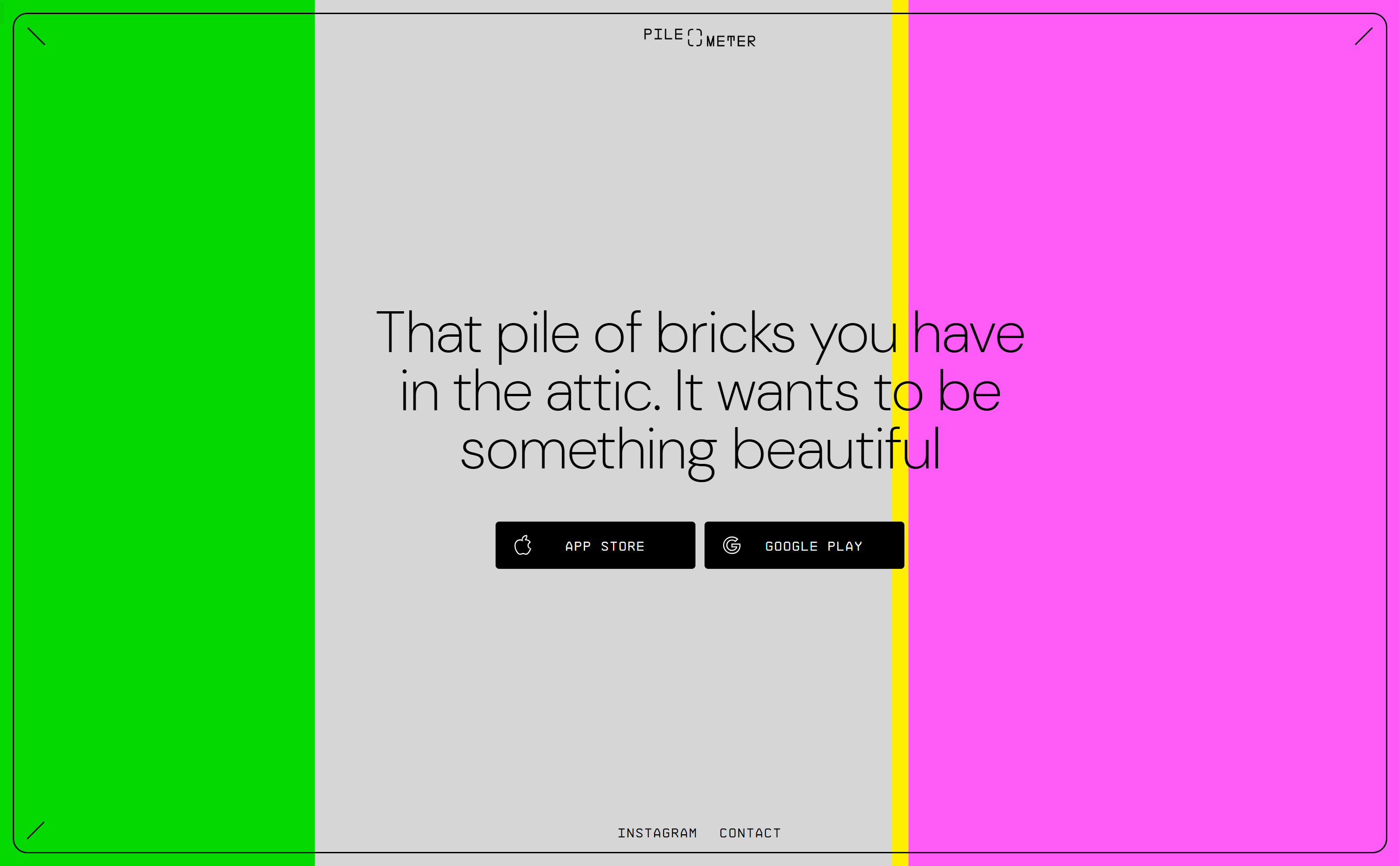
Screenshot archived from the listing page, for preview only.











