
PikpikGo
One-stop browser platform for AI image and video creationFrom one sentence to image and video in the browser
Highlights
What you can do with it
- An advertising agency generated brand promo images in several styles quickly
- A self-media creator made a fantasy-style video using the infinite canvas
- A game team generated character and scene images matching the game style
How to use it
- 1 Open the PikpikGo site and register
- 2 Describe the image or video you want in text
- 3 Pick a model such as GPT Image 2 or Seedance 2.0 and generate
- 4 Adjust the prompt or switch models if the result is not right
- 5 Drag results into the infinite canvas, then download without a watermark
Who it is for
Pros
- Many models in one browser workspace
- No software install is required
- Infinite canvas and material library support iteration
Limitations
- A free trial is offered, and pricing or limits can change
- Model quality and availability vary by model
- Complex projects still need prompt skill to get good results
What PikpikGo is
PikpikGo is a one-stop AI creative platform that aggregates mainstream image and video models in a single browser workspace. You can switch between models such as GPT Image 2 and Nano Banana 2 for images, or Seedance 2.0 and Kling 3.0 for video, without installing anything. The flow runs from a one-sentence idea to image generation, video generation, and final export, all in the browser. An infinite canvas lets you arrange materials and keep iterating, and a material library stores characters and scenes for reuse. The page lists a free trial plus monthly and annual packages.
What you can do with it
- Generate images or video from a short text description.
- Switch between several leading models in one workspace.
- Arrange and refine work on an infinite canvas.
- Store characters and scenes in a material library and reuse them.
Who it is for
- New creators who want a fully visual flow with no technical skill.
- Professional designers who need many models and frequent updates.
- Video creators and business users who need watermark-free commercial output.
What to watch out for
A free trial is offered, and pricing, credits, or free limits can change at any time. Model quality and availability vary, and a model that is strong for one style may be weak for another. Good results still depend on prompt skill, so expect to iterate rather than get a perfect output on the first try, and check each export before you use it commercially. Behavior may vary across browsers and devices, so test before production use and consult the help docs if errors appear. Features and interface details may change between versions, so review the latest notes on the page before you start.
FAQ
What is PikpikGo?
It is a one-stop AI creative platform that unifies image and video models in the browser.
Which models can I use?
The page names GPT Image 2, Nano Banana 2, Seedance 2.0, and Kling 3.0 among others.
Is there a free trial?
Yes. The page lists a free trial along with monthly and annual packages.
Can I reuse characters and scenes?
Yes. Generated characters and scenes can be stored in a material library and dragged back into the canvas.
Why it is free
What the official page says: free trial
Free limits, trial length and features are decided by the official site and can change at any time.
Product preview
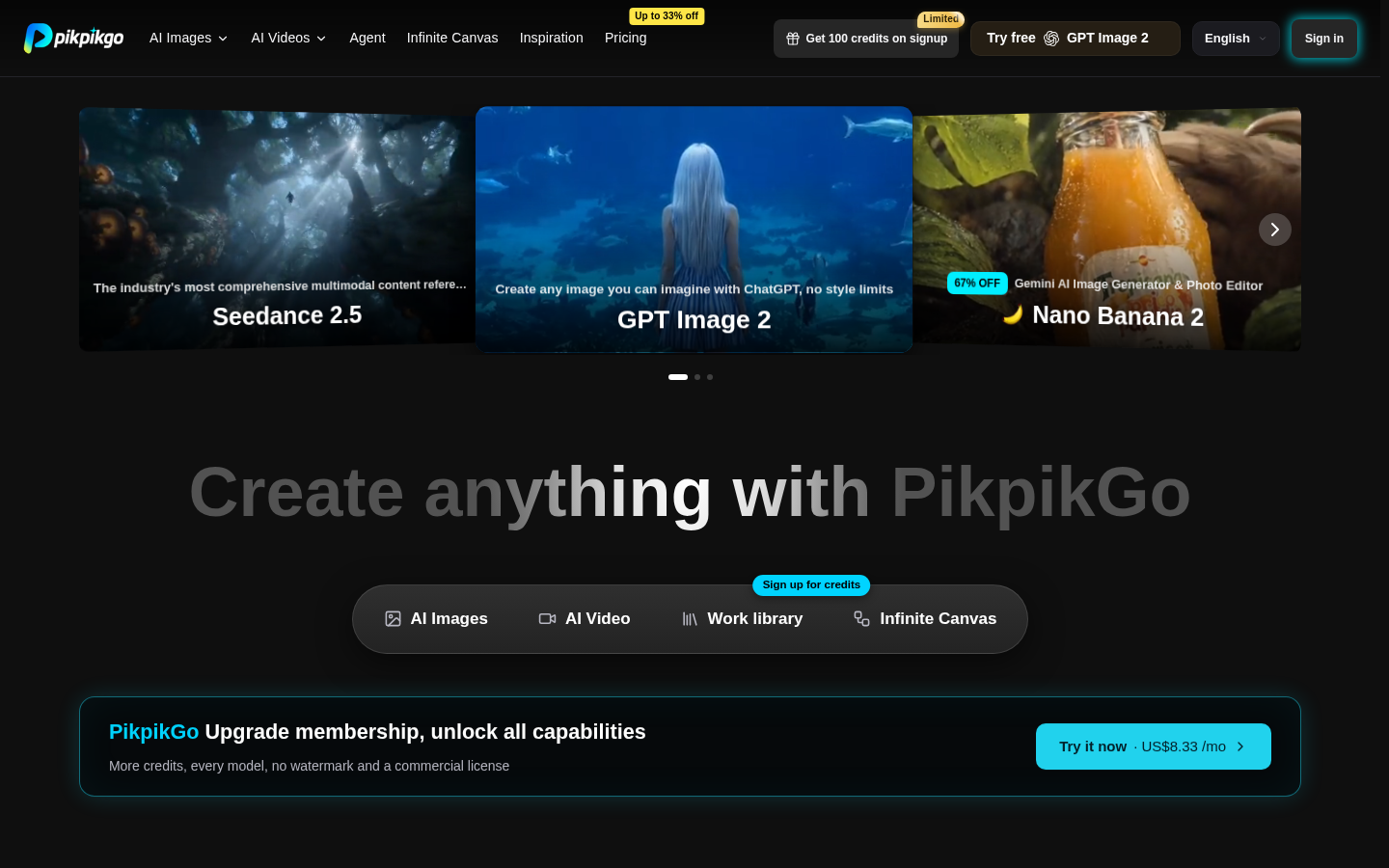
Screenshot archived from the listing page, for preview only.











