Picture To Text
Image to text OCR toolPull text out of any picture
Highlights
What you can do with it
- Digitise a scanned office document
- Copy text out of a photo of a page
- Batch convert a folder of images
How to use it
- 1 Open picturetotext.info in your browser.
- 2 Upload your image or images.
- 3 Choose the recognition language if needed.
- 4 Copy or download the extracted text.
Who it is for
Pros
- Free and browser based
- Handles batches, not just single files
- Several formats and languages supported
Limitations
- Accuracy drops on blurry or low contrast scans
- Handwritten text is harder than printed text
- Free access and limits can change
What Picture To Text is
Picture To Text is a free online tool that reads text out of images. You upload a picture of a page, a document, or a screenshot, and it returns the text as editable copy you can paste anywhere. The feature list covers multiple image formats, multiple recognition languages, and batch processing so you can run a folder rather than one file. The stated uses are digitising office documents, converting image text into editable text, and saving time on legal paperwork. It runs in a browser, so there is nothing to install.
What you can do with it
- Turn a scanned page into editable text.
- Copy text out of a photo of a document or a whiteboard.
- Convert several images in one batch.
- Recognise text in more than one language.
Who it is for
- Office staff who need paper records in digital form.
- Students who photograph notes, slides, and handouts.
- Anyone with an image containing text they need to edit.
What to watch out for
OCR quality depends entirely on the source image. Clean, printed, well lit text in focus converts well, while handwriting, low contrast, skewed scans, and busy backgrounds produce errors, so proofread before relying on the output. Free web tools can add limits or change behaviour at any time, and uploading documents means sending them to a third party, so avoid anything confidential. For legal or official documents, verify the extracted text against the original. Generated suggestions are for reference only, so verify anything that affects professional judgment or important data. Start with a small sample to confirm the output meets your expectations before processing the full batch.
FAQ
What is it used for?
Digitising office documents, converting image text into editable text, and improving legal work efficiency are listed.
Can it process several images at once?
Yes. Batch processing is listed as a supported feature.
How accurate is it?
It depends on the source. Clean printed text in good light works best, while handwriting and poor scans need proofreading.
Why it is free
What the official page says: 免费
Free limits, trial length and features are decided by the official site and can change at any time.
Product preview
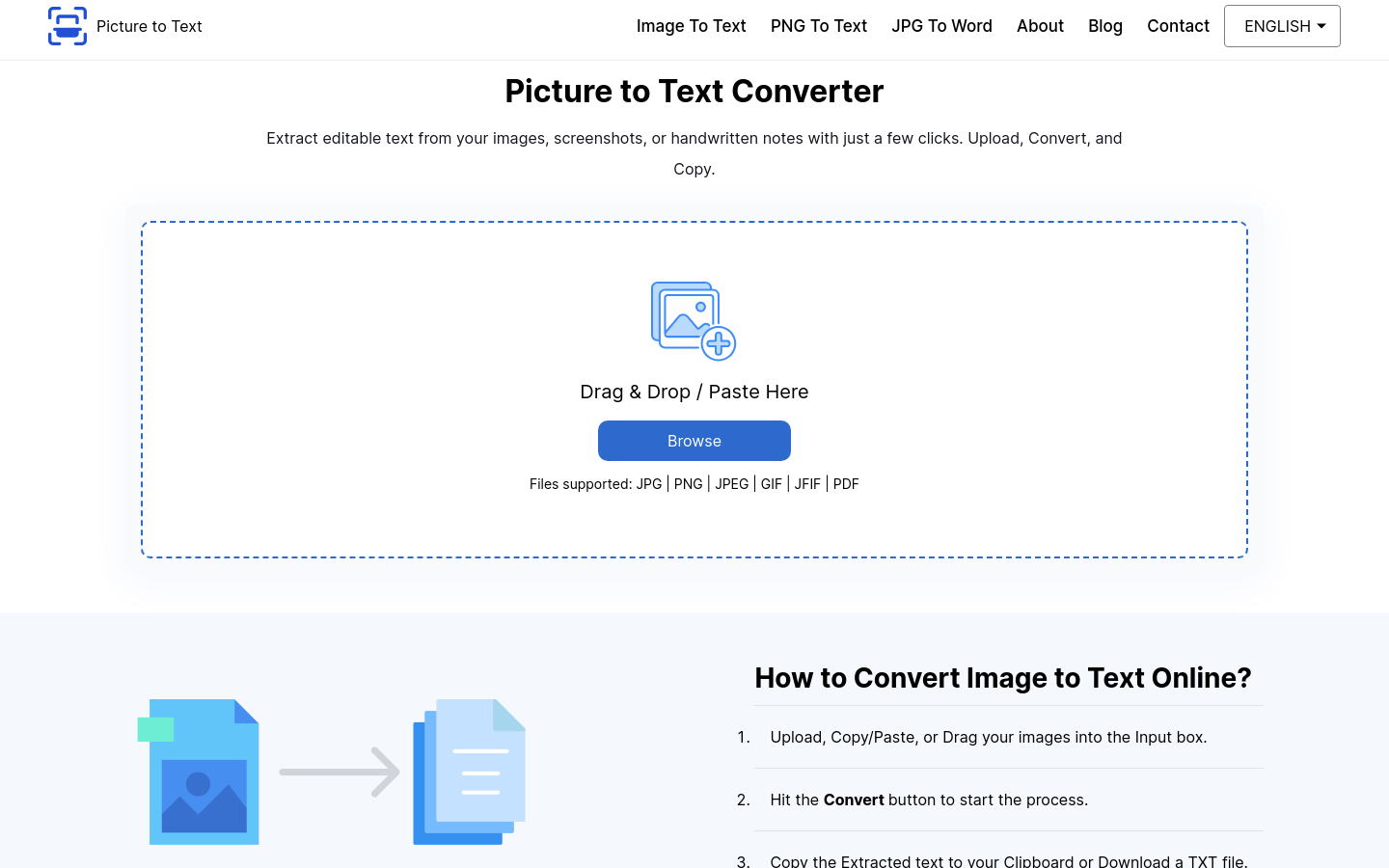
Screenshot archived from the listing page, for preview only.