
Highlights
What you can do with it
- Turning a personal photo into a sketch or painting
- Creating art-style images for creative projects
- Trying different artistic looks on the same photo
How to use it
- 1 Open the site and upload the photo you want to convert
- 2 Choose an artistic style from the available options
- 3 Run the conversion and download the high-resolution result
- 4 Repeat with other styles while your daily free quota lasts
Who it is for
Pros
- Multiple artistic styles in one place
- Fast processing with high-resolution output
- A daily free quota means you can try it at no cost
Limitations
- Unlimited conversions rely on points, which points toward paid tiers
- The free daily quota can be reduced or changed at any time
- Results still depend on the quality of the source photo
What Picture to Drawing is
Picture to Drawing is an online image conversion tool based on advanced AI technology. It transforms photos into sketches, paintings, and other styles of artwork. The stated value is a convenient, efficient, and high-quality way to convert an image artistically without installing software or learning design tools. The site lists several advantages: multiple artistic styles, fast processing speed, retention of natural textures, shadows, and details, high-resolution output, and strict protection of user privacy. Pricing works with a daily free usage quota, while unlimited conversions are carried out through points.
What you can do with it
- Convert a photo into a sketch, painting, or another art style
- Keep the original textures, shadows, and details in the result
- Get high-resolution images you can reuse in other projects
- Try different artistic looks on the same photo within the daily free quota
Switching between styles is quick, so you can compare several versions of one image before you pick a favorite.
Who it is for
- People who want artistic versions of their own photos
- Creators who need fast style experiments for a project
- Anyone who wants an image conversion tool that runs in the browser
It fits both personal creative work and professional use, according to the product description.
What to watch out for
The daily free quota is the current offer, and free rules can change at any time. Unlimited conversions are tied to points, which suggests paid tiers beyond the free quota. Result quality still depends on the source photo, since a low-resolution or blurry input limits what the model can produce. Style transfer is interpretive, so the output may look different from what you pictured. If you upload sensitive photos, review the privacy terms on the site first.
FAQ
Is Picture to Drawing free?
It offers a daily free usage quota. Beyond that, unlimited conversions are carried out through points.
Does it keep the details of my photo?
The tool is described as retaining natural textures, shadows, and details, and it outputs high-resolution images.
Do I need to install anything?
No. It is an online tool, so you work in the browser.
Why it is free
What the official page says: 免费使用免费
Free limits, trial length and features are decided by the official site and can change at any time.
Product preview
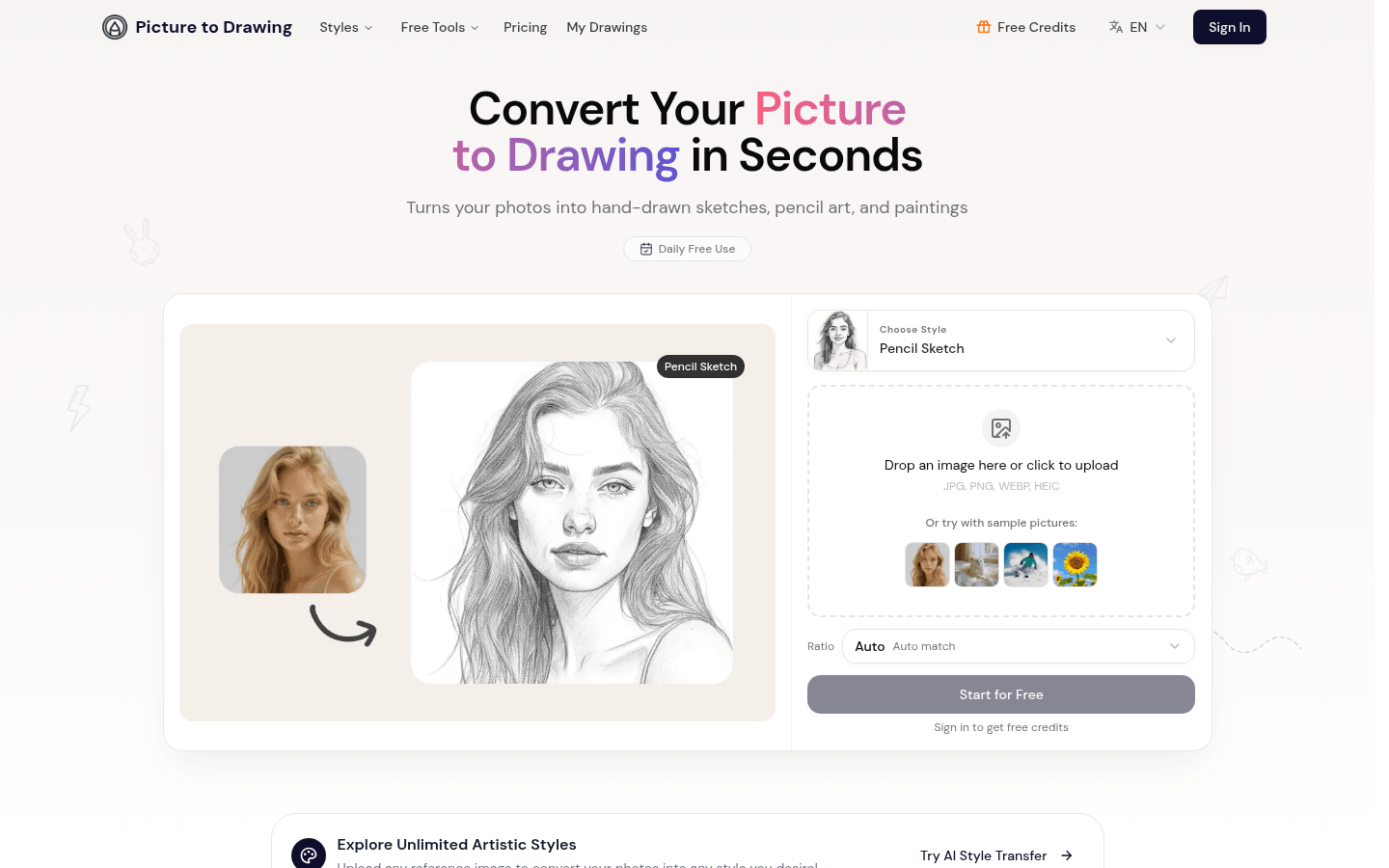
Screenshot archived from the listing page, for preview only.