
Picture Picker
AI image management toolCollect, sort, and search images with AI
Highlights
What you can do with it
- Collect and refind design inspiration
- Save reference images while browsing
- Pull palettes from images for projects
How to use it
- 1 Install the Chrome extension
- 2 Click Pick up on any image
- 3 Let AI categorize your library
- 4 Search with plain descriptions
Who it is for
Pros
- Free beginner version
- One-click collection saves time
- AI search with plain words
Limitations
- Collection lives in a Chrome extension
- Free plan is a starter tier only
- Subscription prices can change
- AI categories may need cleanup
What Picture Picker is
Picture Picker is an AI-driven image collection and management tool for designers, illustrators, and creative teams. A Chrome extension lets you collect images in one click, and AI then categorizes them automatically. You can search your library in natural language, generate color schemes from images, and extract exact colors to share. The library syncs across devices so you can reach it anywhere with a connection. There is a free beginner version, a Pro plan at $6 per month, and an unlimited plan at $18 per month, with a 25 percent annual discount. The pitch is less time sorting files and more time creating.
What you can do with it
- Collect images in one click with the Chrome extension
- Let AI categorize your library automatically
- Search with natural language descriptions
- Generate color schemes from collected images
- Extract exact colors and share them with your team
Who it is for
- Designers managing visual references
- Illustrators collecting source images while browsing
- Creative teams sharing palettes and assets
What to watch out for
Collection runs through a Chrome extension, so that is where the workflow lives. The free plan is a starter tier rather than a full workflow, so heavier use points you toward Pro or unlimited. Subscription prices can change. AI categorization is a starting point and may need cleanup, and natural language search works better when your descriptions match how you think about the images. Test the search with a few real descriptions before you commit to a paid plan. Name and archive exported files consistently so you can find and reuse them, and keep a backup copy of key data.
FAQ
What does it cost?
Free beginner plan, Pro $6/mo, unlimited $18/mo.
How do I save images?
Click Pick up with the Chrome extension.
Can I search by description?
Yes, natural language search is supported.
Why it is free
What the official page says: 免费
Free limits, trial length and features are decided by the official site and can change at any time.
Product preview
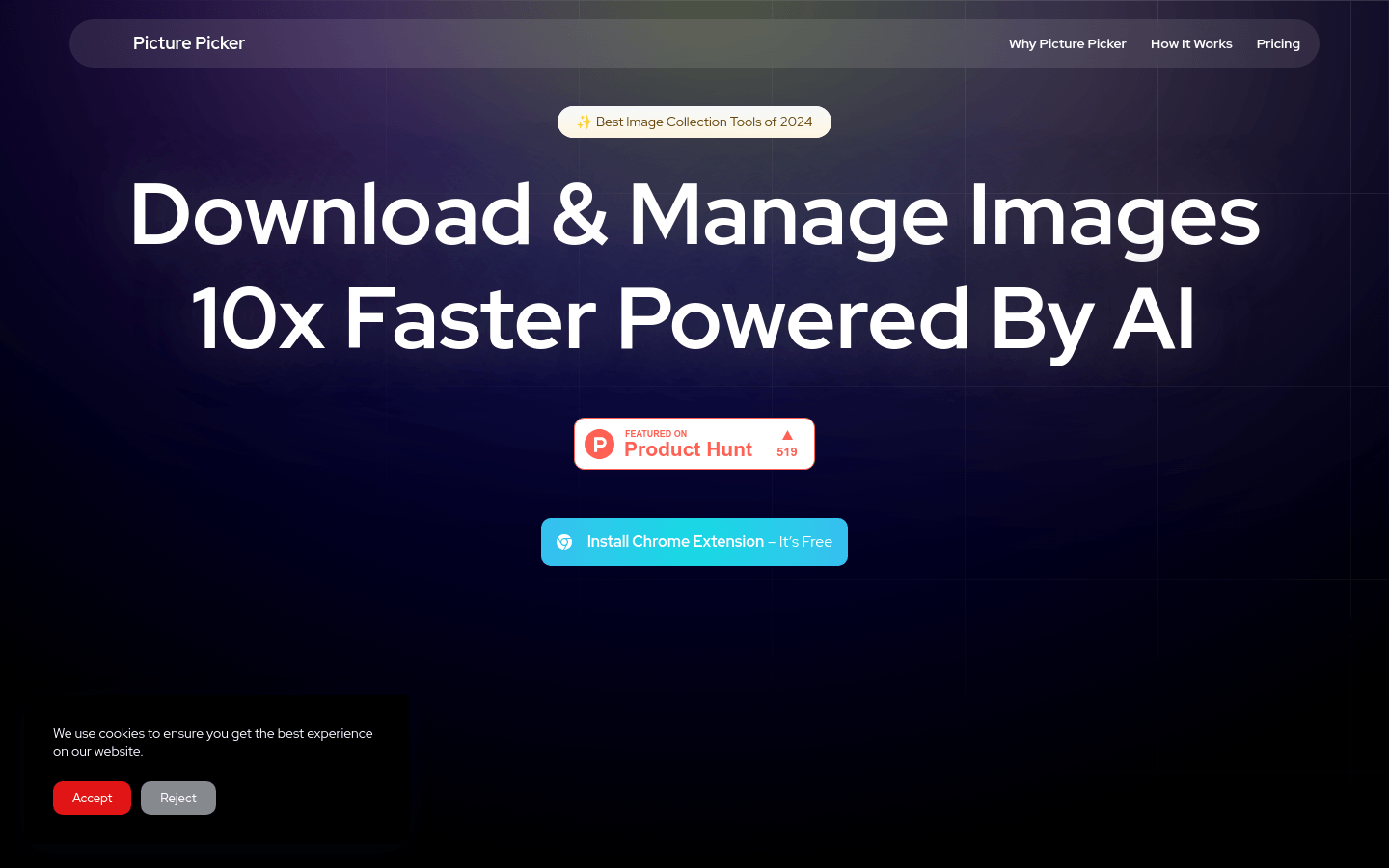
Screenshot archived from the listing page, for preview only.











