
Picture Maker
All-in-one AI image and video creation platformMany AI image models behind one prompt box
Highlights
What you can do with it
- A streamer turns a photo into an anime-style profile picture and exports a transparent version
- A small brand owner generates several clean logo options from a brand name and style keywords
- A content manager creates eye-catching images to pair with article topics
How to use it
- 1 Open picturemaker.ai and register or log in with the free option
- 2 Pick the tool you want, such as text-to-image or image-to-image
- 3 Enter your prompt, or upload a local photo if you are editing an existing image
- 4 Choose an AI model in the dropdown based on the style or quality you need
- 5 Click generate and review the result
- 6 Optionally run background removal or upscaling, then download the file
Who it is for
Pros
- One interface covers several models instead of separate subscriptions
- No design background needed for logos, avatars, and collages
- Background removal and editing are included rather than bolted on
- Free start lets you test output quality before paying
Limitations
- The free trial limits you, and higher resolution and speed sit behind the paid tier
- Results vary a lot by model, so you may regenerate several times
- Commercial use claims on the page still need checking against the plan you are on
- The audience list is empty in the source, so fit is inferred from the features rather than stated users
What Picture Maker is
Picture Maker is a one-stop AI creative platform built for makers who need visuals fast without design skills. It puts several image models behind one interface, so you can pick the model that fits the job, whether that is artistic style, editing control, or higher resolution. Features span text-to-image, image-to-image editing, background removal, avatars, cartoons, collage, and logo generation. The page says you can start generating for free and then upgrade for better resolution and speed, and that results can be used in personal and commercial projects.
What you can do with it
- Turn a written prompt into an image in seconds
- Upload an existing photo and change its style or fix details with prompts
- Remove backgrounds and export transparent PNG files for stickers or product shots
- Generate avatars, cartoons, collages, and logos from text descriptions
Who it is for
- Streamers and social creators who need distinctive avatars and thumbnails
- Small business owners and solo brands making logos and promo visuals
- Content managers producing supporting images for articles and posts
What to watch out for
Free use is a starting point, and the higher resolution and faster generation the page advertises sit behind the paid tier, so the free experience is more limited than the marketing suggests. Output quality swings between models and prompts, so expect to generate more than once. The page mentions commercial use is allowed, but verify that against the specific plan you buy. The source material does not list a target audience, so the fit above is inferred from the features rather than from stated users. For best results, start with a small test file and review the output carefully before working on anything important.
FAQ
Can I use Picture Maker for free?
The page says you can start generating images for free, with paid upgrades for higher resolution and faster generation.
Which models does it use?
It aggregates models from vendors including OpenAI, Google, Midjourney, and ByteDance, and you can switch between them.
Can I make logos and avatars?
Yes, there are dedicated tools for logo and text logo generation plus profile picture and cartoon creation.
Can the output be used commercially?
The page states generated works can be used for personal and commercial projects, but confirm this against your plan.
Why it is free
What the official page says: for freefree trial
Free limits, trial length and features are decided by the official site and can change at any time.
Product preview
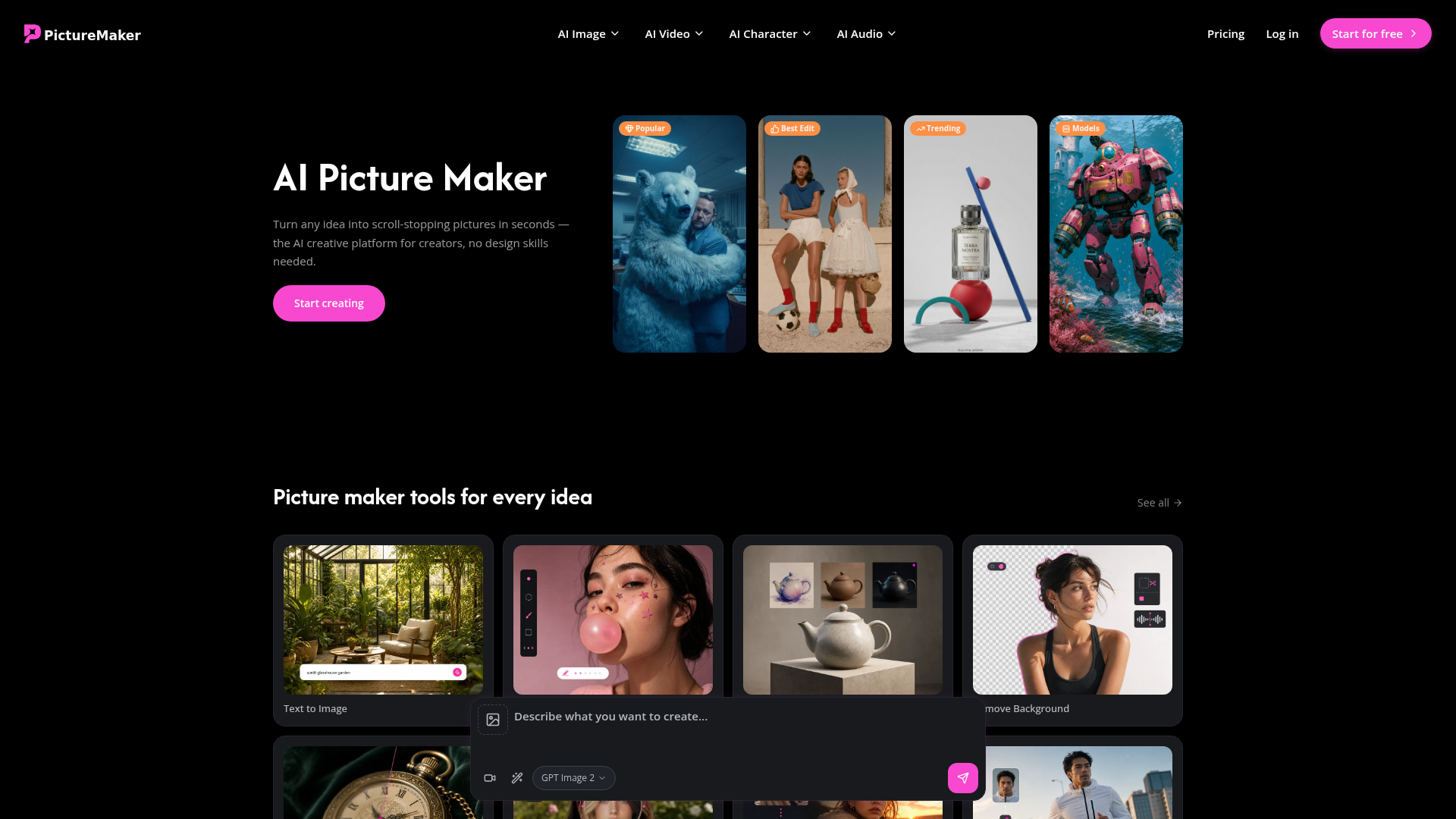
Screenshot archived from the listing page, for preview only.











