
Picture AI
Online AI image editorGenerate and edit images online
Highlights
What you can do with it
- A designer generates quick concept images from a prompt
- A photographer restores clarity to an old photo
- A shopper previews a clothing combination online
- Anyone resizing or converting images for an upload limit
How to use it
- 1 Open the Picture AI site and choose a function
- 2 Enter the prompt or select the image to work with
- 3 Set the parameters such as size or output format
- 4 Run the generation or edit and wait for processing
- 5 Download or save the finished image
Who it is for
Pros
- Many image tasks in one online place
- No download or installation required
- Free trial lets you test before paying
- Covers both creative and routine editing needs
Limitations
- Free trial limits apply before a paid plan is needed
- Generated images can carry artefacts and need review
- Try on and hairstyle tools depend on photo quality
- Uploading personal photos raises privacy questions
What Picture AI is
Picture AI is an online platform for AI image generation and editing. The listing describes it as a set of tools that runs entirely in the browser, with no download or installation, covering both creative generation and routine editing. On the generation side, you type a prompt and get an image back. On the editing side, the feature list covers resizing, cropping, and format conversion between JPG, PNG, and WebP, plus more specialised tools: photo repair for old pictures, background removal that preserves the subject, virtual try on built from an uploaded photo plus a clothing image, and AI hairstyle design. The material says a free trial is available, so you can try the functions before choosing a paid plan.
What you can do with it
- Generate images from a text prompt.
- Resize, crop, and convert between common formats.
- Repair an old photo and remove a background cleanly.
- Preview a clothing combination with virtual try on.
Who it is for
- Designers who need quick concept imagery.
- Photographers restoring or cleaning up older photos.
- Shoppers who want to preview a clothing combination.
- Anyone doing routine resize, crop, and convert work.
What to watch out for
The free trial is a test window, and the listing points to paid options for continued use, so check limits and pricing before a project depends on it. Generated and repaired images can carry artefacts, strange hands, or over smoothed skin, so review output closely before using it anywhere public. The try on and hairstyle tools depend heavily on photo quality, angle, and lighting, and a poor input photo produces an unconvincing result. Uploading personal photographs means handing images of yourself to a hosted service, so read the privacy terms and avoid photos you would not want stored. Finally, AI generated imagery can raise provenance questions, so label or verify images where their origin matters.
FAQ
What can Picture AI do?
It generates images from text prompts and handles editing tasks such as resize, crop, format conversion, repair, and background removal.
Do I need to install anything?
No, the listing says the platform is completely online without downloads or installs.
Is there a free trial?
Yes, the description says the platform offers a free trial.
How does virtual try on work?
You upload a personal photo and a clothing image, and the tool produces a try on result.
Why it is free
What the official page says: free trial
Free limits, trial length and features are decided by the official site and can change at any time.
Product preview
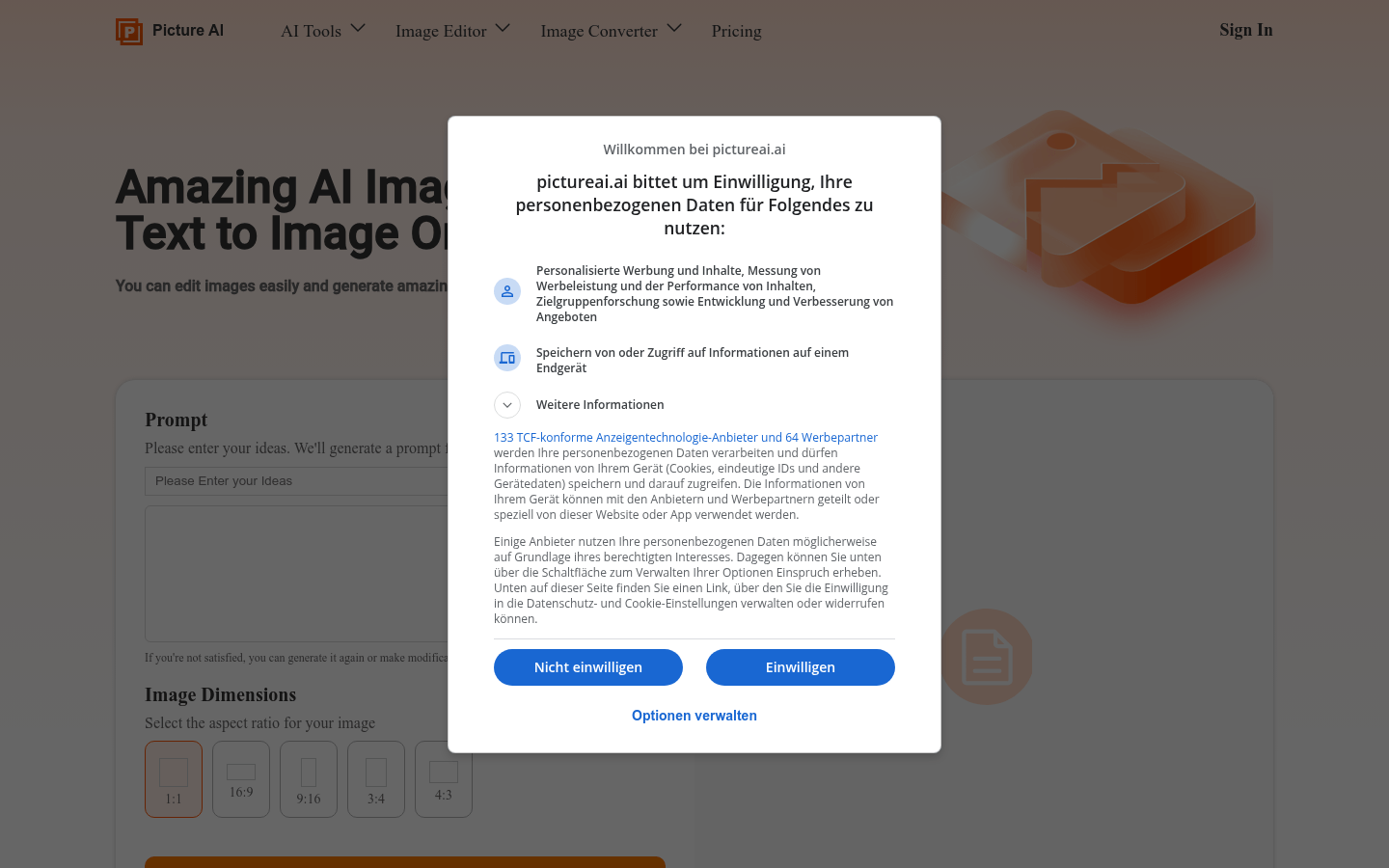
Screenshot archived from the listing page, for preview only.











