
PicText
AI image text editorChange text in photos, no source files
Highlights
What you can do with it
- E-commerce sellers update prices and promo labels on product images without a redesign.
- Documentation teams refresh software screenshots when a menu name changes.
- Office staff fix a wrong date or amount on a scanned invoice image.
How to use it
- 1 Open the PicText website and drop in a JPG, PNG, or WebP file, or paste a screenshot.
- 2 Wait for the AI to highlight the text blocks it detects in the image.
- 3 Click the block you want to change and type the replacement text.
- 4 Preview the result, then download the edited image.
Who it is for
Pros
- No design software or source files needed; everything happens in the browser.
- Edited results keep the original style, so changes look natural.
- Daily free credits let you test the full workflow before paying.
Limitations
- The daily free quota is limited and the free rules may change over time.
- Result quality depends on how clearly the original text is rendered in the image.
- Dense layouts with overlapping text may still need manual touch-ups.
What PicText is
PicText is an online AI image text editor built for one job: changing words that already exist inside a picture. You upload a JPG, PNG, or WebP file or paste a screenshot, and the AI finds the editable text areas and highlights them on the page. Click a block, type the new wording, and the tool rebuilds that part of the image so the replacement keeps the original font, size, color, angle, and background blending. It can also delete unwanted text such as watermarks, dates, and old titles, filling in the background automatically. Nothing is installed, and no original design files are required. The site offers a daily free credit for editing and downloading, and it says edited images can be used commercially in real business work.
What you can do with it
- Update prices, sale labels, and ad copy on product images without going back to the designer.
- Refresh software screenshots when a menu or button name changes between versions.
- Remove stray watermarks, dates, or outdated titles that sit on top of an image.
- Correct a single wrong field, like a date or amount, on a scanned invoice or document.
Who it is for
- E-commerce operators and marketers who change prices and promotions frequently.
- Content creators and social media editors who need clean covers and thumbnails.
- Admin, finance, and legal staff who only need to fix one field on a scan.
What to watch out for
The daily free credit is a trial allowance, not an unlimited service, and free rules can change as the site adjusts its plans, so do not build a fixed workflow around endless free edits. Output quality depends on the source image: text that is small, skewed, or sitting over busy backgrounds is harder to rebuild cleanly, and very dense designs may still need manual touch-ups. The service also runs on upstream AI models, so processing time and results can vary from day to day. Check the current terms on the official site before relying on it for important files.
FAQ
Is PicText free to use?
It gives daily free editing credits so you can try edits and downloads without paying first; paid options exist for heavier use.
Do I need to install anything?
No. It runs in the browser, and you can upload files or paste screenshots from the clipboard.
Can I use the edited images commercially?
The site states edited images can be used in commercial projects such as e-commerce, advertising, and documents.
Why it is free
What the official page says: 免费额度免费
Free limits, trial length and features are decided by the official site and can change at any time.
Product preview
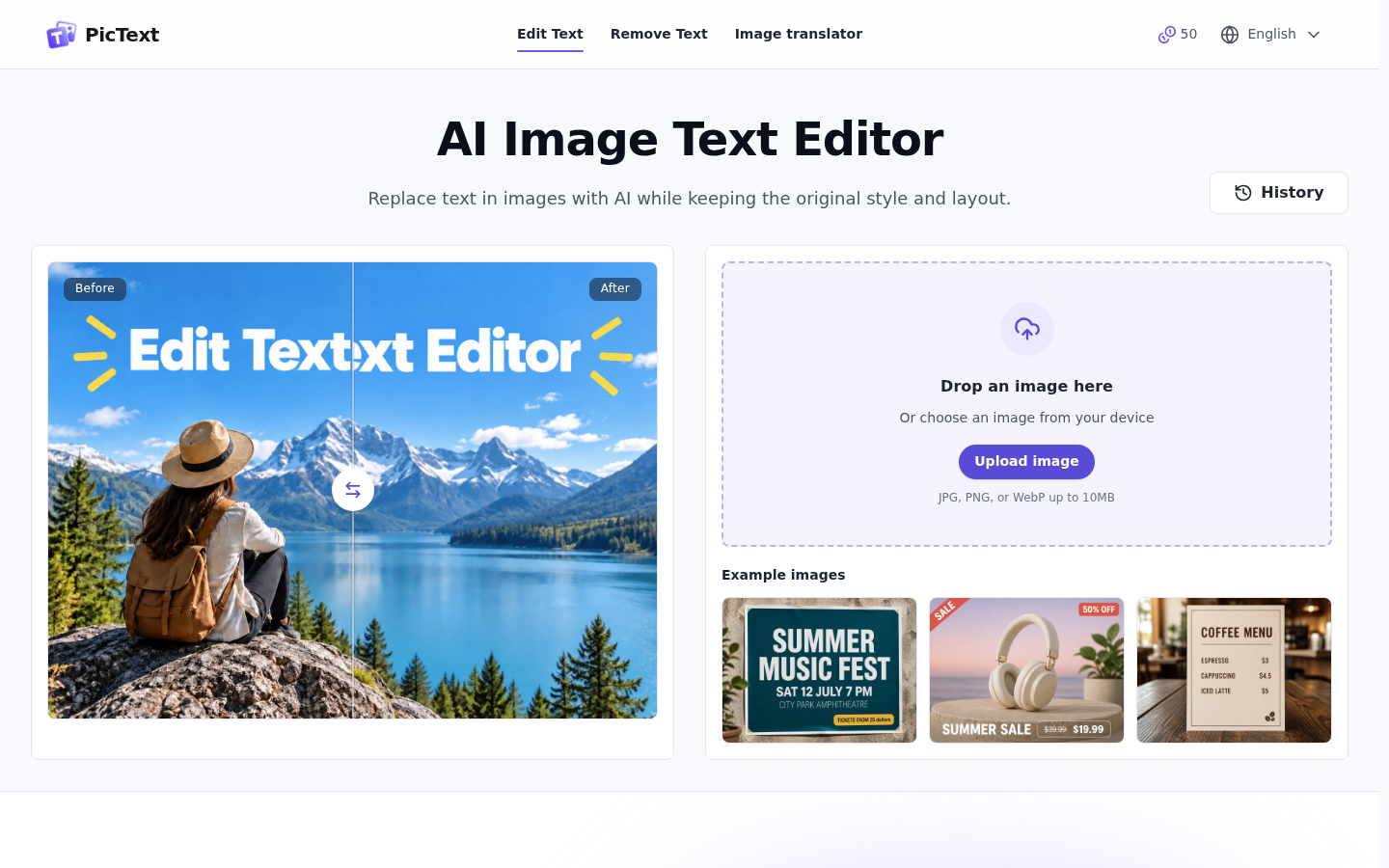
Screenshot archived from the listing page, for preview only.











