
Picsman
AI product photo editorClean product photos fast
Highlights
What you can do with it
- Cleaning up product photos for an online store
- Processing a full photoshoot in one batch
- Making social media images for a brand or personal account
How to use it
- 1 Visit Picsman and register or log in.
- 2 Pick the tool you need, such as background removal or enhancement.
- 3 Upload the photo and apply the edit.
- 4 Check the result and download the final image.
- 5 Repeat for the rest of the set.
Who it is for
Pros
- Editing tools cover the common e-commerce image jobs in one place
- Batch processing shortens work on large product sets
- Simple interface suits people without design experience
Limitations
- A free trial rather than an unlimited free tier, and paid pricing is not listed
- Automated edits can need manual cleanup on complex edges such as hair or glass
- Template-based backgrounds can look samey across competing listings
What Picsman is
Picsman is an AI photo editor that runs in the browser and is aimed mainly at e-commerce work. The listed tools cover the jobs that dominate product photography: removing a background and downloading a PNG, erasing an unwanted object and letting the model fill the gap, generating a clean studio background from a template, enhancing a weak photo, enlarging an image without losing quality, and adding shadow or reflection effects so a product sits properly in the frame. Batch editing handles large sets, which matters when a catalogue has hundreds of shots. Thousands of templates for e-commerce and social media come with it. A free trial covers the core tools, with paid plans beyond that.
What you can do with it
- Remove and replace backgrounds, then export a PNG
- Erase objects with the magic eraser and let AI fill the area
- Process a whole folder of product photos in one batch
- Enhance, enlarge, and add shadow or reflection effects
Who it is for
- E-commerce sellers who need consistent listing images
- Photographers with large volumes of photos to clean up
- Social media managers making quick brand visuals
What to watch out for
The trial is the free entry point, and the listing does not publish paid rates, so check pricing before you build a workflow around it. Automated cutouts still struggle with fine detail such as hair, thin wires, and glass, so plan on manual touch-ups for tricky shots. Heavy template use can also make listings look similar to everyone else using the same backgrounds, which matters if differentiation is part of your strategy. As with any editor, keep the original files until you are happy with the result, and check export resolution before you upload, since some tools cap the download size on trial accounts.
FAQ
What can I edit?
Backgrounds, unwanted objects, image quality, size, shadows, and reflections.
Is batch editing available?
Yes, batch editing is listed for processing large numbers of photos.
Does it cost anything?
There is a free trial for the core tools, and full pricing sits on the vendor's site.
Why it is free
What the official page says: free trial
Free limits, trial length and features are decided by the official site and can change at any time.
Product preview
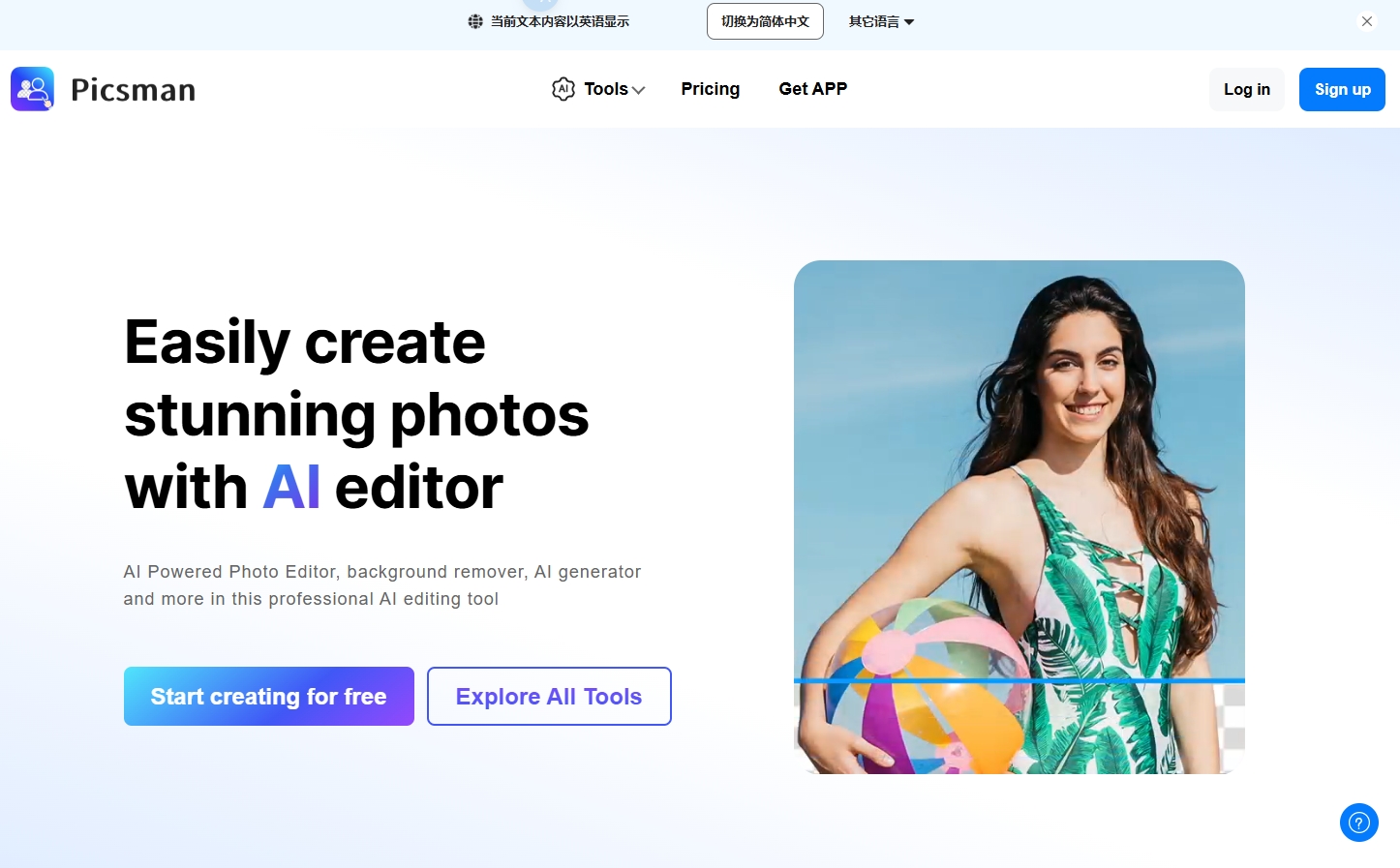
Screenshot archived from the listing page, for preview only.











