
Picsart
Free AI image generator with stylesTurn text prompts into styled images
Highlights
What you can do with it
- Generate images from a text prompt
- Create AI portraits and styled visuals
- Produce quick images for content or small business use
How to use it
- 1 Open the Picsart AI Image Generator
- 2 Type a text prompt describing your image
- 3 Choose a style from the options
- 4 Generate and review the result
- 5 Download the high-resolution image
Who it is for
Pros
- Free text-to-image generation
- Large style selection
- High-resolution output
Limitations
- Free access and available styles can change over time
- Results depend on the prompt and may need retries
- Generated images still need review before professional use
What Picsart is
Picsart's AI Image Generator is a free tool that turns text into images. You start by adding a text prompt that describes what you want, then choose from hundreds of styles, and the generator produces a picture based on your words. It can output high-resolution images and offers a variety of AI-generated looks, including portraits and other styled visuals. The generator sits within Picsart's wider set of image and design tools, so it fits into a broader editing workflow rather than standing alone. It is aimed at artists, content creators, and small businesses that need images quickly, and the core generator is free to use.
What you can do with it
- Generate images from a text prompt
- Choose from hundreds of visual styles
- Create AI portraits and styled images
- Output high-resolution files for your projects
Who it is for
- Artists and content creators making visual work
- Small businesses that need quick images
- Anyone exploring text-to-image AI without paying
What to watch out for
The generator is free, but available styles, resolution limits, and terms can change over time, so check the current offering before you build a workflow around it. Like any text-to-image tool, the result depends heavily on the prompt, and you may need several attempts to get close to what you imagined, since small changes in wording can change the output a lot. AI-generated images can also carry small errors in detail, so review the output before you use it in professional or published work. Processing speed depends on file size and network conditions, so retry later if a task stalls during peak hours.
FAQ
Is Picsart's AI Image Generator free?
Yes. It is described as a free AI image generator that turns text prompts into images.
How does it work?
You add a text prompt, choose a style, and the tool generates an image, including high-resolution output.
What styles are available?
It offers hundreds of styles and a variety of AI-generated image looks, including portraits.
Why it is free
What the official page says: 免费
Free limits, trial length and features are decided by the official site and can change at any time.
Product preview
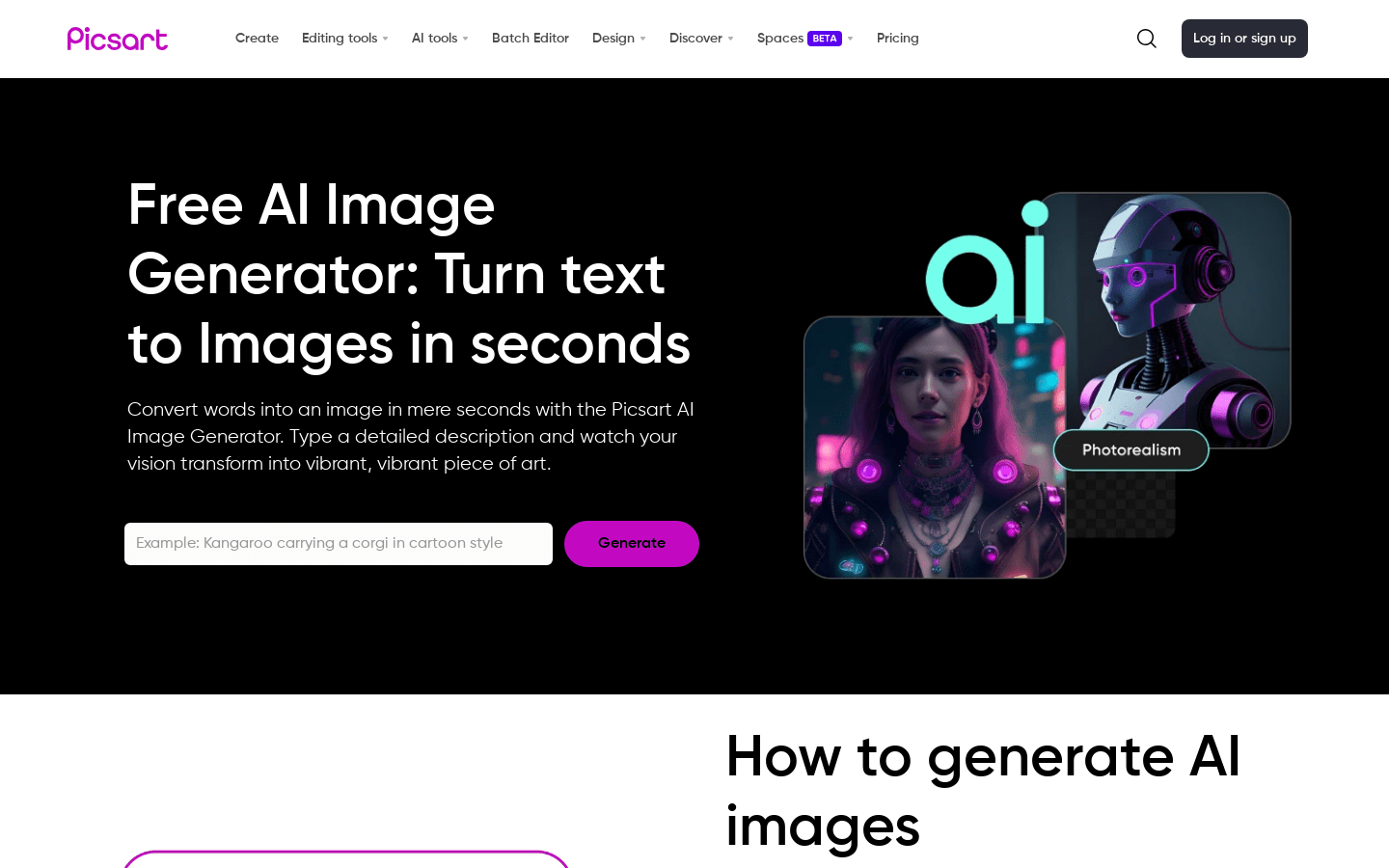
Screenshot archived from the listing page, for preview only.











