
Picker AI
AI tool that auto-picks your best photos from a batch.Let AI sort your photos and pick the best ones.
Highlights
What you can do with it
- Curate the best shots from a trip.
- Pick the most flattering selfies to post.
- Choose a professional photo for a resume.
How to use it
- 1 Open Picker AI and start a session.
- 2 Import a batch of photos.
- 3 Let the AI analyze and rank them.
- 4 Choose the purpose, such as social or resume.
- 5 Review and keep the selected set.
Who it is for
Pros
- Saves time sorting big photo sets.
- Analyzes quality automatically.
- Free option to try it.
Limitations
- Some features need a premium plan.
- AI picks may not match your taste.
- Free limits and features can change.
What Picker AI is
Picker AI is an AI-powered photo selection tool. It automatically analyzes your photos and picks the best ones based on composition, color, subject clarity, and more, so you do not have to sift through near-duplicate shots by hand. It supports batch photo imports and can select the best images for different purposes, such as the most flattering ones for social media or the most professional ones for a resume. It offers both free and premium services, so you can try the basic flow before paying. The aim is to cut the time spent choosing, not to replace your judgment.
What you can do with it
- Import a batch of photos at once.
- Let the AI rank them by quality.
- Curate a set for social or professional use.
Who it is for
- People with large photo libraries.
- Social media users picking what to post.
- Job seekers choosing a headshot.
What to watch out for
Some features sit behind a premium plan, so the free tier has limits, and pricing can change over time. AI picks are based on general quality factors and may not match your personal taste or the story you want a photo to tell, so review the selection. The tool only sees what you upload, so blurry or limited sets cap the results. Treat the curated set as a shortlist you choose from, not a final decision. Name and archive exported files consistently so you can find and reuse them, and keep a backup copy of key data. When quality matters, export a small draft first to confirm the result before producing the final file.
FAQ
How does Picker AI work?
It analyzes your photos by factors like composition and clarity, then selects the best ones.
Is it free?
It offers free and premium services; some features are paid.
Can it pick a resume photo?
Yes, the site lists choosing the most professional photos for a resume.
Why it is free
What the official page says: 免费
Free limits, trial length and features are decided by the official site and can change at any time.
Product preview
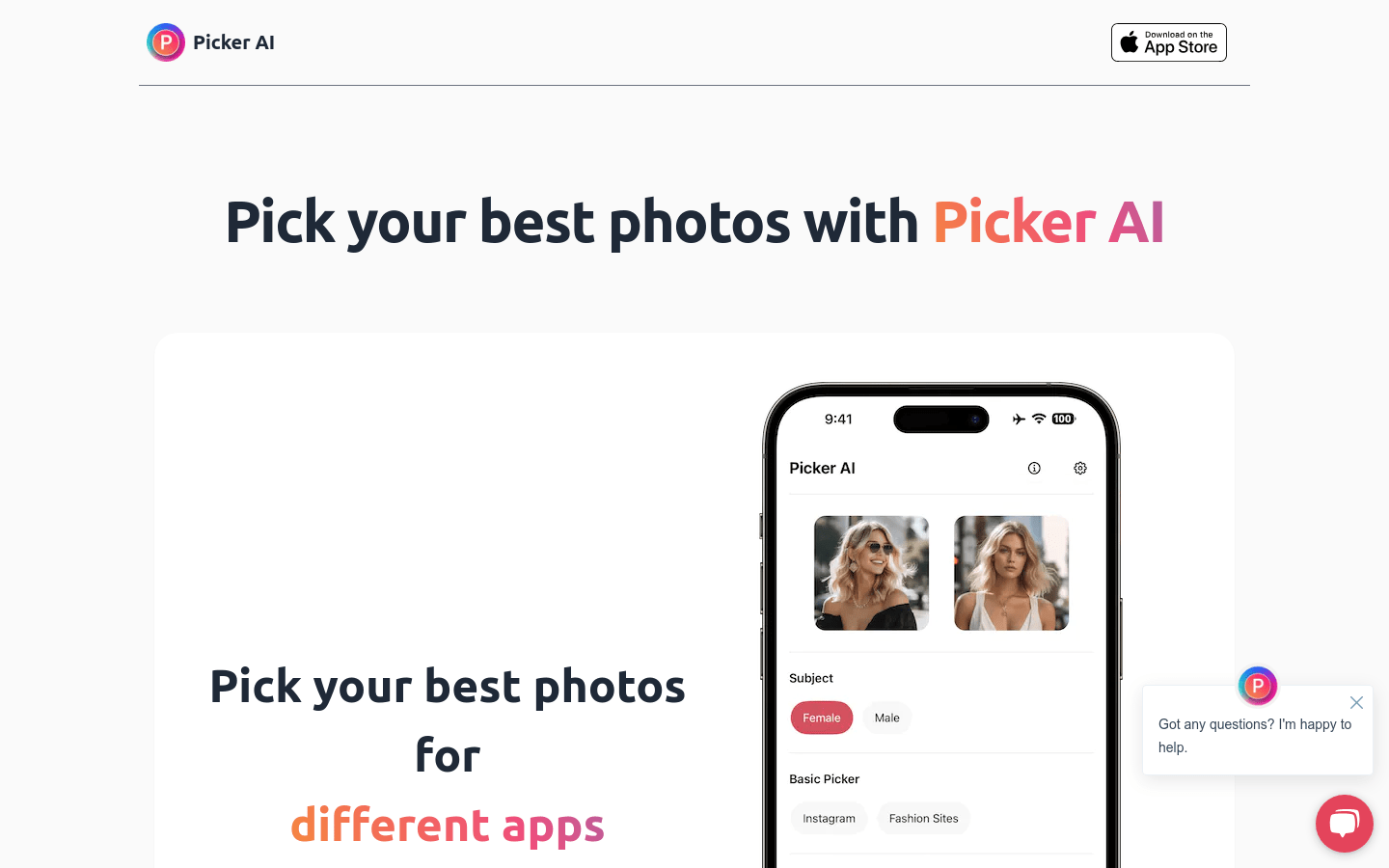
Screenshot archived from the listing page, for preview only.











