
Picit AI
Free online AI image editor and generatorGenerate, edit, and enhance images online for free
Highlights
What you can do with it
- Create eye-catching promotional graphics for social media
- Generate professional avatars for LinkedIn and resumes
- Use background-free product images in product advertisements
- Clean up watermarks and sharpen older or blurry photos
How to use it
- 1 Visit the Picit AI website
- 2 Choose the function you need, such as image generation or background removal
- 3 Upload your image or enter a prompt
- 4 Make adjustments and edits as needed
- 5 Download the final image and finish your creation
Who it is for
Pros
- A wide set of image tools in one free online editor
- One-click background removal and watermark cleanup
- Enlargement up to 2K helps rescue low-quality images
- Transparent background downloads make post-processing easier
Limitations
- The site is presented as free, and free access rules can change at any time
- Output quality depends on your input image and prompt, so results vary
- Watermark removal can be misused on images you do not own, and responsibility for the results stays with you
What Picit AI is
Picit AI is a free online AI tool for generating and editing images. It brings several image functions together in one place: image generation, background removal, AI filters, enhancement, watermark removal, enlargement up to 2K resolution, and AI avatar generation. The product page describes it as a powerful online AI image editor that helps users create and edit high-quality images, and it is aimed at all kinds of creators and designers. Because it runs online, you can open the site, upload a photo or type a prompt, and download the finished image without installing desktop software. Picit AI states that its services are provided for free so that more people can use advanced image processing technology.
What you can do with it
- Generate artwork from a text prompt or an uploaded photo
- Remove image backgrounds quickly for product photos and social media
- Enhance blurry areas, apply filters, and clean up watermarks in a click
- Enlarge low-quality images up to 2K and create professional avatars
Who it is for
- Social media creators who need eye-catching promotional graphics
- Designers and creators who want quick edits in the browser
- Job seekers who want a professional avatar for LinkedIn or a resume
- Sellers who need clean, background-free product images for ads
What to watch out for
Picit AI is presented as a free service, and free access rules can change at any time, so features or limits may differ from what the page describes today. Results depend heavily on the image or prompt you provide, and not every photo will enlarge or enhance the way you expect. Some functions, such as watermark removal, can be misused on images you do not own, and responsibility for how you use the output stays with you. As an online editor, it also needs a stable internet connection and a reasonably modern browser.
FAQ
Is Picit AI free?
Picit AI provides its image generation and editing services for free online, according to the product page.
What can I do with Picit AI?
You can generate images from prompts or photos, remove backgrounds, apply filters, enhance details, clean watermarks, enlarge images up to 2K, and create avatars.
Do I need to install anything?
No. Picit AI runs online in your browser, so you can upload an image or enter a prompt and download the result.
Why it is free
What the official page says: 免费
Free limits, trial length and features are decided by the official site and can change at any time.
Product preview
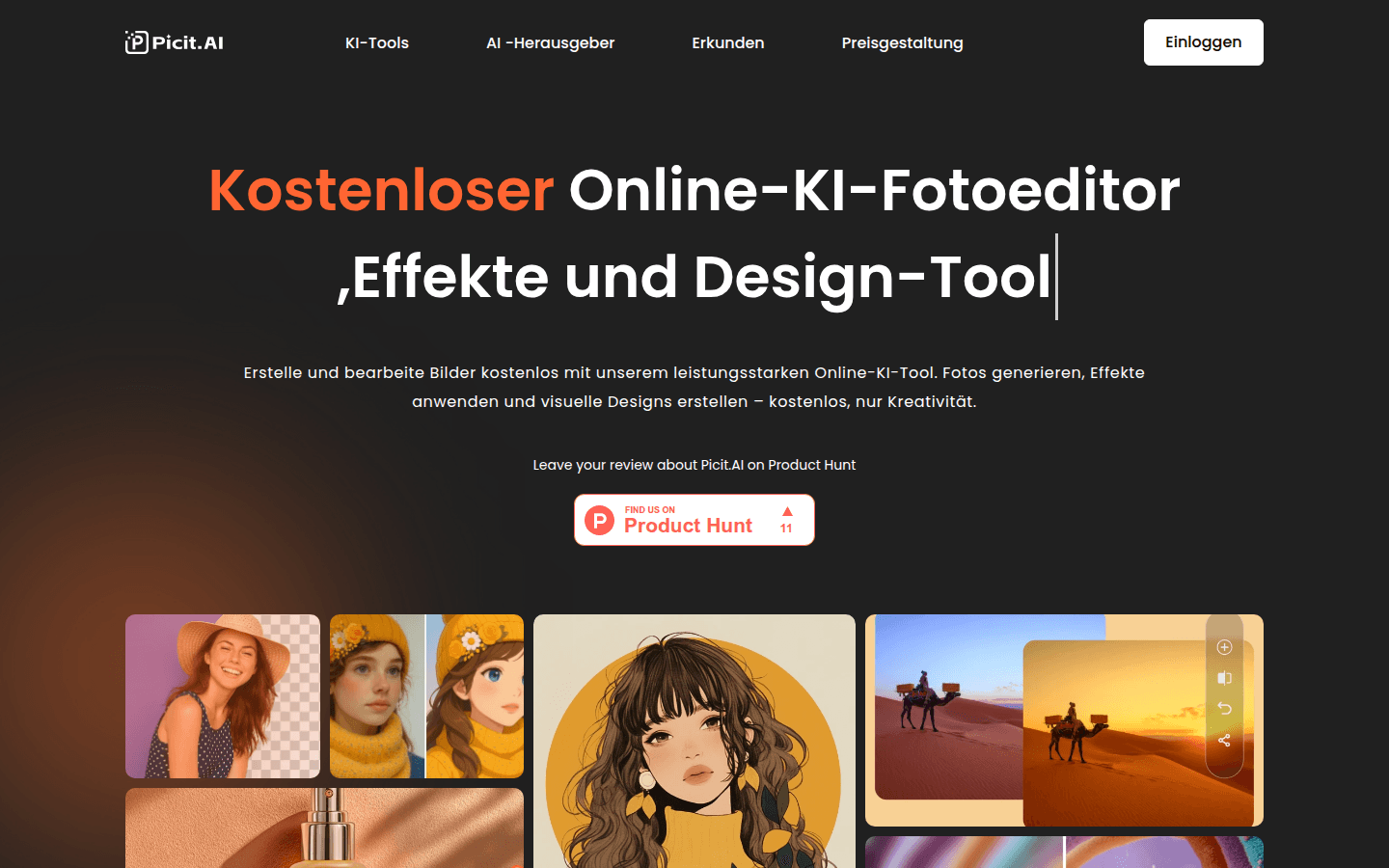
Screenshot archived from the listing page, for preview only.











