
Photune
A free online editor for making social media content in minutes.Design social posts fast and export up to 8K, no signup.
Highlights
What you can do with it
- A creator makes a social post from a template in minutes
- A marketer exports a high-resolution promo graphic
- A casual user edits a photo for a profile or story
How to use it
- 1 Open photune.co in your browser, no registration needed
- 2 Choose a pre-made template or start from a blank canvas
- 3 Move and adjust elements and pull in library assets
- 4 Export your design in up to 8K resolution
Who it is for
Pros
- Free access with no registration required
- Templates sized for social platforms speed up design
- Export up to 8K resolution for crisp output
Limitations
- It is focused on social content, not full design suites
- Free access and asset library can change without notice
- Very large 8K exports can be slow on some devices
What Photune is
Photune is an online image editor aimed at helping people create social media content in minutes. Its interface and tools let you freely move and adjust elements, pull assets from a built-in library, and start from pre-made templates sized for different social platforms. When you are done, you can export designs in up to 8K resolution for crisp output. The page emphasizes free access without registration, so you can open the site and start designing right away.
What you can do with it
- Move and adjust elements freely on the canvas
- Use assets from the built-in library
- Start from pre-made templates sized for social platforms
- Export designs in up to 8K resolution
Who it is for
- Social media content creators who post often
- Marketers who need quick, high-resolution visuals
- Casual users editing photos for profiles, stories, and posts
What to watch out for
Photune is focused on social content rather than a full design suite, so advanced layout or print work may need other tools. Because access is free without registration, features and the asset library can change with little notice. Exporting at 8K can be demanding on older devices, so allow extra time for large files. Generated suggestions are for reference only, so verify anything that affects professional judgment or important data. Start with a small sample to confirm the output meets your expectations before processing the full batch. Processing speed depends on file size and network conditions, so retry later if a task stalls during peak hours. Run one full task end to end first, then expand once you are comfortable with the workflow and the result quality.
FAQ
Is Photune free?
The page highlights free access without registration.
What resolution can I export?
You can export designs in up to 8K resolution.
Do I need design skills?
No, pre-made templates and simple element tools make it approachable.
Why it is free
What the official page says: for free
Free limits, trial length and features are decided by the official site and can change at any time.
Product preview
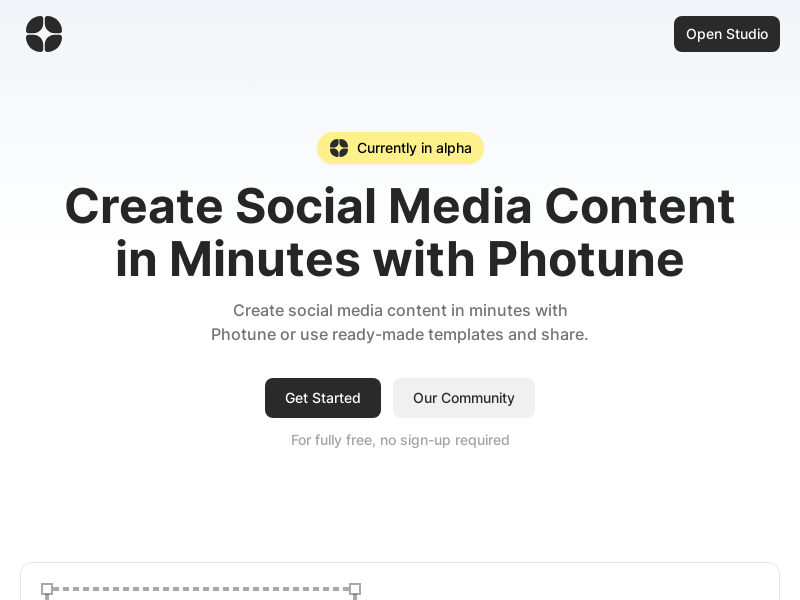
Screenshot archived from the listing page, for preview only.











