
Photoshop on iPhone
Photoshop rebuilt for iPhoneProfessional image editing on mobile
Highlights
What you can do with it
- Editing phone photos directly for album art or covers
- Turning gameplay screenshots into custom art
- Making social media content and video thumbnails
How to use it
- 1 Download the Photoshop on iPhone app
- 2 Open it and start editing with the free tools
- 3 Use Tap Select to choose parts of an image
- 4 Add assets from Adobe Stock or apply generative AI
- 5 Export, or continue editing on Photoshop for Web
Who it is for
Pros
- Basic features are free
- Professional tools including layers and masks on mobile
- Generative AI simplifies complex edits
Limitations
- Advanced features and syncing need a paid plan
- Phone editing is limited by screen size and battery
- Generative AI output still needs review before publishing
What Photoshop on iPhone is
Photoshop on iPhone is Adobe's mobile version of Photoshop, built for creators who work away from a desk. It keeps the professional core rather than offering a stripped editor: precise selection tools, unlimited layers, and masks are available for compositing and detailed work. On top of that it adds mobile friendly shortcuts, including Tap Select for quickly removing, recoloring, or replacing parts of an image, and the Spot Healing Brush for cleaning up imperfections. Generative AI features such as Generative Fill and Extend handle edits that would otherwise be painstaking. The Adobe Stock library supplies free assets, and PSD support keeps editing non destructive. Basic features are free, with a paid Photoshop Mobile and Web plan for expanded functionality and cross platform syncing.
What you can do with it
- Edit photos with layers, masks, and precise selection on a phone
- Remove or replace objects with Tap Select
- Clean up images with the Spot Healing Brush
- Use generative AI and Adobe Stock assets, then export or continue on Web
Who it is for
- Mobile creators who edit photos while travelling
- Musicians, streamers, and gamers making cover art from phone shots
- Designers producing social content and thumbnails quickly
What to watch out for
Advanced features and cross platform syncing sit behind a paid Photoshop Mobile and Web plan, so the free app covers the basics only. Phone editing has real limits: a small screen slows fine work, and long sessions drain battery. Generative AI output is a suggestion, not a finished edit, and results need review before you publish. Since the product is tied to Adobe's subscription structure, plan availability and pricing can change, and file sizes on mobile can make heavy PSD work slower than on desktop.
FAQ
Is Photoshop on iPhone free?
Basic features are free. A paid Photoshop Mobile and Web plan unlocks expanded functionality and cross platform syncing.
What editing tools are included?
Precise selection tools, unlimited layers, masks, Tap Select, and the Spot Healing Brush.
Does it have generative AI?
Yes, features such as Generative Fill and Extend are listed.
Can I continue on desktop?
The listing describes importing, exporting, and further editing via Photoshop on Web with a paid plan.
Why it is free
What the official page says: 免费
Free limits, trial length and features are decided by the official site and can change at any time.
Product preview
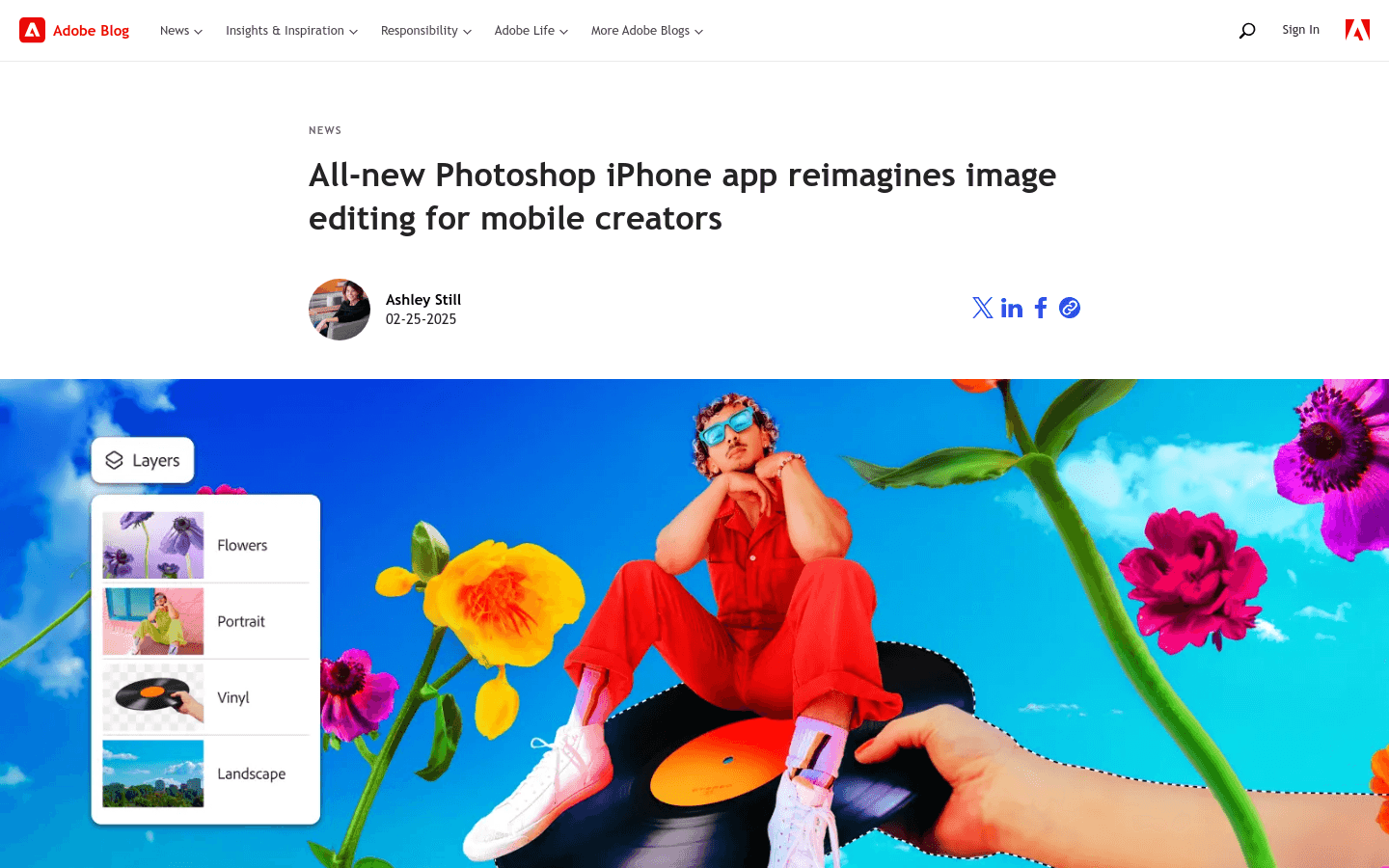
Screenshot archived from the listing page, for preview only.











