
PhotoRestore.io
Free AI photo restoration for old and damaged photosRepair blurry or faded photos in minutes
Highlights
What you can do with it
- Restore an old family heirloom photo
- Fix a blurry childhood picture
- Bring a faded wedding photo back to life
How to use it
- 1 Open photorestore.io in your browser
- 2 Upload the photo or photos you want restored
- 3 Wait for the AI to process the image
- 4 Preview the result, then download and save it
Who it is for
Pros
- Free restoration with no editing skills needed
- Fast, automated results in a few steps
- States a focus on privacy and data security
Limitations
- Results depend on the source photo's condition
- Free limits and upload rules may change over time
- Very damaged images may not fully recover
What PhotoRestore.io is
PhotoRestore.io is a website that offers free AI photo restoration. You upload an image, and its algorithms work to repair blurry, faded, or damaged photos, returning a clearer, higher-quality result you can download. The service is built for people who want to rescue old family portraits, childhood snapshots, or wedding photos without learning photo editing software. It also states a focus on protecting user privacy and data security, which matters when you are uploading personal images. The goal is to make restoration a few clicks instead of a manual retouching job, so you do not need to learn layers, brushes, or filters to see an improvement. Many people bring in photos that were scanned years ago and have since faded, and the tool is meant to give those files a second life without a lot of fuss.
What you can do with it
- Repair blurry, faded, or damaged photos with AI algorithms
- Get clear, high-quality restored images to download
- Restore heirlooms and keepsakes without editing skills
- Save or share the improved photos with family
Who it is for
- Families who want to restore old heirloom portraits
- Anyone fixing a blurry or faded picture they care about
- People preserving memories in better quality for print or sharing
What to watch out for
Restoration quality depends heavily on the condition of the source photo, and very damaged or extremely low-resolution images may not fully recover. The free service can set limits on size, count, or features, and those rules may change over time. Since you upload personal photos, review the site's current privacy and data-handling terms before sending sensitive images. It is also worth keeping expectations measured: AI restoration fills in what it can, but it cannot invent detail that was never captured. For irreplaceable originals, keep a backup copy so you always have the untouched version.
FAQ
Is PhotoRestore.io free?
Yes, it offers free AI photo restoration.
What kinds of photos can it fix?
Blurry, faded, or damaged photos, turning them into clearer images.
Do I need design skills?
No, you upload the photo and the AI handles the repair.
Why it is free
What the official page says: 免费使用免费
Free limits, trial length and features are decided by the official site and can change at any time.
Product preview
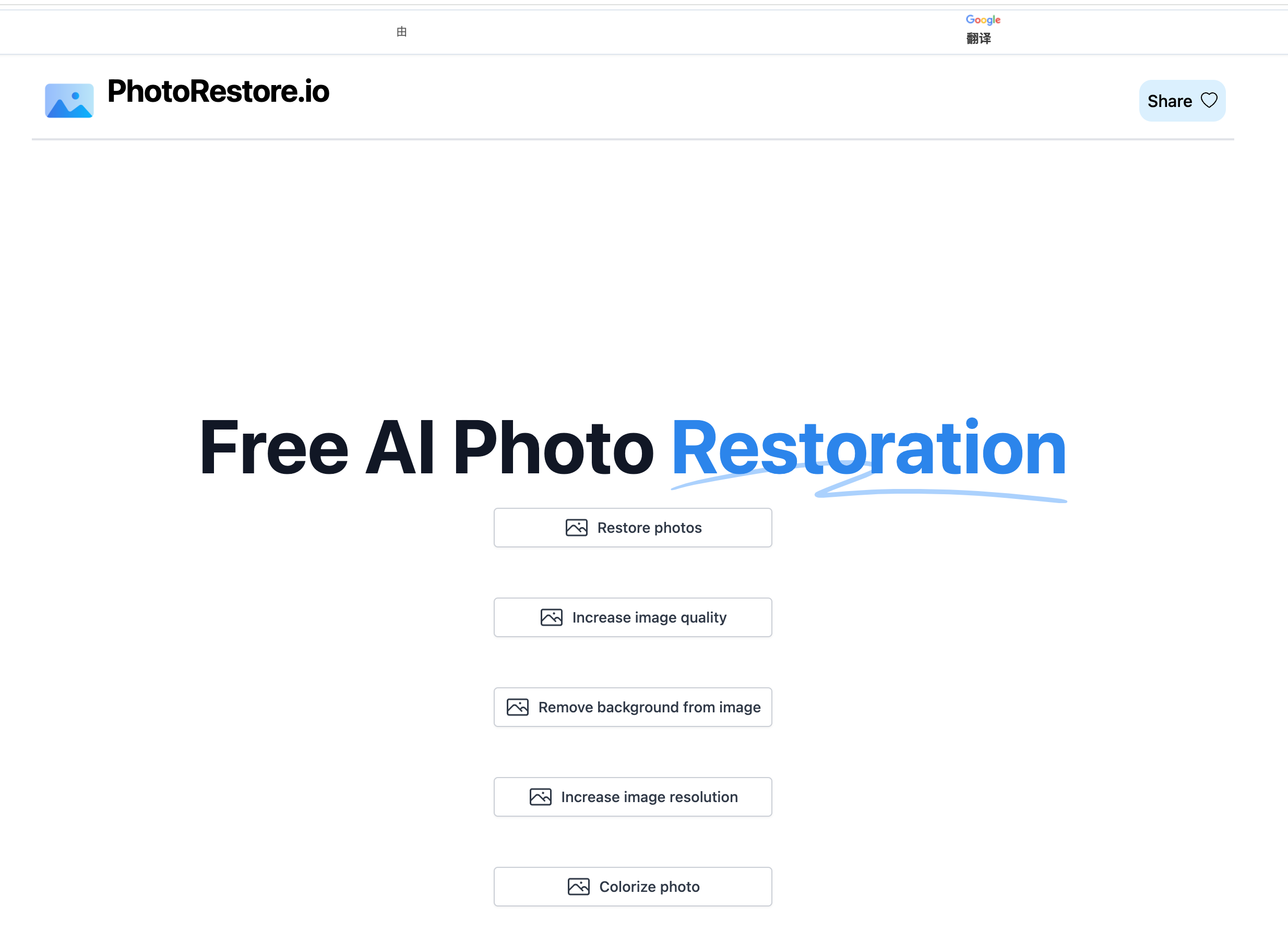
Screenshot archived from the listing page, for preview only.











