
Photoleap
iPhone photo editing appEdit photos and art on your iPhone
Highlights
What you can do with it
- Swap the background of a portrait for a cleaner look
- Cut out objects you do not want in a photo
- Combine photos into a collage with filters and effects
How to use it
- 1 Install Photoleap on your iPhone
- 2 Import a photo you want to edit
- 3 Pick a tool such as background change, object removal, or collage
- 4 Apply filters and effects, then save your edit
Who it is for
Pros
- Several editing tools in one iPhone app
- Background change and object removal included
- Free 7-day trial to test the features
Limitations
- It is a free trial, so continued use likely needs a paid plan
- iPhone only, so Android users are left out
- Editing results depend on the photo and your adjustments
What Photoleap is
Photoleap is a photo editing app built for iPhone. It brings several editing tools into one place so you can create images and artwork without sitting at a desktop computer. The core tools cover changing backgrounds, removing objects you do not want, building collages, and applying filters and effects. The product is presented as a creative and powerful editor, and it lets you try it free for 7 days. That short trial gives you room to test whether the tools suit the kind of editing you do before you commit to anything longer or pay for a subscription.
What you can do with it
- Replace or change the background of a photo
- Remove unwanted objects from an image
- Combine photos into a collage with filters and effects
Who it is for
Photoleap is for people who edit photos mainly on a phone rather than on a computer. If you want to clean up a portrait by swapping the background, or cut out something that ruins an otherwise good shot, the object and background tools are the main draw. It also suits casual creators who like to assemble collages and layer filters without learning a complex desktop editor or sitting through long tutorials. Students, social media users, and small shop owners who need quick edits on the same device they shoot with will find it especially convenient.
What to watch out for
The 7-day trial is short, so decide quickly whether the tools fit your needs, since continued use will likely require a paid plan after that window closes. It only runs on iPhone, so if you switch between Android and iOS it will not follow you, and you would need a separate tool on other platforms. As with any editor, the quality of the result depends on the original photo and how much manual adjusting you put in, so expect to spend time refining rather than getting a perfect result in one tap. Check exactly what the trial includes before you rely on a specific feature.
FAQ
Is Photoleap free?
It offers a 7-day free trial before you need to pay.
What can it edit?
Backgrounds, object removal, collages, filters, and effects.
Which devices does it support?
It is designed for iPhone.
Why it is free
What the official page says: 免费试用免费
Free limits, trial length and features are decided by the official site and can change at any time.
Product preview
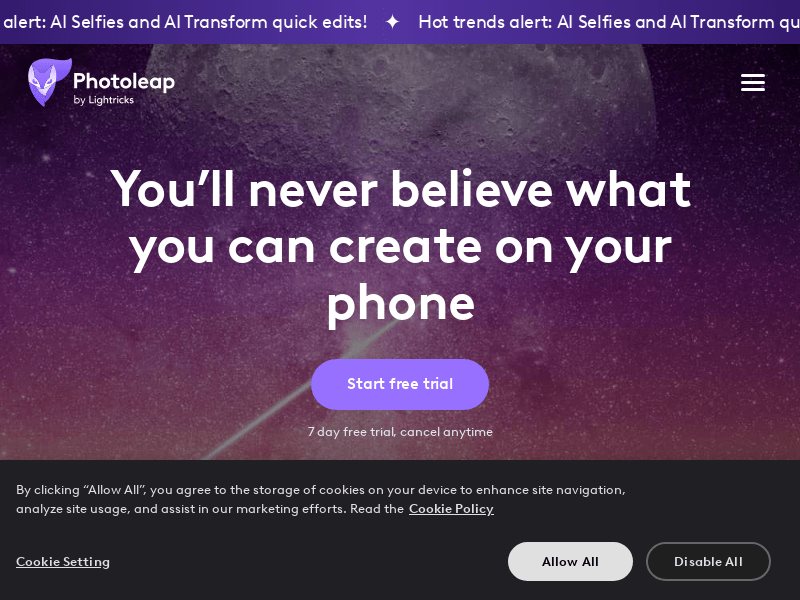
Screenshot archived from the listing page, for preview only.











