
PhotoGPT AI
A free online AI photo editor, enhancer, and generator.Create studio-style photos, portraits, and product shots in seconds, free.
Highlights
What you can do with it
- Headshots and lifestyle photos for a blog or social channel
- Product photos for e-commerce listings
- Trying hairstyles and outfits before committing
How to use it
- 1 Open the PhotoGPT site
- 2 Pick the function you need, such as portraits or product photography
- 3 Upload a photo or generate from scratch
- 4 Edit and optimise with one click
- 5 Preview and download the result
Who it is for
Pros
- Free, with no watermark on output
- No photography or technical background needed
- Covers portraits, products, and enhancement in one place
Limitations
- Free terms and output limits can change at any time
- Editing a real person's photo raises consent questions you have to resolve yourself
- Realistic generated images can be misused, and that responsibility sits with the user
What PhotoGPT AI is
PhotoGPT is a free online AI photo tool that works as an editor, an enhancer, and a generator. It positions itself as a virtual photography expert, producing images with natural lighting, clear detail, and realistic depth of field, and it outputs ultra-high-definition files without watermarks. The feature set covers expressive portraits, professional ID photos, real-life scene shots, product images, and e-commerce visuals, alongside enhancement that improves clarity and lighting while keeping a natural appearance. It can also adjust clothing styles and preview different hairstyles against a face. The site stresses that no photography skills or technical experience are required, and that generation, editing, and optimisation are single-click jobs.
What you can do with it
- Generate portraits, ID photos, and lifestyle images
- Produce clean product and e-commerce visuals
- Enhance an existing photo's lighting and clarity
- Preview clothing changes and hairstyles on a face
Who it is for
- Content creators who need professional-looking photos without a shoot
- E-commerce managers who need clean product images quickly
- Anyone who wants a portrait, headshot, or ID photo on demand
What to watch out for
The tool is free now, but free access and any output limits can change without notice, so do not build a workflow that depends on it staying free forever. Editing a photograph of a real person raises consent questions that the software cannot answer for you, and realistic generated images of people can be used to mislead. Any such use, including breaches of platform or workplace rules, is the responsibility of whoever publishes the image. Results on low-quality source photos will be limited by what the original file contains. Check the licence before using output commercially.
FAQ
Is PhotoGPT free?
The site describes it as a free online AI photo tool.
Does it add watermarks?
The site states output is ultra-high-definition and watermark free.
Do I need photography skills?
No. The tool is pitched at users without photography skills or technical experience.
What kinds of photos can it make?
Portraits, ID photos, real-life scenes, product images, e-commerce visuals, and enhanced photos.
Why it is free
What the official page says: 免费
Free limits, trial length and features are decided by the official site and can change at any time.
Product preview
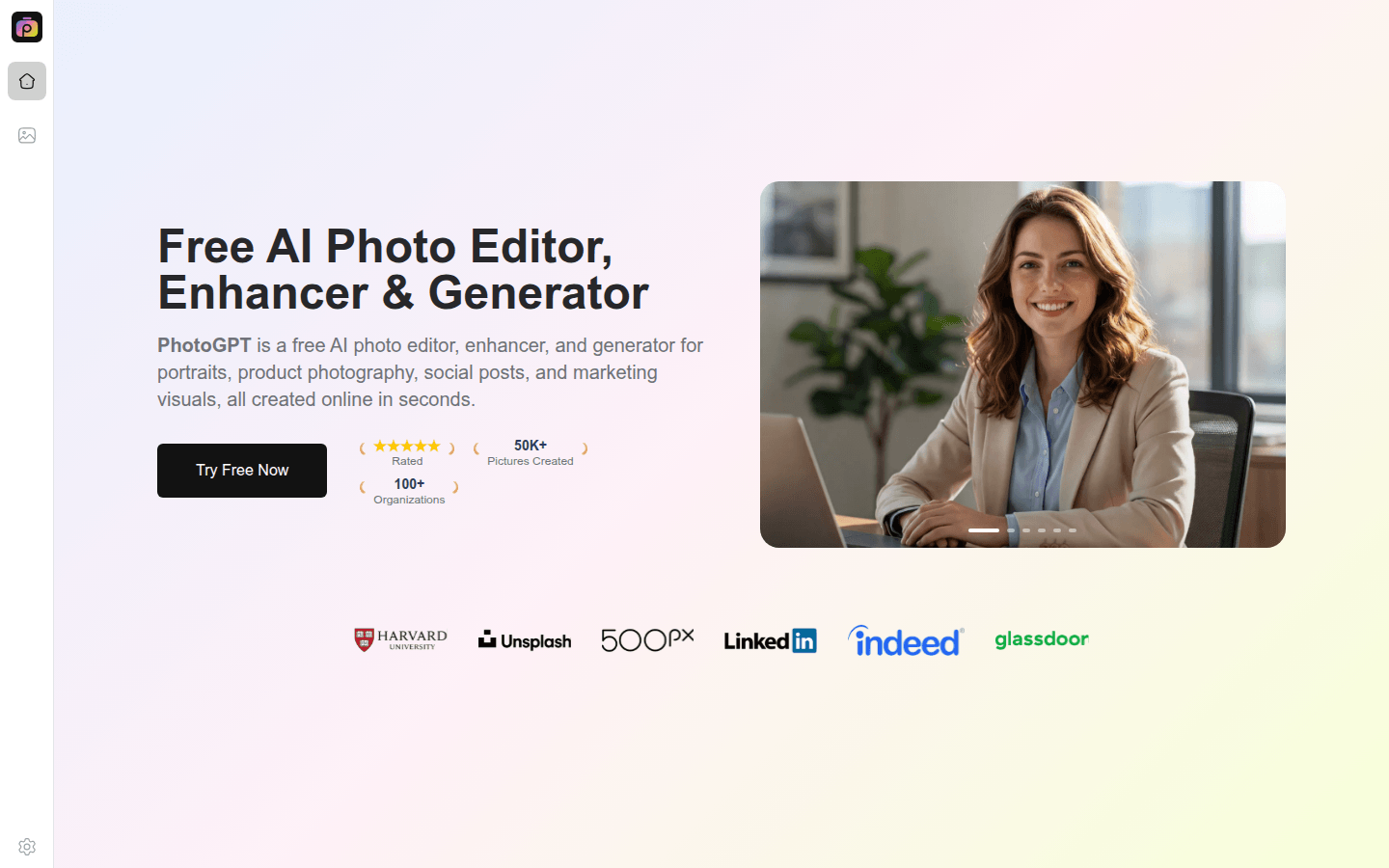
Screenshot archived from the listing page, for preview only.











