
Highlights
What you can do with it
- Turning a text idea into a finished photo for personal art projects
- Creating product visuals for commercial promotion
- Editing and upscaling an existing photo for clearer output
How to use it
- 1 Open the Photogenerator AI website in your browser.
- 2 Pick a model and enter your text prompt or upload a photo.
- 3 Set options such as style or resolution if the tool offers them.
- 4 Generate the image and wait for the result.
- 5 Download the finished photo, or continue editing it.
Who it is for
Pros
- Multiple advanced AI models in one place
- Free usage tier to test the tools
- Fast generation with high image quality
Limitations
- Free usage limits apply, and the free rules can change over time
- Relies on upstream AI models, so availability and output may vary
- Some features and higher generation capacity require a paid plan
What Photogenerator AI is
Photogenerator AI is a free online photo creation and editing tool built on several advanced AI models, including GPT Image 2, Nano Banana 2, Midjourney, and Seedream 5.0. A free usage tier is available, so you can try the core tools before deciding whether a paid plan suits your needs. The main job of the tool is to turn a short text description into a high-resolution photo, and it also handles editing work on images you already have. It is designed to be simple to operate, so you do not need deep technical skills or design experience to get a usable result on your first try. Because it runs in the browser, you can start creating without installing any software.
What you can do with it
The tool covers both creation and editing, so you can go from a rough idea to a finished image in one place.
- Turn a text prompt into a high-resolution photo in seconds.
- Edit an existing photo with straightforward controls.
- Apply style transfers to change the look of an image.
- Upscale images for clearer, larger output.
Who it is for
- Personal users who want to create artwork from a text idea.
- Commercial users who need product visuals for promotion.
- Anyone looking for a quick way to edit or upscale photos with AI.
What to watch out for
The free usage tier has limits, and the free rules can change over time, so check the current terms before you depend on it. Because the tool relies on upstream AI models, availability and output quality may vary from day to day, and a model you like today may not be offered later. Some features and higher generation capacity sit behind a paid subscription, so heavier or commercial projects may need a budget. Treat generated images as a starting point and review them carefully before any public or commercial use. Also make sure you have the right to use any photos you upload for editing.
FAQ
Is Photogenerator AI free?
It offers a free usage tier. A paid subscription plan is also available with more features and generation capacity.
What models does it use?
It integrates models such as GPT Image 2, Nano Banana 2, Midjourney, and Seedream 5.0.
Can I edit existing photos?
Yes. You can edit photos, apply style transfers, and upscale images in addition to generating from text.
Why it is free
What the official page says: 免费使用免费版免费
Free limits, trial length and features are decided by the official site and can change at any time.
Product preview
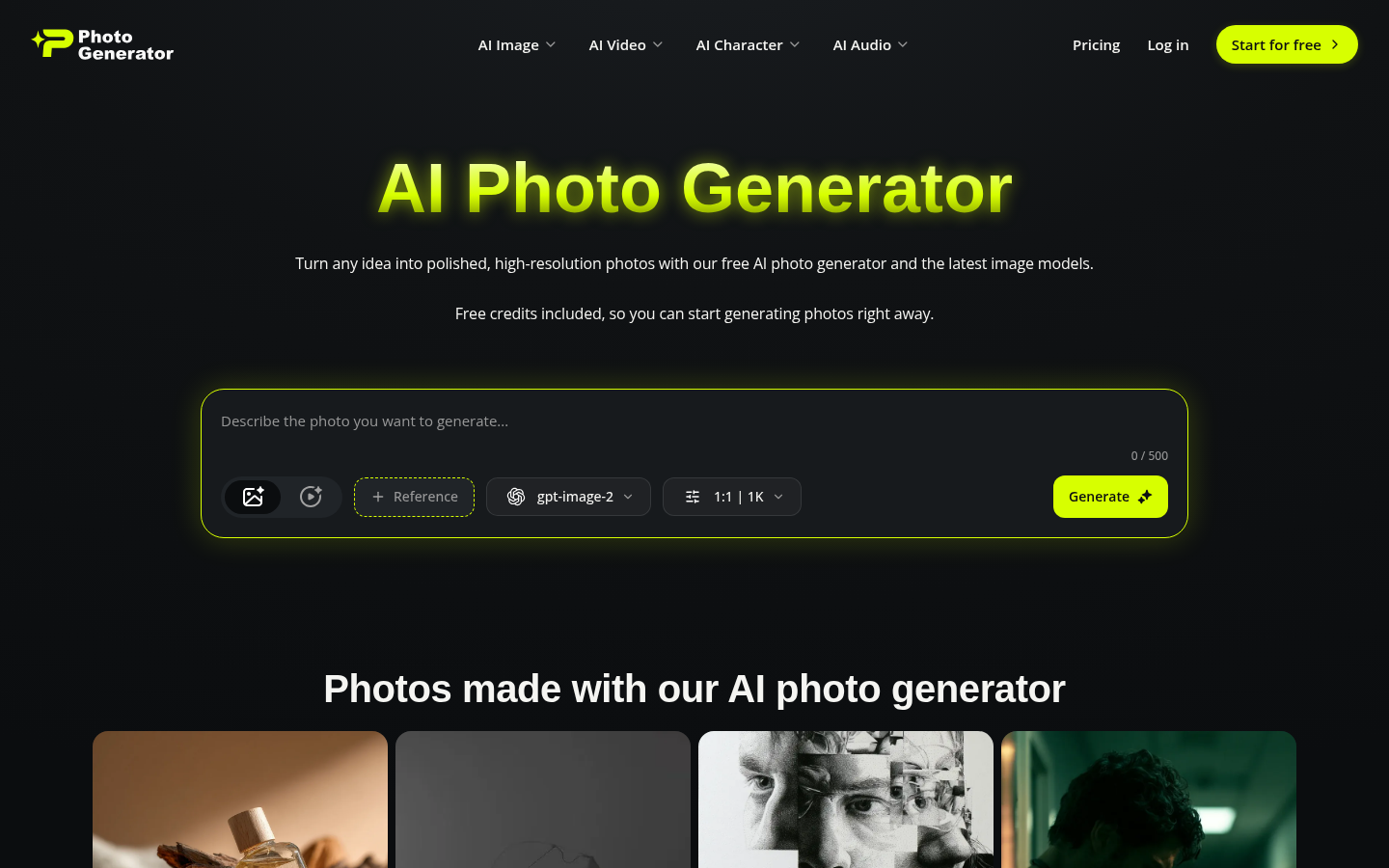
Screenshot archived from the listing page, for preview only.