
PhotoEditorAI.io
Online AI photo editorEdit photos with text prompts
Highlights
What you can do with it
- An e-commerce seller swapped a phone case photo to a pure white background in one click
- A comic creator kept one character consistent across scenes and outfits
- A brand operations team built festival scenes with logos and copy baked in
- A photographer repaired an old photo and upscaled it to 4K
How to use it
- 1 Open the site and enter the editor without registering or logging in.
- 2 Upload a JPEG, PNG, or WEBP image under 24MB, or start from text generation.
- 3 Type the edit you want, such as replacing the background or removing a passerby.
- 4 Choose the model, aspect ratio, and resolution so the output fits your goal.
- 5 Generate, review, then refine or upscale, and download the final image.
Who it is for
Pros
- Free daily credits let you test before spending anything
- Runs in the browser with no install and no account
- Local edits and character consistency suit repeatable visual work
Limitations
- Ten free credits a day runs out fast on busy jobs
- Free tier rules can change, and paid credits are a separate purchase
- Uploads are capped at 24MB, and some edits need several attempts
What PhotoEditorAI.io is
PhotoEditorAI.io is an online AI photo editor that works in the browser. There is no Photoshop download and no registration step: you open the page, upload an image, and describe the change you want in normal language. The editor handles localized edits, background replacement, style transfer, text and brand element fusion, old photo restoration, and high-definition upscaling. Because it understands image semantics rather than applying filters, it holds a person's face, proportions, and style steady across different poses, outfits, and backgrounds, which is the part that matters for serial character work. Several models sit behind the interface, and pricing follows a free plus credits model: free users get 10 credits daily, and paid credits are one-time purchases that do not expire.
What you can do with it
- Edit photos by typing instructions instead of using layers and masks
- Replace or remove backgrounds, including pure white e-commerce shots
- Keep a character consistent across scenes, outfits, and poses
- Transfer style from a reference image and upscale results for print
Who it is for
- E-commerce sellers who need clean product images quickly
- Designers and illustrators who need consistent characters
- Social media creators publishing visuals at volume
- Photographers restoring old photos and raising resolution
- Marketing teams embedding logos and copy into campaign visuals
What to watch out for
The free allowance is 10 credits a day, which is fine for testing and light work but thin for a full shoot, and the rules around free credits can change. Uploads are capped at 24MB, and not every prompt lands on the first try, so plan for iteration. Local edits are precise, but complex composites still need an eye for lighting and perspective. Enterprise API access is mentioned as an option, so commercial volume should be priced through the site rather than assumed.
FAQ
Do I need to register?
No. The editor can be used without registering or logging in.
What do free users get?
Free users receive 10 credits per day; paid credits are bought as one-time packages that do not expire.
Which models are built in?
The site lists models including PhotoEditorAI 4.0, 3.0 Pro, Nano Banana, GPT Image 2, and SeeDream 5.0.
Why it is free
What the official page says: no registration
Free limits, trial length and features are decided by the official site and can change at any time.
Product preview
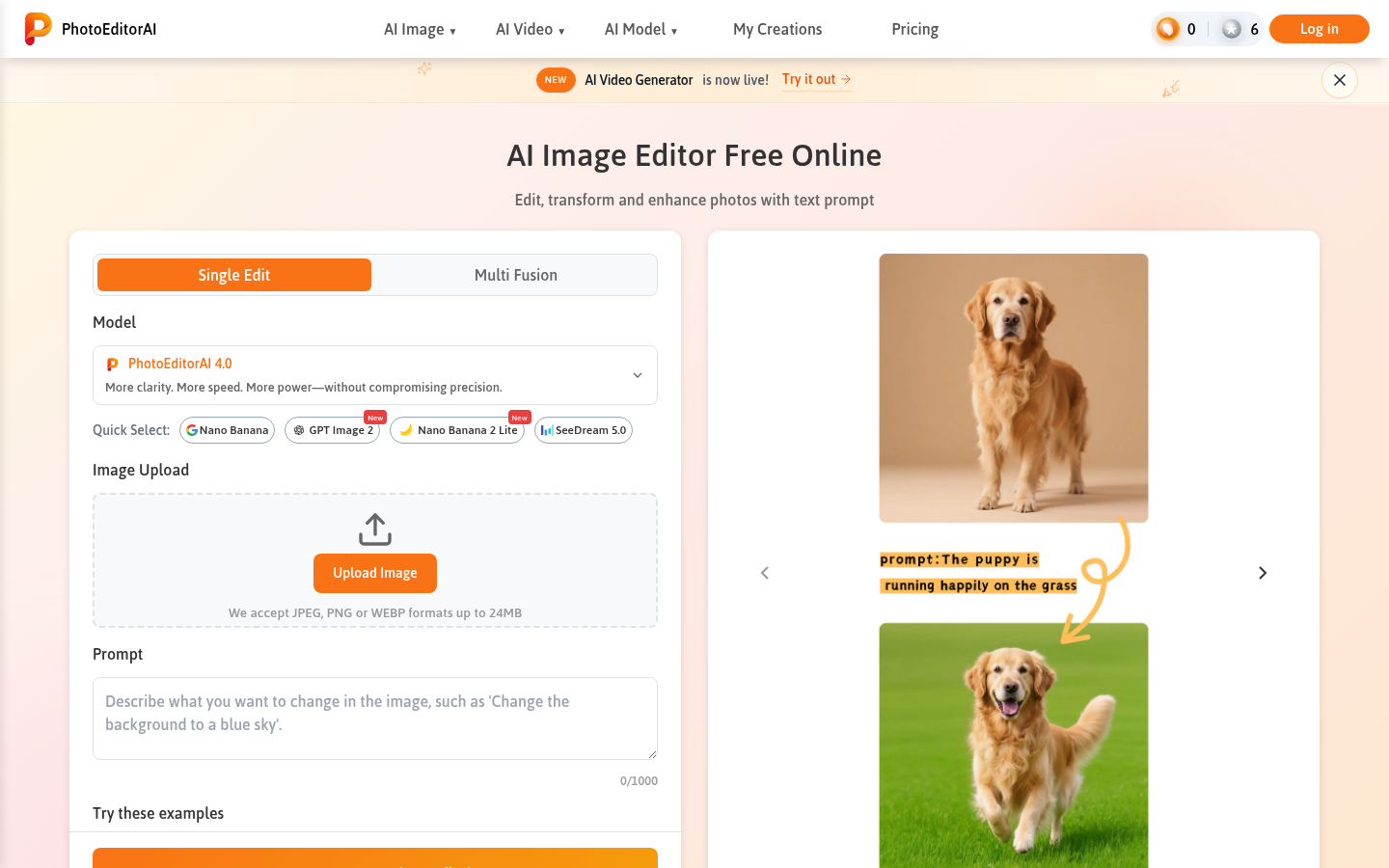
Screenshot archived from the listing page, for preview only.











