
PhotoCat AI Image Extender
Free AI image extender without watermarksExtend any image to 4K, watermark-free
Highlights
What you can do with it
- E-commerce merchants enlarge product images for social display
- Marketers design banners sized for different platforms
- Photographers turn landscape shots into wider panoramic views
How to use it
- 1 Open the extender page and upload or drag in an image
- 2 Pick one of seven preset sizes or drag the border to customize
- 3 Click generate and wait for the AI to extend the image
- 4 Download the extended image for free
Who it is for
Pros
- Free to use with no watermark on output
- Extends to 4K without the stretching or blur common in other tools
- Seven presets remove guesswork on sizing
- Simple upload, choose size, generate, download flow
Limitations
- The free status can change, so confirm terms before you rely on it
- Extension quality depends on the source image and scene
- It only extends images, it does not do general editing
- Complex backgrounds may show seams or odd details
What PhotoCat AI Image Extender is
PhotoCat AI Image Extender is a free online tool that uses Uncrop AI technology to extend the background of an image. You upload a picture, choose a size, and the AI fills in the new area so the frame looks natural. The site says it adds no watermark, generates realistic results, and can extend images to 4K resolution without the stretching or blurring that other tools produce. It offers seven preset sizes so you can match different platforms, and it is free to use. It is aimed at product photos, banner design, landscape photography, and portraits.
What you can do with it
- Extend the background of a photo without adding a watermark
- Choose from seven preset sizes or drag the border to set a custom canvas
- Generate results that aim to keep the original lighting and scene consistent
- Push an image up to 4K resolution without visible distortion
- Reuse the output for product shots, social banners, and wider landscape crops
Who it is for
- E-commerce practitioners who need larger product images for social display
- Social media marketers designing banners sized for each platform
- Photographers and hobbyists reframing landscape or portrait shots
What to watch out for
The free status can change at any time, so confirm current terms on the site before you build a workflow around it. Extension quality depends on the source image: busy or low-detail backgrounds can produce seams, repeated patterns, or odd edges that need cleanup. It is a single-purpose extender, not a general editor, so cropping, color work, and retouching happen in other software. Because images are uploaded for processing, avoid sending sensitive photos you cannot share.
FAQ
Is it free?
Yes, the site says the tool is free to use.
Does it add a watermark?
No, the site states images are extended without watermarks.
What resolution can it reach?
It says it can extend to 4K resolution without distortion.
How many presets are there?
Seven preset optimization options are provided, and you can also customize the canvas.
Why it is free
What the official page says: free to use
Free limits, trial length and features are decided by the official site and can change at any time.
Product preview
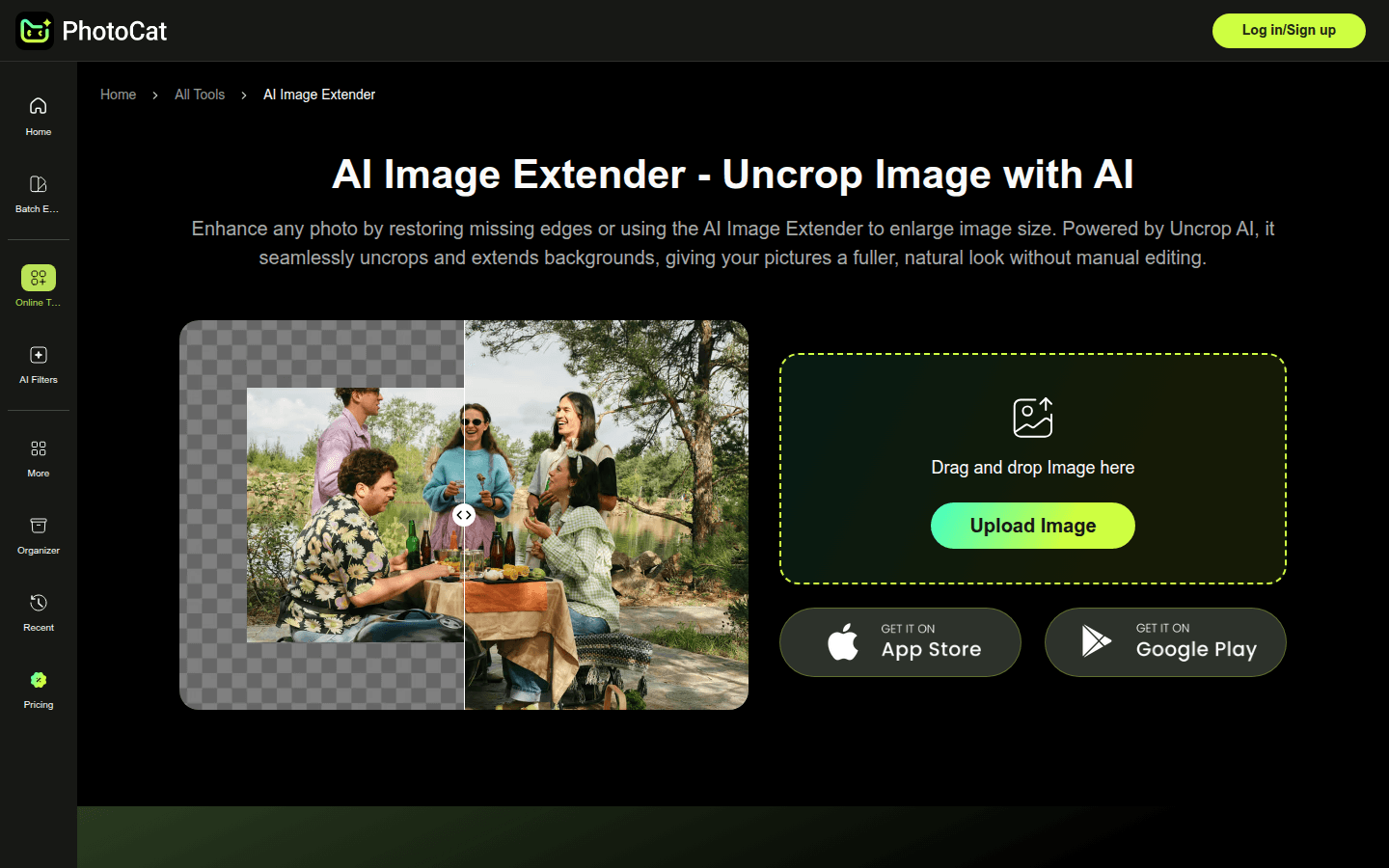
Screenshot archived from the listing page, for preview only.











