Photo to Video
AI photo-to-video generatorTurn photos into 4K video, free trial no signup
Highlights
What you can do with it
- Turn travel photos into dynamic clips to share with family
- Animate a painting to show the creative process
- Convert product photos into promotional videos
How to use it
- 1 Open the site and pick a video model
- 2 Upload a photo or illustration, or enter a text prompt
- 3 Customize lens, depth of field, and rhythm as needed
- 4 Generate, preview the video, and download it
Who it is for
Pros
- Free trial with no registration required to try
- Multiple top models and up to 4K output
- Automatic animation and camera work without editing
Limitations
- Free trial is offered, but credits and paid terms can change
- Motion quality varies by model and source image
- Keep rights to any photo or asset you upload
What Photo to Video is
Photo to Video is an AI tool that converts photos, illustrations, or text prompts into dynamic videos in seconds. It brings several top video models such as Seedance 2.0, Kling, and Wan into one place, and it automatically adds animation, camera movement, and lighting to your image so a still photo starts to move. It aims to preserve image details so the video stays consistent with the original, and it lets you customize settings like lens, depth of field, and rhythm. Output can reach up to 4K. A free trial is offered with no registration required to try it.
What you can do with it
- Turn a photo, illustration, or prompt into a short video
- Add automatic animation, camera moves, and lighting
- Customize lens, depth of field, and rhythm
- Export video up to 4K for different platforms
Who it is for
- Casual users who want easy video creation
- Professional creators who need model choice and control
- Marketers making product and brand promo videos
What to watch out for
A free trial is offered with no registration, but credits and paid terms can change, so confirm current details before heavy use. Motion quality varies by model and by the source image, so some photos animate better than others. Make sure you have the rights to any photo or asset you upload, since you are responsible for how the output is used. Treat the auto-generated motion as a first cut you can refine rather than a finished edit. Name and archive exported files consistently so you can find and reuse them, and keep a backup copy of key data.
FAQ
Do I need to register for the free trial?
No. You can try it for free without registration.
What resolution can I get?
It supports video output up to 4K.
Which models are available?
It integrates several top models such as Seedance 2.0, Kling, Wan, and others.
Why it is free
What the official page says: free trial
Free limits, trial length and features are decided by the official site and can change at any time.
Product preview
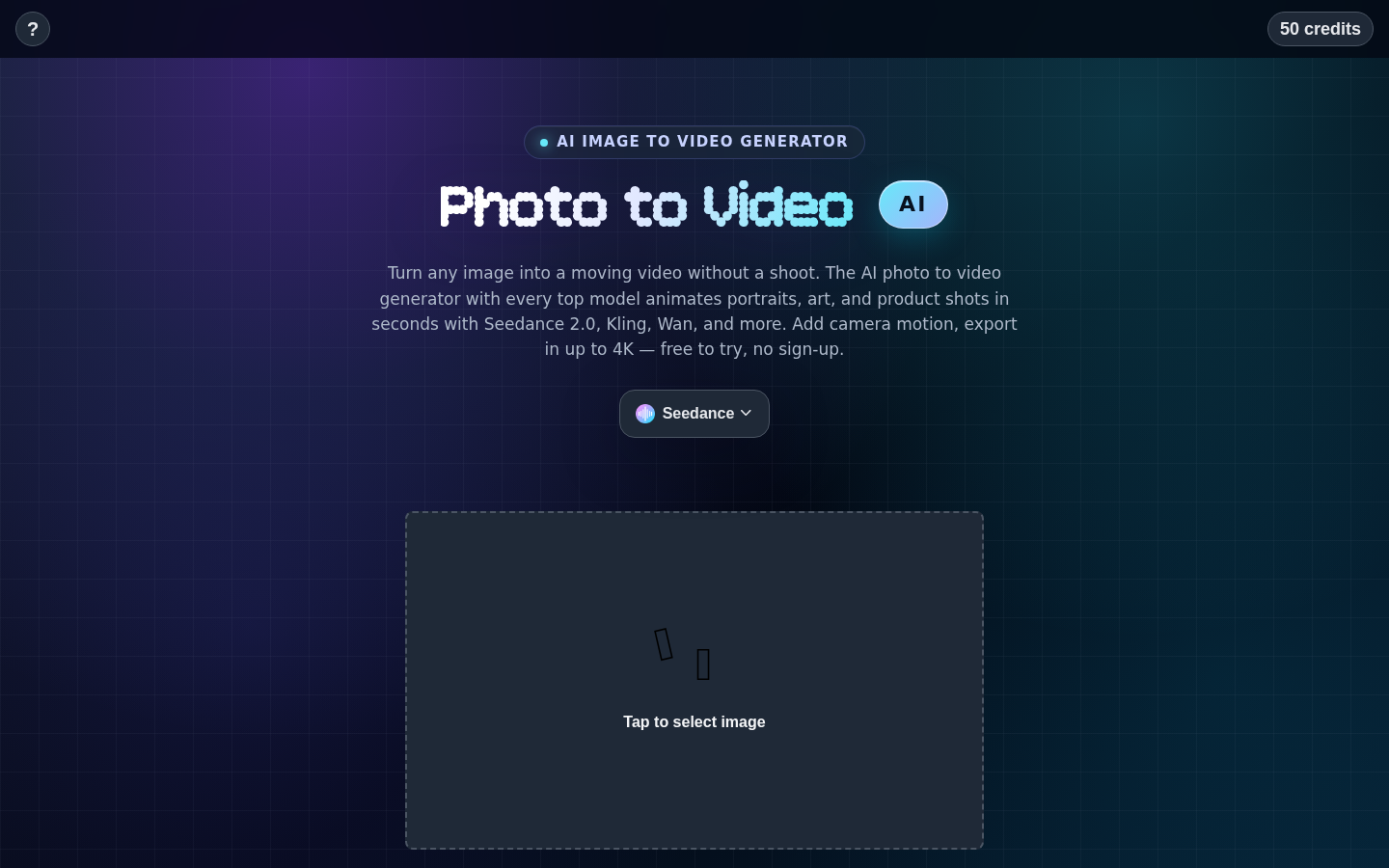
Screenshot archived from the listing page, for preview only.











