
Photo to Anime
Free AI anime filter for photosTurn photos into anime art on device
Highlights
What you can do with it
- Turn a personal photo into anime style art
- Generate an anime scene from a written idea
- Make a stylized portrait of a pet
How to use it
- 1 Open the Photo to Anime website.
- 2 Upload a photo or type a description.
- 3 Choose the anime style you want.
- 4 Wait for the on device conversion.
- 5 Save or share the result.
Who it is for
Pros
- Free to use
- On device processing keeps photos local
- Accepts both photos and text input
- Quick, simple flow
Limitations
- On device processing needs a capable device
- Style control is limited compared with prompt tools
- Results vary with photo quality and pose
- The site has shown availability issues
What Photo to Anime is
Photo to Anime is a free tool that restyles your pictures as anime art. You upload a photo or type a description, pick a style, and the app returns an anime version. The detail that separates it from similar services is where the work happens: processing runs on your device rather than on a server, which the site frames as privacy protection, meaning your images are not uploaded to the cloud. That trade keeps photos local but puts the compute load on your own hardware.
What you can do with it
- Convert a personal photo into anime style art.
- Generate an anime image from a written description.
- Create a stylized portrait of a pet or a place.
- Keep the whole process on your own device.
Who it is for
- People who want a stylized version of their own photos.
- Anime fans making profile pictures and avatars.
- Privacy conscious users who do not want images uploaded.
What to watch out for
On device processing means results depend on your phone or computer, and older hardware may be slow or unable to run larger styles. Style control is limited compared with prompt based image tools, so you get a set of looks rather than fine control. Photo quality matters: clear, well lit, front facing images convert better than dark or motion blurred ones. The site has also shown availability problems, so if you need it for a specific task, try it before the moment you need the result. Generated suggestions are for reference only, so verify anything that affects professional judgment or important data. Start with a small sample to confirm the output meets your expectations before processing the full batch.
FAQ
What does Photo to Anime do?
It turns photos into anime style artwork and can also generate anime images from text descriptions.
Is it free?
Yes, it is described as a free AI anime filter.
Are my photos uploaded anywhere?
No. All processing happens on device, so photos are not uploaded to the cloud.
What can I convert?
Personal photos, pet photos and text based ideas, according to the listed examples.
Why it is free
What the official page says: 免费
Free limits, trial length and features are decided by the official site and can change at any time.
Product preview
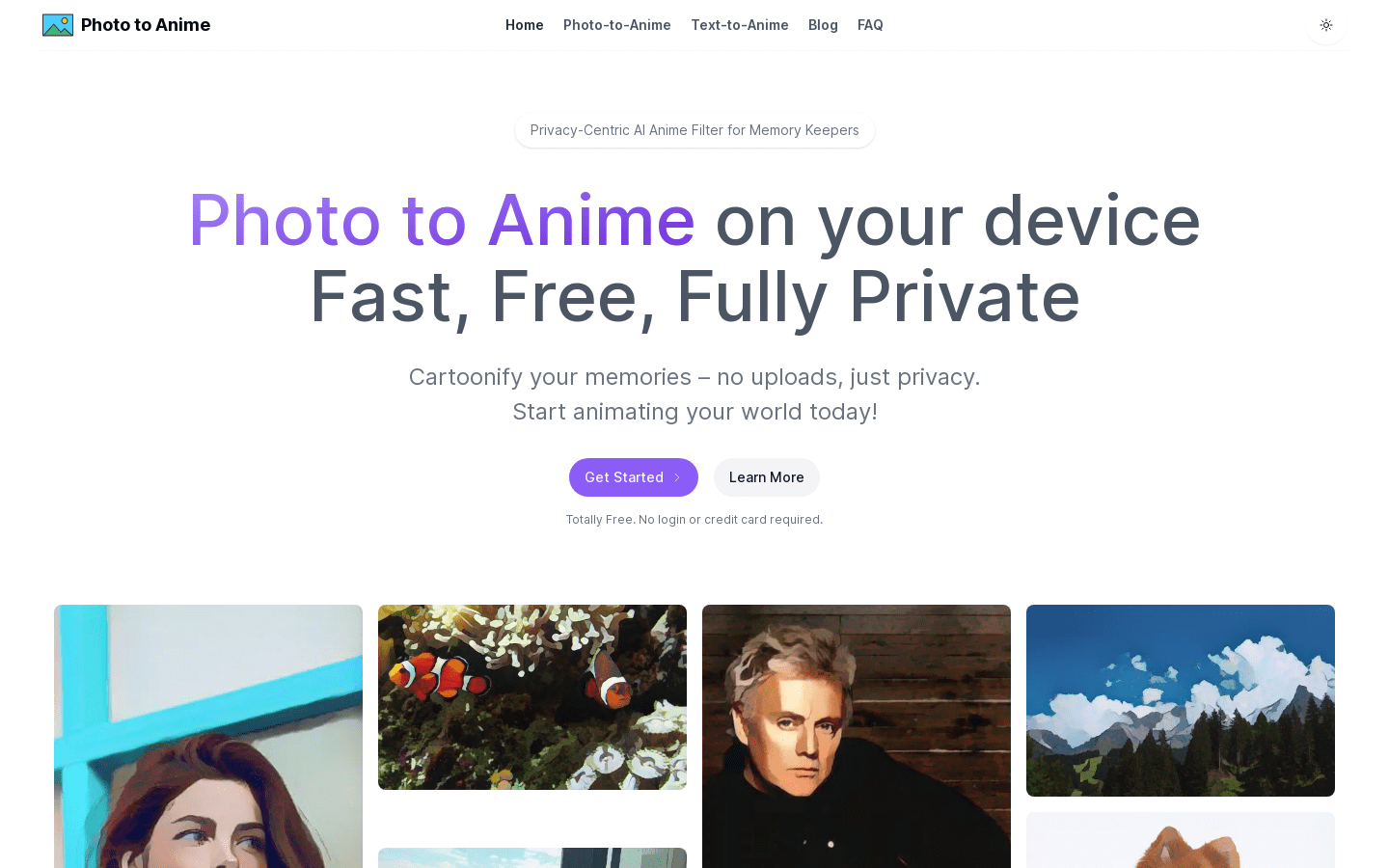
Screenshot archived from the listing page, for preview only.











