
Photo AI Video Generator
Browser based photo to video generator built on Kling 3.0Turn still photos into movie grade clips in minutes
Highlights
What you can do with it
- Social media marketing: turn product photos into short promo clips
- Creative projects: stitch several photos into a storyboard with voice and music
- Business presentations: animate product shots for a product introduction
How to use it
- 1 Open https://pvid.app in your browser
- 2 Register an account and log in
- 3 Upload the photos you want to animate
- 4 Add a text prompt if you want to steer the result
- 5 Pick duration and aspect ratio, then generate
- 6 Add AI voice or music, then download the file
Who it is for
Pros
- Runs in the browser with no software download
- 20 free credits on signup cover a few test renders
- One tool covers photo, text and video input
Limitations
- Free credits run out after two or three renders, so real use needs a purchase
- Output length is capped per mode, so long form video is out of scope
- Results depend on the source photo and on the upstream model, which can change
What Photo AI Video Generator is
Photo AI Video Generator is a browser based photo to video tool built on Kling 3.0 technology. It is free to try: new users get 20 free credits when they register, and those credits cover about two or three photo to video renders. There is no software to download, because everything runs in the browser. The tool reads the depth, light and composition of an uploaded photo, then builds natural camera movement and smooth animation around it. The pitch is simple: take still images and get movie grade video without a camera or an editor.
What you can do with it
- Convert photos to video, text to video and video to video in one workspace
- Combine several photos into a storyboard video that tells one story
- Add AI voiceover and background music that match the mood and rhythm
- Set duration and aspect ratio before rendering
Who it is for
- Social media marketers who need video content from product photos
- Creative workers who want cinematic clips without editing skills
- Business people who animate product shots for presentations
What to watch out for
The 20 free credits are a trial allowance, not unlimited use. Once they are gone you need to buy a monthly credit pack, and heavy use adds up quickly. Generation length is limited, with most modes capped between 3 and 15 seconds, so long form video is out of scope. Output quality depends on the source photo and on the upstream model, which the provider can update or change at any time. Read the current pricing page before you commit, and keep expectations realistic on complex prompts.
FAQ
Do I need to install anything?
No. The generator runs in the browser, so you only need to open the site and upload your files.
How many free renders do I get?
New users receive 20 free credits after registration, which covers roughly two or three photo to video generations.
What video lengths are supported?
Photo to video and text to video run 3 to 15 seconds, while video to video can reach up to 30 seconds depending on the model and settings.
Why it is free
What the official page says: free credits
Free limits, trial length and features are decided by the official site and can change at any time.
Product preview
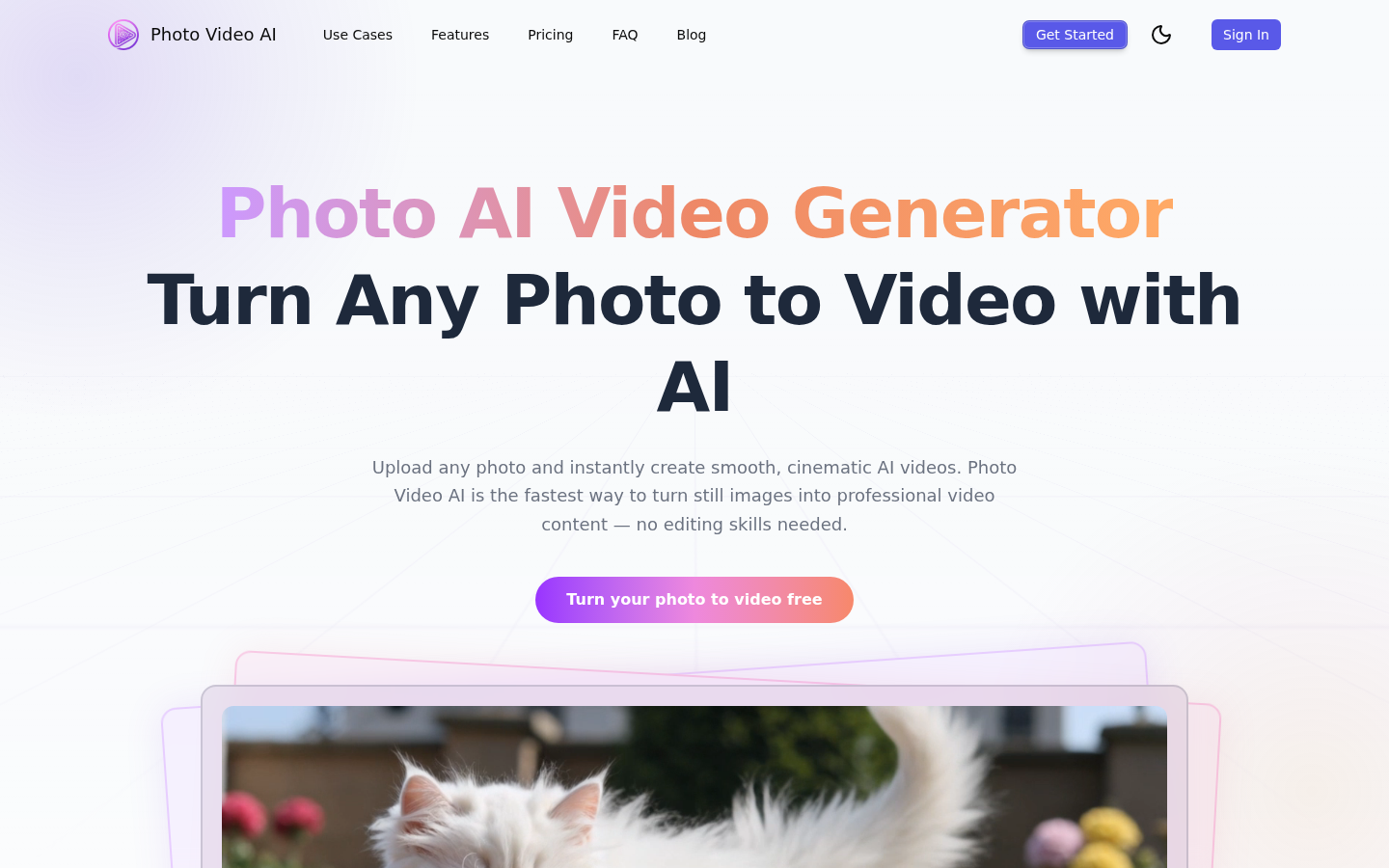
Screenshot archived from the listing page, for preview only.











