
Photiu AI
Online AI image editorOne-click background removal, 4K
Highlights
What you can do with it
- A social media user cleans up image backgrounds
- An e-commerce merchant edits product photos
- A student improves images for a project report
How to use it
- 1 Visit the Photiu.ai website
- 2 Upload the image you want to edit
- 3 Click One-click Background Removal and wait
- 4 Fine-tune with manual adjustment if needed
- 5 Pick a background and download the HD image
Who it is for
Pros
- Basic editing is free to try online
- One-click removal is simple for any skill level
- Supports high-resolution output up to 4K
- No install; it runs in the browser
Limitations
- Free use gives preview quality; HD download needs payment
- Paid terms and resolution limits may change
- Complex edges may still need manual fixes
What Photiu.ai is
Photiu.ai is an online image editing tool based on AI, focused on background removal, image scaling, and object erasing. Its main advantages are efficiency, ease of use, and support for high resolution up to 4K, so users can get strong results quickly. The workflow is simple: upload an image, click one-click background removal, and the AI processes it. You can fine-tune with manual adjustment and choose a new background from a template library or upload your own. Basic services are free with preview quality, and high-definition images can be downloaded after paying. It suits all kinds of users and needs no professional skills.
What you can do with it
- Remove a background with one click
- Work at HD and up to 4K resolution
- Fine-tune results with manual adjustment
- Replace backgrounds from a template library
- Edit entirely online with no install
Who it is for
- Social media users cleaning up photo backgrounds
- E-commerce merchants editing product images
- Students and casual users doing quick edits
- Anyone who needs simple background removal
What to watch out for
Basic editing is free but only gives preview quality; high-definition downloads require payment, and paid terms may change. Complex edges, like hair or transparent objects, may still need manual fixes after the AI pass. Because it runs in the browser, large 4K files can be slow on weak connections. As with any online tool that processes your images, review the privacy terms before uploading sensitive photos. For team use, agree on naming and editing conventions in advance to avoid version conflicts or duplicated work. Name and archive exported files consistently so you can find and reuse them, and keep a backup copy of key data.
FAQ
Is Photiu.ai free?
Basic services are free with preview quality, while high-definition images can be downloaded after paying.
What resolution does it support?
It supports high-definition and up to 4K resolution background removal.
Do I need to install software?
No. It is fully online and works in the browser with no software installation.
Why it is free
What the official page says: 免费
Free limits, trial length and features are decided by the official site and can change at any time.
Product preview
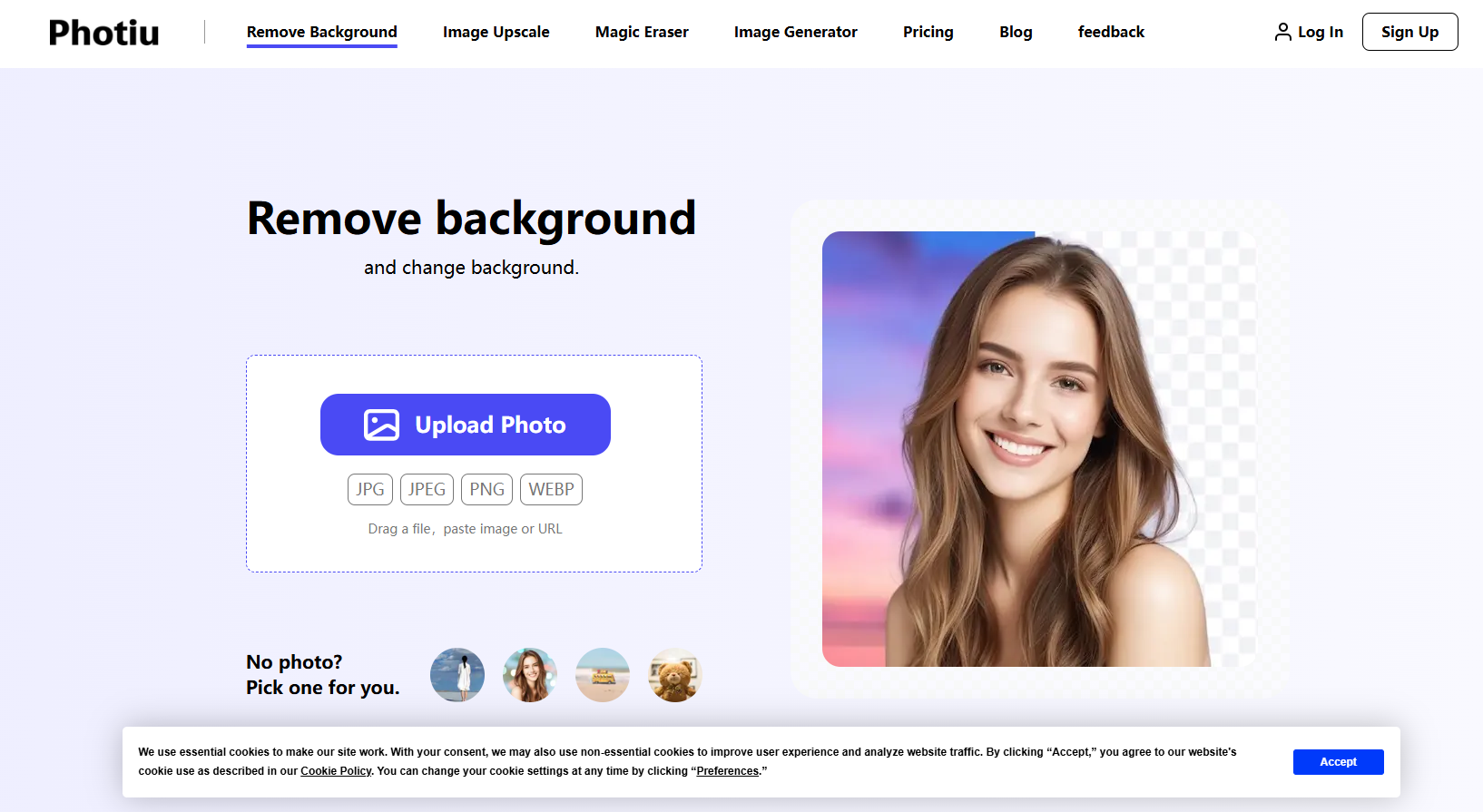
Screenshot archived from the listing page, for preview only.











