
PhoText
Free online tool to edit text inside images with AI, no PS needed.Change text in any image as easily as editing a document.
Highlights
What you can do with it
- An everyday user fixes wrong location text in a travel photo
- A designer adjusts text and style in an ad poster
- A marketer updates prices and promos on product images fast
How to use it
- 1 Upload your image to the PhoText site
- 2 Click the text you want to change and type the new content
- 3 Adjust font, color, size, and position as needed
- 4 Download the edited image
Who it is for
Pros
- Free to use, including for commercial work
- Edit text like a document, no PS skills needed
- Strong font matching and background restoration
Limitations
- Complex backgrounds can still show artifacts after edits
- OCR and matching are AI-based and may need manual fixes
- A 403 status on the site during review suggests possible access issues
What PhoText is
PhoText is an online image text editing tool powered by AI. Its main feature lets you edit text inside an image as if it were a document: click the text and replace it with new content, then adjust font, color, size, and position. It uses AI to match fonts, restore the background seamlessly behind edited text even over complex textures like wood or fabric, and match color, thickness, perspective, shadow, and gloss so the edit blends in. It also does high-precision OCR that handles slanted, curved, small, or busy text, and includes general image editing like filters. It is free to use, including for commercial work, and supports formats such as JPG, PNG, JPEG, WEBP, and PDF.
What you can do with it
- Replace text in an image as easily as editing a document
- Match fonts and restore the background behind edits
- Match color, thickness, perspective, shadow, and gloss
- Run OCR on tricky text and apply general image edits
Who it is for
- Everyday users fixing or adding text in photos
- Designers editing text in image materials and posters
- Marketers updating prices and promos on product images
What to watch out for
Although background restoration is strong, complex textures can still show artifacts after an edit, so check the result. OCR and font matching are AI-based and may need manual fixes on unusual text. During review the site returned a 403 status, which suggests possible access issues, so confirm the tool is reachable before you depend on it. When quality matters, export a small draft first to confirm the result before producing the final file. Generated suggestions are for reference only, so verify anything that affects professional judgment or important data.
FAQ
Is PhoText free?
Yes, it is free and the page says it is free for commercial use.
Do I need Photoshop skills?
No, you can edit text in an image as if editing a document.
What formats does it support?
It supports JPG, PNG, JPEG, WEBP, PDF, and more.
Why it is free
What the official page says: 免费
Free limits, trial length and features are decided by the official site and can change at any time.
Product preview
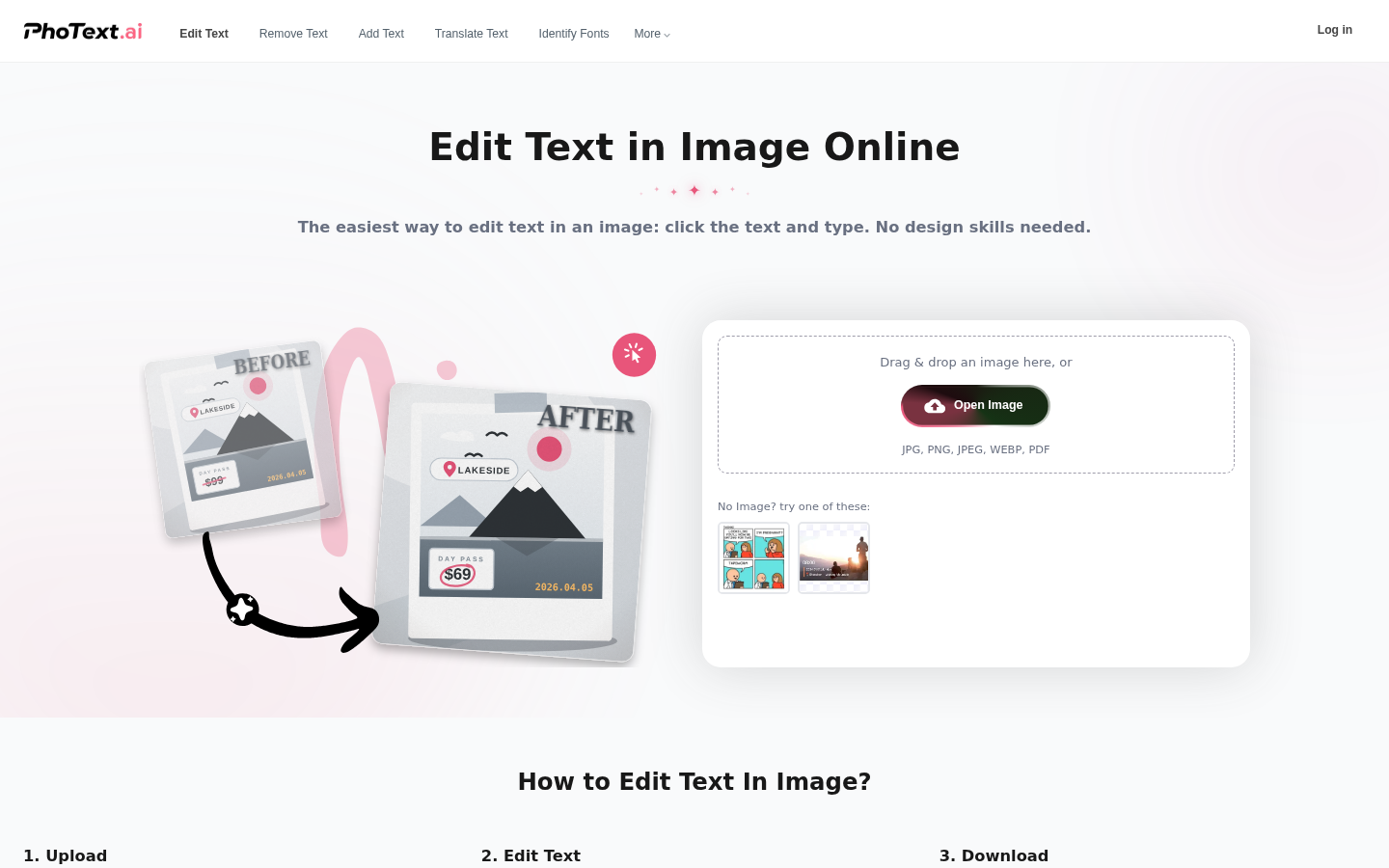
Screenshot archived from the listing page, for preview only.











