
Petclaw AI
Local AI desktop pet assistantA desktop pet that helps and remembers
Highlights
What you can do with it
- Students arranging study plans and homework reminders
- Office workers managing schedules and meeting notes
- Freelancers doing market research and writing code
How to use it
- 1 Visit the Petclaw AI website
- 2 Download the build for Mac or Windows
- 3 Run the installer and follow the one click setup
- 4 Launch the app and meet your assistant
- 5 Give it tasks by voice or another input method
- 6 Teach it new skills with simple commands
Who it is for
Pros
- Local operation keeps data on your device by default
- Voice interaction is quick for short requests
- One click setup avoids a long configuration process
- Memory of preferences reduces repeated explanation
- Free to download and use at the moment
Limitations
- Free status is current and can change with any release
- Local models depend on your hardware for speed and quality
- A desktop pet is a distraction as easily as a helper
- Open source framework means stability varies by build
What Petclaw AI is
Petclaw AI is a local AI desktop pet built on the Openclaw open source framework. It runs on your own computer rather than in a browser tab, and the listing emphasises privacy: data is stored locally by default and does not leave the device without your permission. Setup is described as one click, with no complex configuration. Interaction is mainly by voice, and the assistant is presented as able to help with schedules, email drafts, market research and code while remembering your preferences and project details. It is currently free to download and use, with builds for Mac and Windows.
What you can do with it
- Ask questions or assign tasks by voice while you work.
- Keep a schedule and get reminders for homework, meetings and deadlines.
- Draft emails and get language suggestions before you send.
- Run market research and pull together notes.
- Write or review code for personal projects.
- Teach it new skills with simple commands so it fits your routine.
Who it is for
- Students who need reminders and help with writing.
- Office workers managing calendars, meetings and email.
- Freelancers who handle research and delivery alone.
- Anyone who wants an assistant that stays on their own machine.
What to watch out for
The free download is the current state, and open source projects often change licensing or add paid tiers later, so confirm the terms before you depend on it. Because it runs locally, speed and answer quality depend on your hardware, and a weaker machine will feel slow. A desktop pet that is always on screen can distract as easily as it helps, so decide when you want it visible. Finally, it is built on an open source framework, which means stability varies between builds and you should keep backups of anything important you store with it.
FAQ
Does Petclaw AI run locally?
Yes, it is described as a local AI desktop pet with data stored on your device by default.
Is it free?
The listing says it can currently be downloaded and used for free.
Which systems are supported?
Mac and Windows downloads are listed.
What can it help with?
Schedules, email drafts, market research, code, and remembering preferences and project details.
How is my data handled?
The listing says data will not leave the device without your permission.
Why it is free
What the official page says: for free
Free limits, trial length and features are decided by the official site and can change at any time.
Product preview
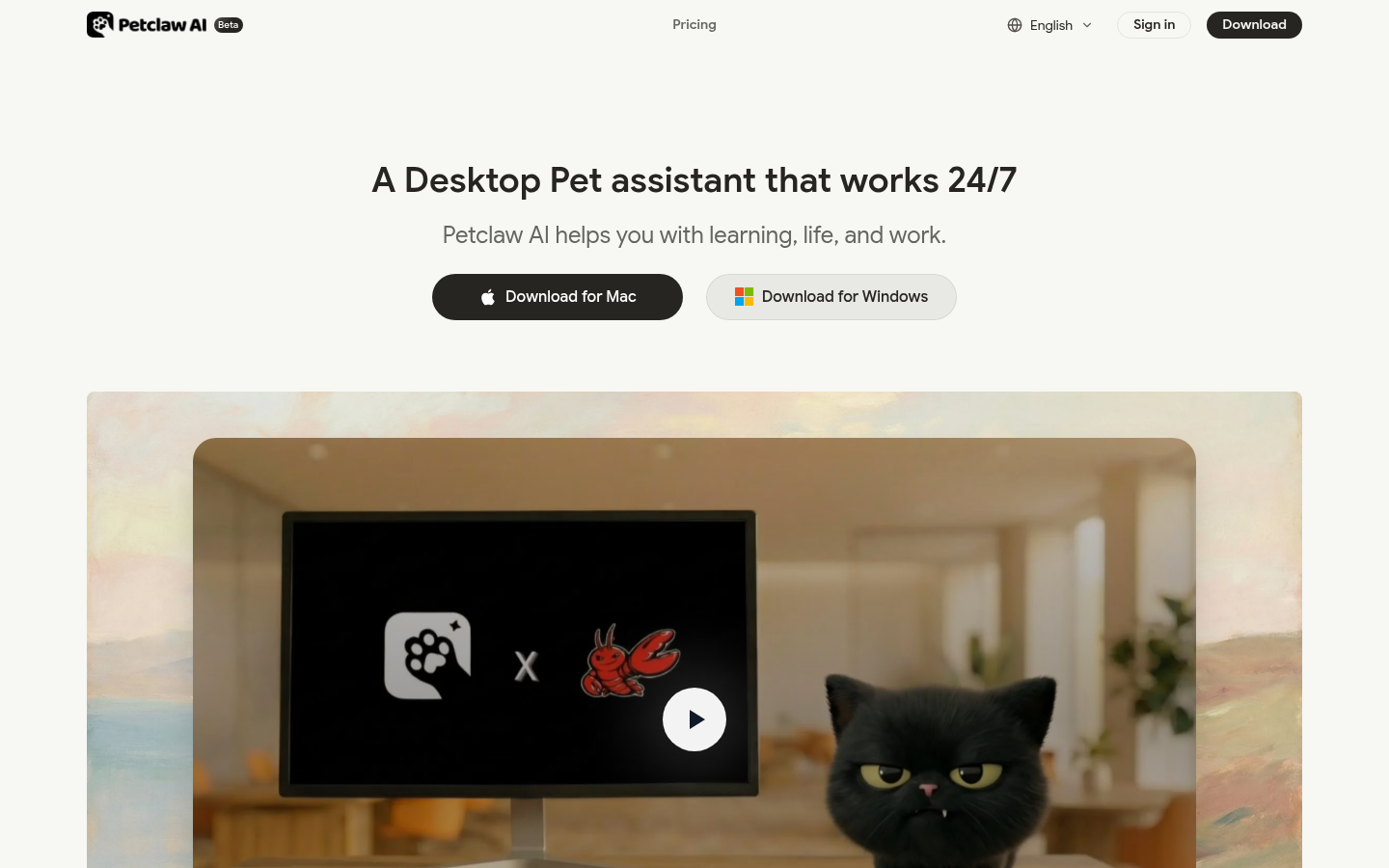
Screenshot archived from the listing page, for preview only.











