
PetalicaPaint
Automatic colouring for line artUpload a sketch, pick a style, get colour
Highlights
What you can do with it
- Testing colour schemes on a finished line drawing
- Colouring a manga panel quickly
- Exploring style options before final art
How to use it
- 1 Upload your sketch to the PetalicaPaint page
- 2 Pick a colouring style
- 3 Add colour hints if you want specific areas set
- 4 Run the automatic colouring
- 5 Adjust or re-run until you like the result
Who it is for
Pros
- Saves hours of flat colouring work
- Hints give you some control over the result
- Free and browser based
Limitations
- Clean line art gives much better results than rough sketches
- Shading and detail still need manual work
- Free availability and the style list can change
What PetalicaPaint is
PetalicaPaint is a free online tool that colours line art automatically. You upload a sketch, choose a colouring style and optionally add colour hints to steer specific areas, and the system fills in the rest. It is described as an assistant for artistic creation rather than a replacement for it, and it also offers a painting and doodling mode for looser experimentation. The service is provided by Preferred Networks and runs in the browser, so there is nothing to install.
What you can do with it
- Upload a hand-drawn sketch and colour it automatically
- Switch between colouring styles such as Japanese or French romantic
- Add partial colour hints to guide the result
- Doodle and paint directly in the browser
Who it is for
- Comic and manga artists who need flats before shading
- Illustrators testing palettes on a finished line drawing
- Hobbyists who want a quick coloured version of a sketch
What to watch out for
Input quality drives output quality. A clean, closed line drawing colours far better than a rough sketch with broken or sketchy lines, so scan or trace carefully first. The result is flat colour, not finished rendering, so shading, highlights and texture are still your job. Colour hints help but they do not give you precise control over every region. Free availability and the list of colouring styles can change, and there is no guarantee that a particular style will suit a particular drawing. Generated suggestions are for reference only, so verify anything that affects professional judgment or important data. Start with a small sample to confirm the output meets your expectations before processing the full batch.
FAQ
What is PetalicaPaint?
It is a free online automatic paint application tool for colouring sketches.
Can I control the colours?
Yes, you can add colour hints and choose from different colouring styles.
Who provides it?
The service is provided by Preferred Networks.
Why it is free
What the official page says: 免费
Free limits, trial length and features are decided by the official site and can change at any time.
Product preview
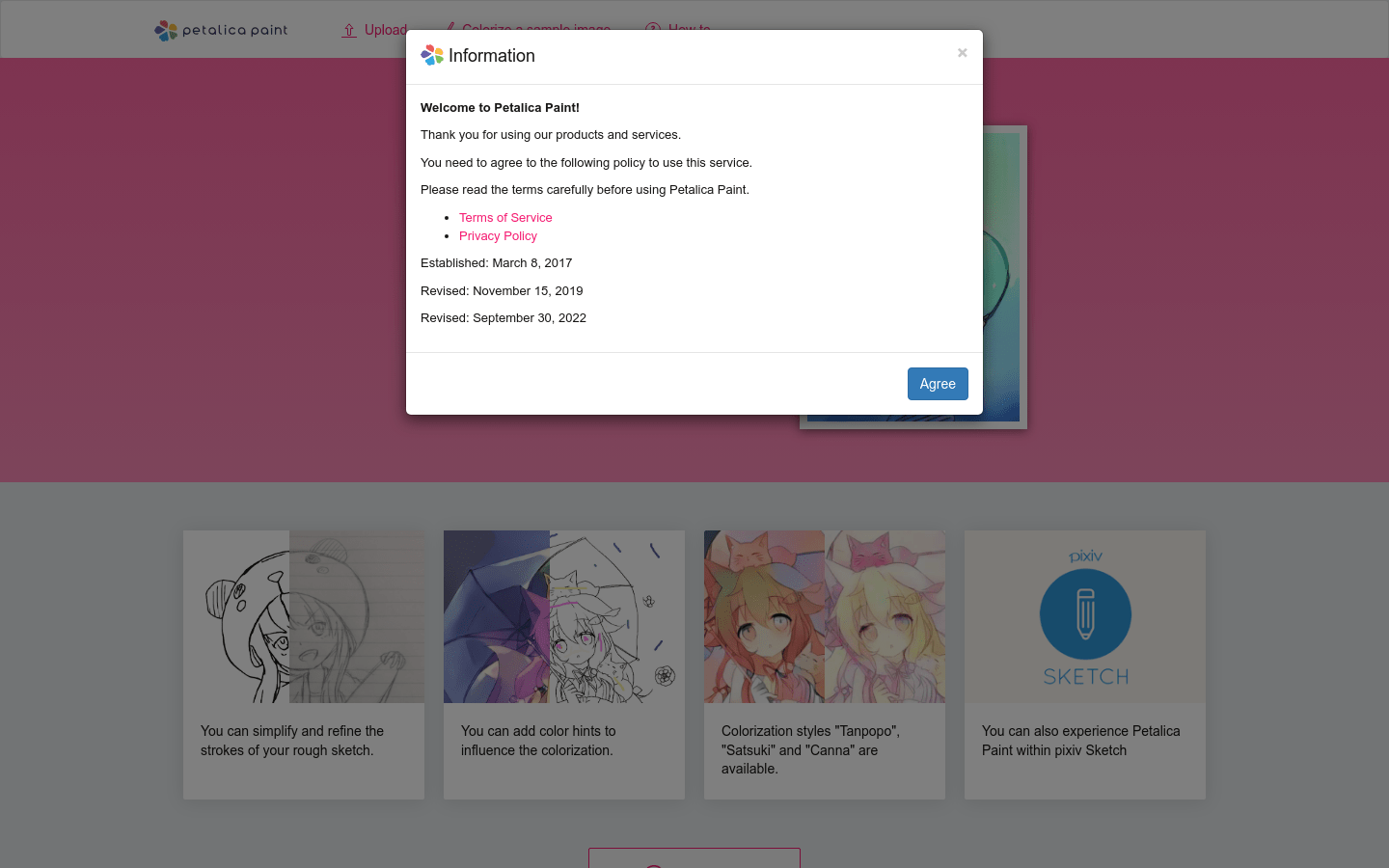
Screenshot archived from the listing page, for preview only.











