
Personalized AI Signature Generator Online
Free AI signature generator onlineHandwritten-style signatures in seconds
Highlights
What you can do with it
- A lawyer creates a professional electronic signature for contracts
- A graphic designer produces varied signature elements for clients
- A student designs a personal signature for resumes and internship contracts
How to use it
- 1 Enter your name in the input box, trying full name, initials, or a short version
- 2 Switch between styles such as regular, AI, and handwritten
- 3 Click Generate, pick your favorite option, and download the transparent PNG
Who it is for
Pros
- Free to use with no payment required
- Several styles to choose from
- Transparent background files drop straight into documents
- Generation takes seconds
Limitations
- A generated signature is decorative, not a legal signature by itself
- Free service terms and limits may change
- Quality varies with the name you enter
- No document signing or workflow features included
What this signature generator is
This is an online AI signature generator. You type a name, choose a style, and the tool produces a signature you can use as an electronic signature. Styles include handwritten, typed, and AI custom, and there are creative options that combine text with minimalist graphics and hand-drawn elements for personal branding, social avatars, and simple logos. A real-time preview shows the signature being written so you can compare options before committing. Output downloads as transparent PNG or SVG, which drops cleanly into Word, PDF, and other documents without a white box around it. The site states that use is free and no payment is required.
What you can do with it
- Generate a signature from your name in a few seconds
- Switch between handwritten, typed, and AI custom looks
- Preview the drawing in real time before choosing
- Download transparent PNG or SVG files for documents and design
Who it is for
- Lawyers and professionals who sign documents often
- Graphic designers who need signature elements for clients
- Executives and freelancers who want a clean signing mark
- Students adding a signature to resumes and agreements
What to watch out for
A generated signature is a graphic, not a legal signature. Whether it is acceptable depends on the document, the jurisdiction, and the other party, so for contracts that matter you should use a signing process with proper identity verification and an audit trail. There is no document workflow here, only image generation. Free service terms, generation limits, and available styles can change at any time. Quality also depends on the name you enter, since unusual spellings and very long names produce less natural results.
FAQ
Is it really free?
The site states that users can use the tool for free without paying any fees.
What formats can I download?
Transparent PNG and SVG, which are convenient for use in documents and design work.
What styles are available?
Handwritten, typed, and AI custom styles, plus creative options that combine text with minimalist graphics and hand-drawn elements.
Can I see it before I download?
Yes. There is a real-time preview of the AI writing the signature so you can compare options.
Why it is free
What the official page says: for free
Free limits, trial length and features are decided by the official site and can change at any time.
Product preview
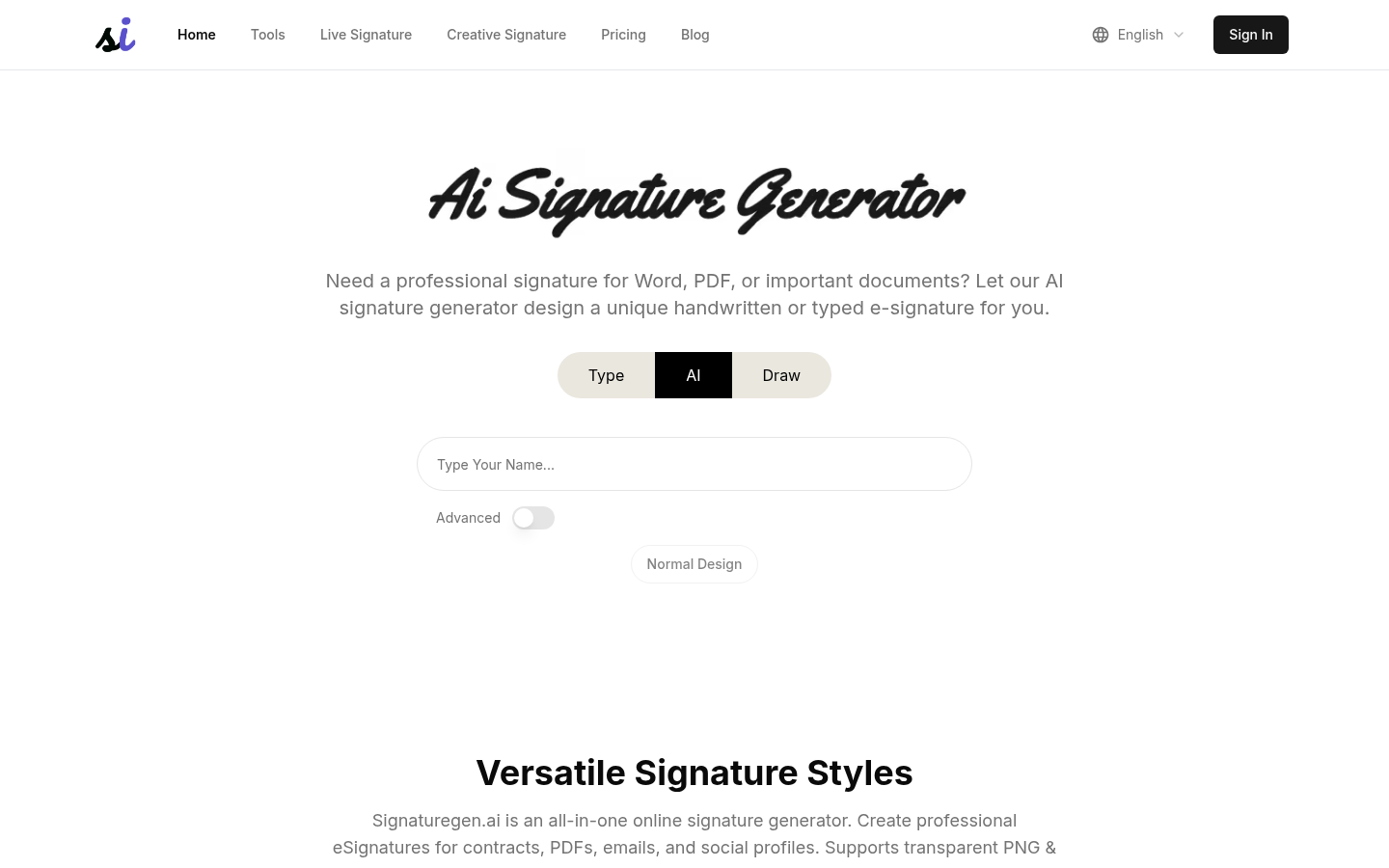
Screenshot archived from the listing page, for preview only.











