
PeakWatch
AI personal trainer with health and sleep insightsPersonal training guidance and recovery insights on your wrist
Highlights
What you can do with it
- A runner monitors training and gets personalized suggestions
- A coach tracks client load to avoid overtraining
- A user improves sleep with sleep trend analysis
How to use it
- 1 Download and install the PeakWatch app.
- 2 Register or log in and set your goals.
- 3 Start a workout and let the app track your data.
- 4 Review the AI health and training suggestions.
- 5 Adjust your plan using load balance and sleep insights.
Who it is for
Pros
- Personalized insights and daily training guidance
- Recovery and load balance help avoid overtraining
- Detailed tracking down to each step
- Sleep trend analysis for better rest
Limitations
- Free trial is limited and ongoing use needs a paid plan
- It is a watch app, so it depends on compatible hardware
- Suggestions are guidance, not medical advice
- Data accuracy depends on your device sensors
What PeakWatch is
PeakWatch is an AI personal trainer app. It helps you optimize training plans, improve performance, and focus on sleep quality through personalized health insights and daily training guidance. By analyzing your exercise data, it suggests load balance so you avoid overtraining and undertraining. Features include recovery and fatigue analysis, in-depth tracking of each workout down to every step, sleep trend insights, and a clear dial display on your wrist. The app offers a free trial to encourage downloads. It is aimed at runners, fitness coaches, and anyone tracking training and recovery, though full use usually moves to a paid plan.
What you can do with it
- Track each workout in detail, down to every step.
- Get recovery and fatigue analysis from your health data.
- Balance training load to avoid over- and under-training.
- Review sleep trends to improve rest and recovery.
Who it is for
- Running and fitness enthusiasts tracking training.
- Coaches managing client training loads.
- People working on sleep quality and recovery.
- Anyone who wants data-driven training guidance on a watch.
What to watch out for
The free trial is limited, and ongoing use typically needs a paid plan, and pricing can change over time. It is a watch app, so it depends on compatible hardware and accurate sensors, and data quality varies by device. The suggestions are training guidance, not medical advice, so consult a professional for health concerns. As with any fitness tool, results depend on consistent use and realistic goals. Generated suggestions are for reference only, so verify anything that affects professional judgment or important data. Start with a small sample to confirm the output meets your expectations before processing the full batch.
FAQ
Is PeakWatch free?
It offers a free trial, and ongoing use typically moves to a paid plan. Check the official site.
What does it track?
It tracks workouts down to each step, plus recovery, fatigue, load balance, and sleep trends.
Who is it for?
It suits runners, fitness coaches, and anyone focused on training and recovery.
Does it give medical advice?
No. It offers training and health guidance, but it is not a substitute for medical advice.
Why it is free
What the official page says: free trial
Free limits, trial length and features are decided by the official site and can change at any time.
Product preview
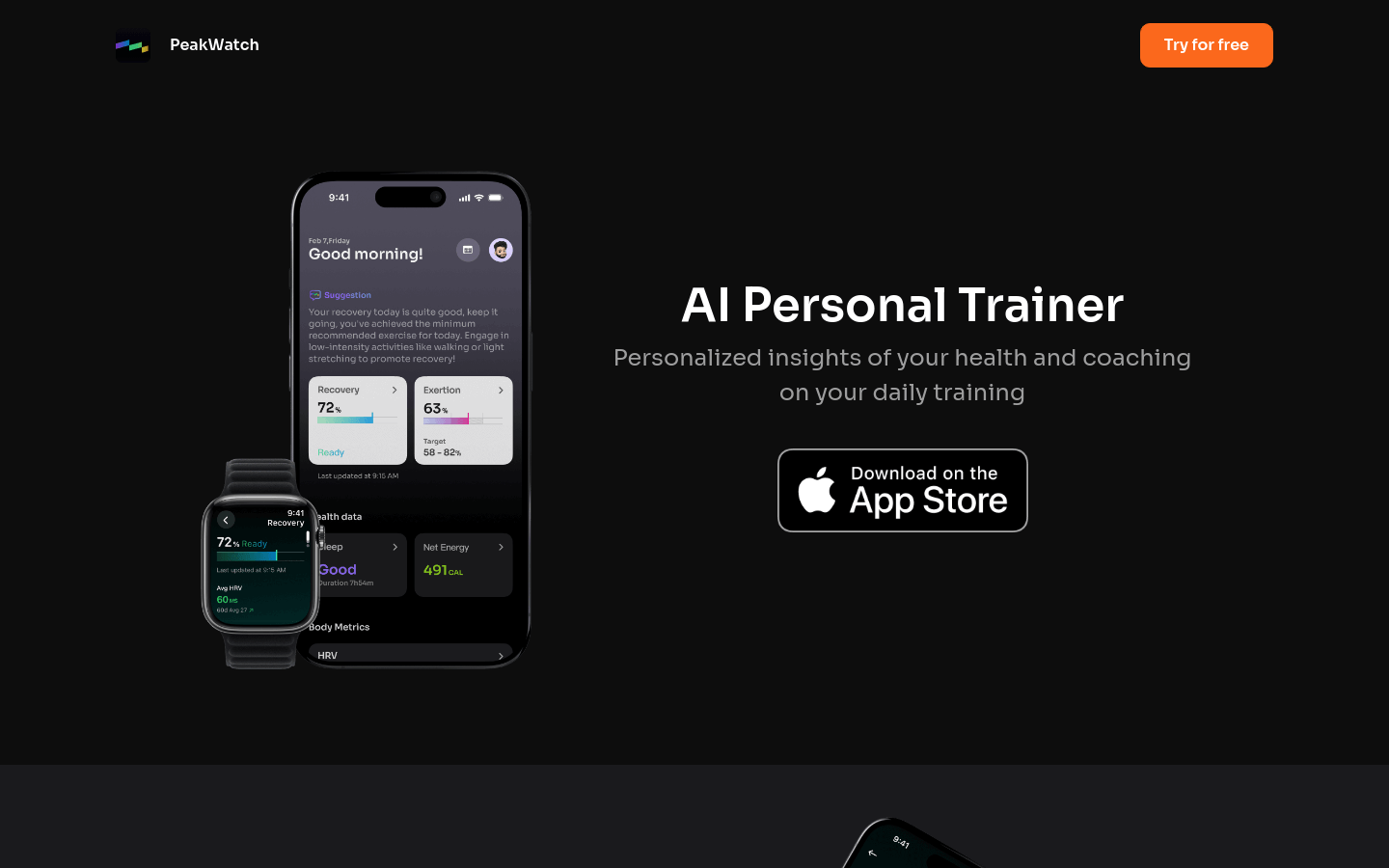
Screenshot archived from the listing page, for preview only.











