pdftoword.ai
Free online PDF toolkitMerge, split, convert and protect PDFs
Highlights
What you can do with it
- Merge reading materials into one PDF for revision
- Convert a contract to PDF and protect it with a password
- Extract editable text from a scanned document with OCR
How to use it
- 1 Open the pdftoword.ai website
- 2 Pick the tool you need, such as merge, convert or compress
- 3 Upload the PDF you want to process
- 4 Set options such as page range or output format
- 5 Process and download the result
Who it is for
Pros
- No install, everything runs in the browser
- All tools are stated to be free with no watermark on output
- Covers the common PDF jobs rather than just conversion
Limitations
- The free, no-watermark claim is the vendor's and can change without notice
- Browser processing means very large or complex files may be slow or fail
- Unlocking a PDF you do not own may breach terms or law; that responsibility is yours
What pdftoword.ai is
pdftoword.ai is an all-in-one online PDF toolkit. Rather than installing a desktop editor, you open the page, pick one of 24 tools and upload the file. The toolkit covers merging several PDFs in order, splitting a file by page range, converting to Word, Excel, JPG and other formats, compressing files for easier sharing, adding a custom watermark, running OCR to add a searchable text layer to scanned documents, repairing damaged PDFs, and protecting a file with a password or unlocking one you own. The vendor states that all tools are free and that output carries no watermark. It is aimed at individual and business users handling everyday document work.
What you can do with it
- Merge multiple PDFs into one ordered file
- Split a PDF by page range
- Convert PDF to Word, Excel, JPG and other formats
- Compress, watermark, repair, password-protect or unlock files
- Add a searchable text layer to scanned pages with OCR
Who it is for
- Students combining and converting reading material
- Business users preparing and protecting contracts
- Researchers extracting editable text from scanned papers
- Anyone who needs a quick PDF job without installing software
What to watch out for
The claim that every tool is free and watermark-free is the vendor's own, and free access rules, file size limits and processing quotas can change without notice, so do not build a paid workflow on it. Because processing happens in the browser, very large or complex files can be slow or fail outright, and heavy jobs are better handled by desktop software. And unlocking a PDF you do not own, or removing protection from a document you have no rights to, may breach terms of service or law; that decision and its consequences are yours.
FAQ
Is pdftoword.ai free?
The vendor states all tools are free and produce output without watermarks. Free access rules can change, so verify before relying on it.
How many tools are available?
The platform supports 24 PDF tools.
What can it convert to?
It converts PDF to formats including Word, Excel and JPG, among others.
Can it read scanned documents?
Yes. The OCR function adds a searchable text layer to scanned PDFs.
Why it is free
What the official page says: 免费
Free limits, trial length and features are decided by the official site and can change at any time.
Product preview
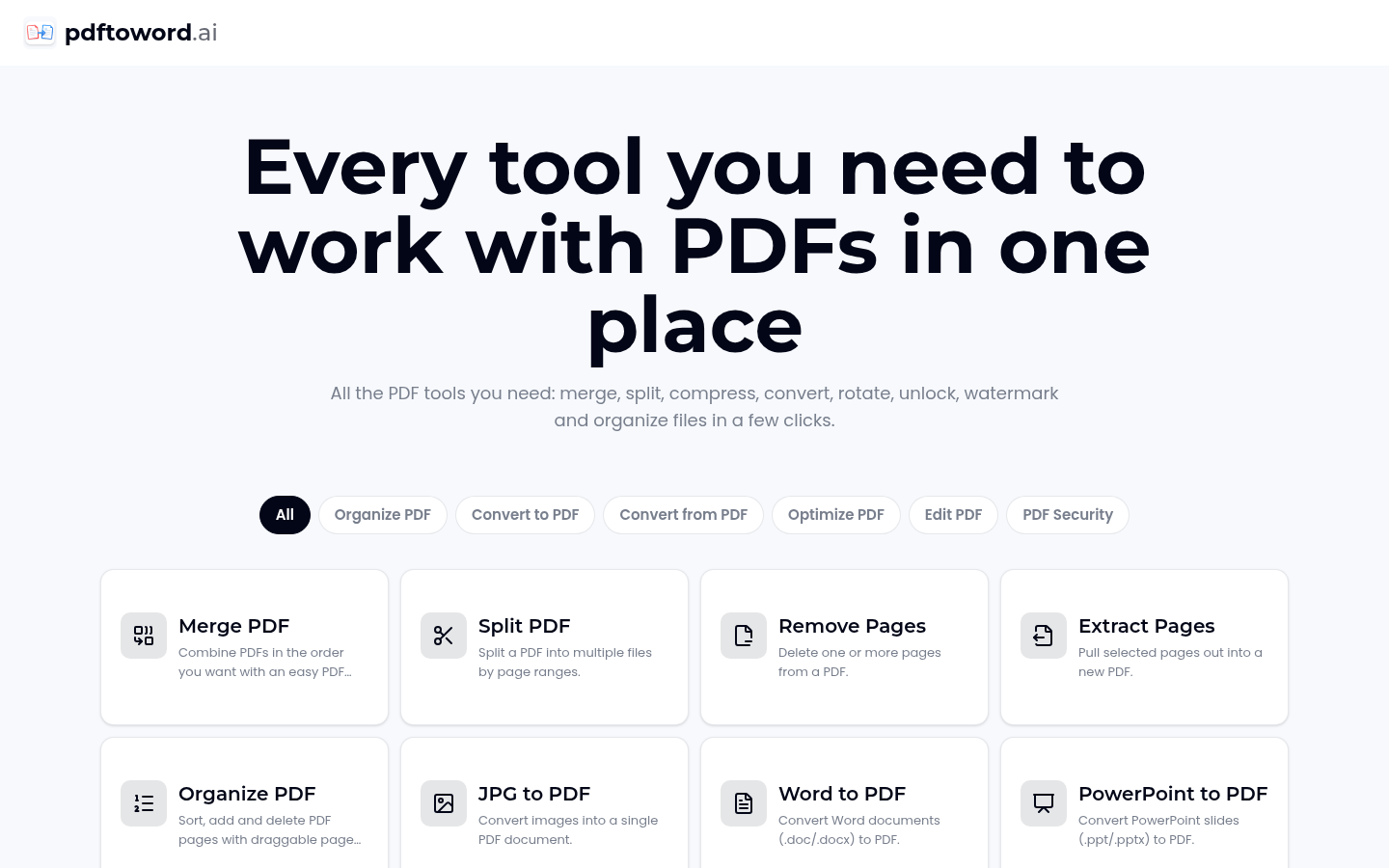
Screenshot archived from the listing page, for preview only.











