PDFT.AI
AI document translation toolTranslate documents, keep the layout
Highlights
What you can do with it
- Translating a textbook or paper into your own language
- Converting company documents for global teams
- Reading local language documents while travelling
How to use it
- 1 Open the PDFT.AI website
- 2 Click Translate File and upload your document
- 3 Select the source and target languages
- 4 Register and let the automatic translation run
- 5 Download the translated file
Who it is for
Pros
- Free plan available right away
- Preserves layout rather than dumping plain text
- Handles scanned copies as well as digital files
Limitations
- Translation quality varies by language pair and document
- Large files cost money beyond the free plan
- Registration is required before files are translated
What PDFT.AI is
PDFT.AI is an AI document translation tool that runs in the browser. You upload a file, choose languages, and the service returns a translated version. The feature list covers PDF, DOCX, PPTX, XLSX, JPG, and PNG, so both digital documents and scans are in scope. Translation runs across more than one hundred languages, and the listing stresses that the original layout is preserved, which is the part that separates a usable translation from a plain text dump. The workflow is described as fully automated from upload to download, with results visible after a few clicks. A free plan is available immediately, and larger PDF files are offered with special discounts.
What you can do with it
- Translate documents across more than one hundred languages
- Keep the original layout, including for scanned copies
- Handle PDF, Word, PowerPoint, Excel, and image inputs
- Download the finished file after a short wait
Who it is for
- Students reading source material in another language
- Multinational teams sharing documents across regions
- Travellers who need local paperwork understood quickly
What to watch out for
Machine translation quality varies by language pair and by how clean the source is, so important documents still deserve a human check. The free plan has limits, and large PDF files move into paid territory, with discounts rather than free handling. Registration is required before files are translated, which means your documents pass through a third party service, so review the privacy terms before uploading anything sensitive. Scanned copies depend on recognition quality, and a poor scan will produce a poor translation. Generated suggestions are for reference only, so verify anything that affects professional judgment or important data.
FAQ
Which formats does PDFT.AI support?
PDF, DOCX, PPTX, XLSX, JPG, and PNG, according to the feature list.
How many languages?
More than one hundred, per the listing.
Does it keep the layout?
Yes, it maintains the original layout including scanned copies.
Is it free?
A free plan is available immediately, with special discounts for large PDF files.
Why it is free
What the official page says: 免费
Free limits, trial length and features are decided by the official site and can change at any time.
Product preview
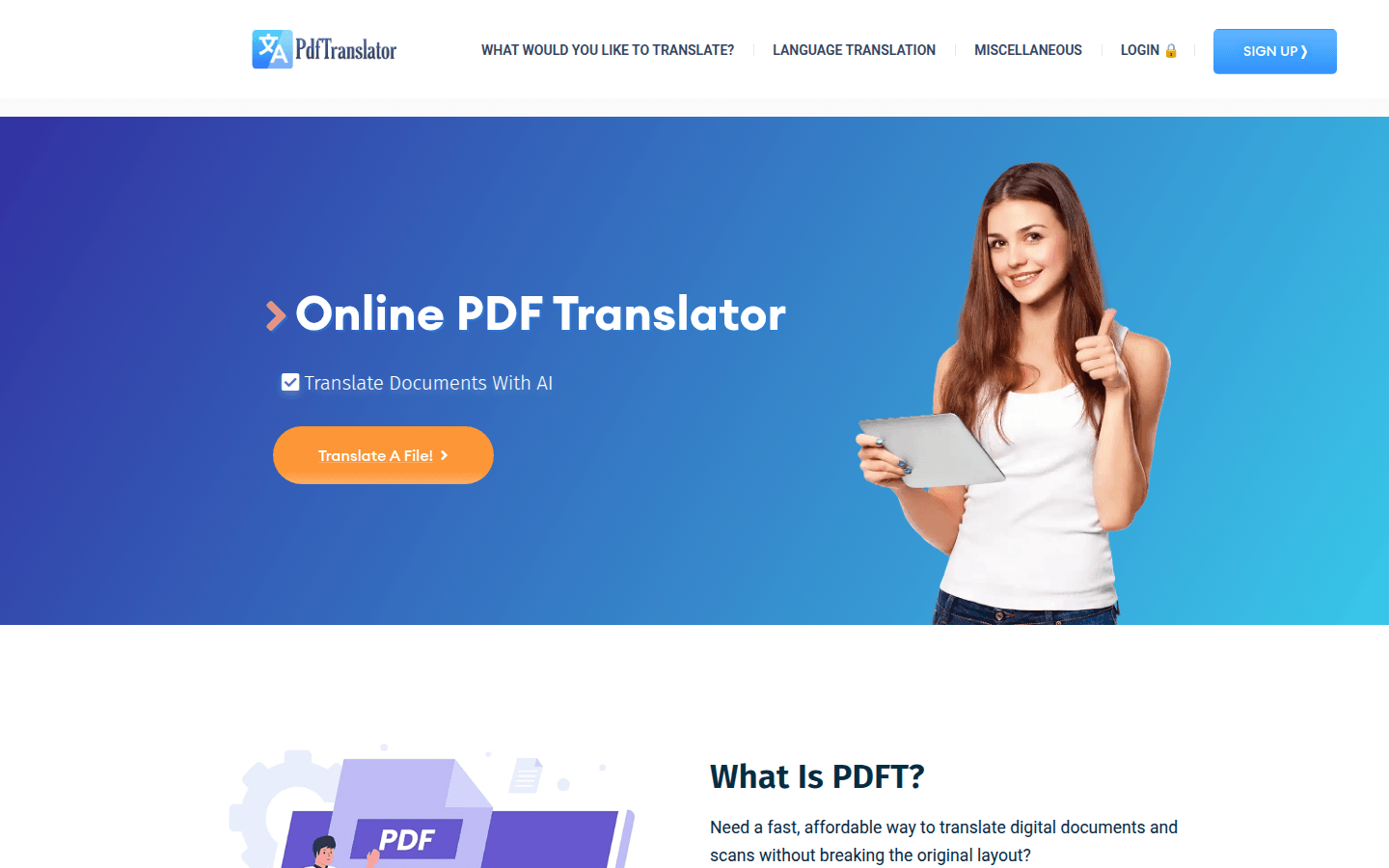
Screenshot archived from the listing page, for preview only.