
PDFPeer
Chat with your PDF files for freeAsk questions and get summaries from any PDF
Highlights
What you can do with it
- Ask a long report where a specific figure is mentioned
- Summarize a paper or a contract before a meeting
- Pull key points out of course material while studying
How to use it
- 1 Open pdfpeer.com in a browser
- 2 Upload the PDF you want to work with
- 3 Start a chat about the document
- 4 Ask a direct question or request a summary
- 5 Use the answer to jump straight to the relevant part of the file
Who it is for
Pros
- Free to use with no payment required
- Simple workflow: upload, ask, read the answer
- Handles summaries as well as direct questions
Limitations
- Free rules can change and usage limits are not published
- Answers depend on the model reading the file correctly, so verify anything important
- Long or unusually formatted documents can be summarized less reliably
What PDFPeer is
PDFPeer is a tool that turns a PDF document into something you can hold a conversation with. The workflow is deliberately small: upload a file, then ask questions about its contents and get answers back, or ask for a summary of the whole thing. The site also highlights finding key information quickly, which is the real selling point for anyone who reads long documents for a living. Instead of scrolling or using a search box and hoping for the right wording, you ask where a detail lives and go straight there. The site describes the product as free to use with no payment required, aimed at students, professionals, and everyone in between. There is nothing to install and nothing to configure.
What you can do with it
- Upload any PDF file and open a chat about its contents.
- Ask direct questions and receive answers without reading the whole document.
- Request an automatic summary of the file before a meeting or a class.
- Locate key information quickly so you only read the parts that matter.
Who it is for
- Students working through dense reading lists and course material.
- Professionals reviewing contracts, reports, and technical documentation.
- Anyone who regularly needs to find one fact inside a long PDF.
What to watch out for
Free access rules can change and the site does not publish usage limits, so confirm what is allowed before you lean on it for a deadline. Answers depend on the model reading your file correctly, so treat them as a pointer rather than a final word and verify anything you plan to quote, sign, or cite. Long documents and unusual formatting can be summarized less reliably, and an occasional wrong answer will sound perfectly confident. For anything with legal, medical, or financial consequences, read the source text yourself.
FAQ
Is PDFPeer free?
Yes. The site says it is free to use with no payment required.
What can I do with it?
Upload a PDF, ask questions about it, request summaries, and locate key information.
Who is it for?
The site names students, professionals, and everyone in between who works with PDF files.
Why it is free
What the official page says: 免费使用免费
Free limits, trial length and features are decided by the official site and can change at any time.
Product preview
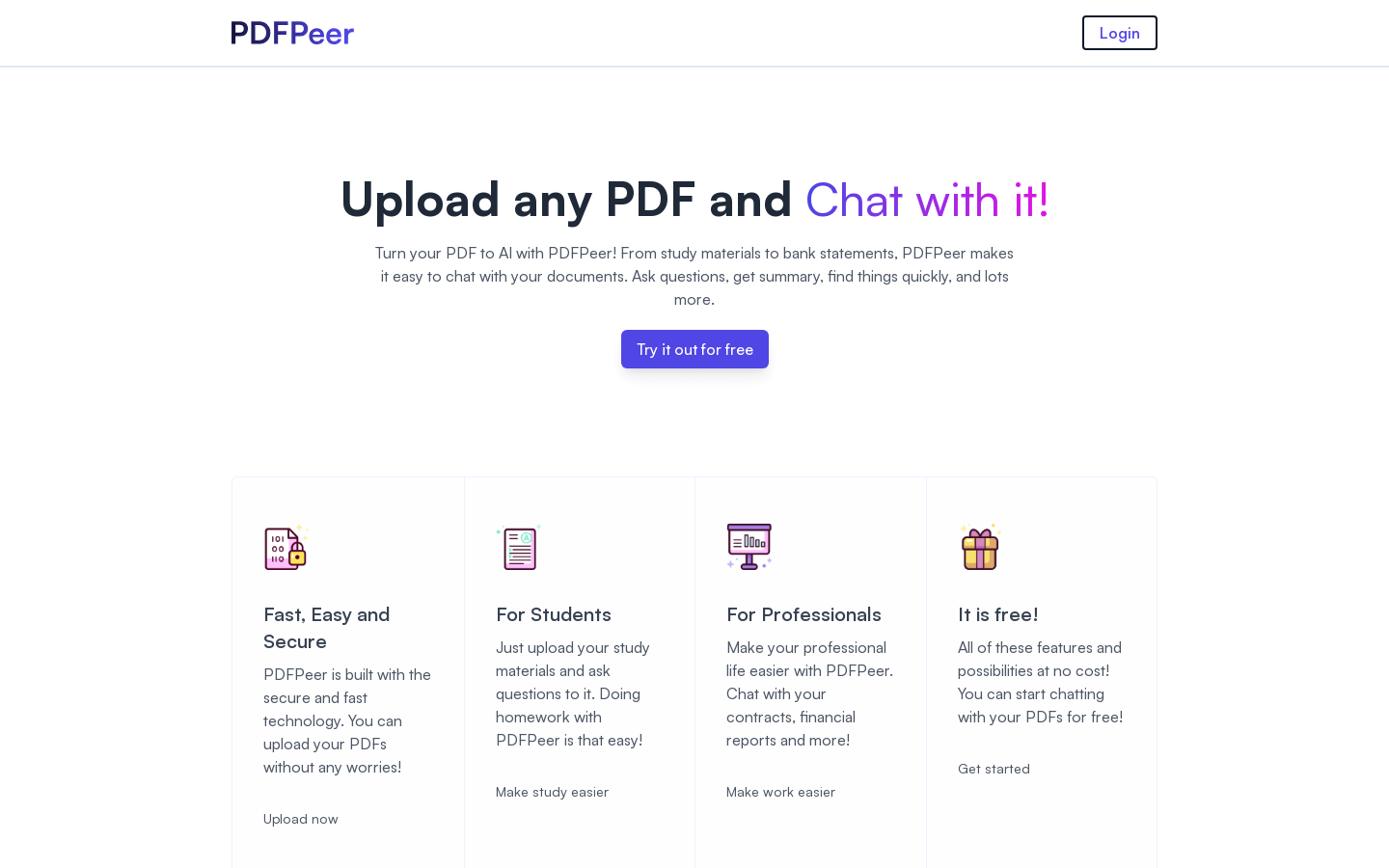
Screenshot archived from the listing page, for preview only.











