
PDF to Word AI
Free PDF to Word converterConvert PDF to editable DOCX online
Highlights
What you can do with it
- Convert PDF papers into Word for citations
- Turn PDF contracts into editable Word files
- Move academic PDFs into Word for notes
How to use it
- 1 Upload a PDF within your size limit
- 2 Wait for the DOCX to process in the queue
- 3 Download the finished Word document
- 4 Continue editing in Word or other editors
Who it is for
Pros
- Free conversion for visitors up to 10MB
- Keeps text and layout in the DOCX
- Files are deleted after 24 hours
Limitations
- Free size limits can change over time
- Scanned or complex PDFs may convert poorly
- Not for highly sensitive documents
What PDF to Word AI is
PDF to Word AI is a free online AI tool for converting PDF files into editable DOCX documents, and visitors can convert files up to 10MB for free. It focuses on the core flow of uploading, converting, and downloading, with simple steps and a stable process. The converted DOCX keeps the text content and layout of the original PDF so you can edit it in Word. It supports normal text PDFs and scanned documents, and files are kept only temporarily before being deleted.
What you can do with it
- Convert a PDF into an editable DOCX
- Keep the text and layout of the original
- Try scanned documents as well as text PDFs
- Download and continue editing in Word
Who it is for
- Students converting papers and readings
- Office workers editing contracts and reports
- Researchers organizing academic PDFs
What to watch out for
Free size limits can change over time, and larger files need a paid plan. Scanned or complex PDFs may convert poorly and need cleanup. Do not upload highly sensitive documents, even though files are deleted after 24 hours. Long conversions run as background tasks, so wait for the status to finish. When quality matters, export a small draft first to confirm the result before producing the final file. Generated suggestions are for reference only, so verify anything that affects professional judgment or important data. Features and interface details may change between versions, so review the latest notes on the page before you start. For team use, agree on naming and editing conventions in advance to avoid version conflicts or duplicated work.
FAQ
Is it free?
Visitors can convert PDFs up to 10MB for free, and logged-in users up to 20MB.
What does it output?
It outputs editable DOCX files that keep the text and layout of the PDF.
How long are files kept?
Files are retained for 24 hours by default, then deleted automatically.
Why it is free
What the official page says: for free
Free limits, trial length and features are decided by the official site and can change at any time.
Product preview
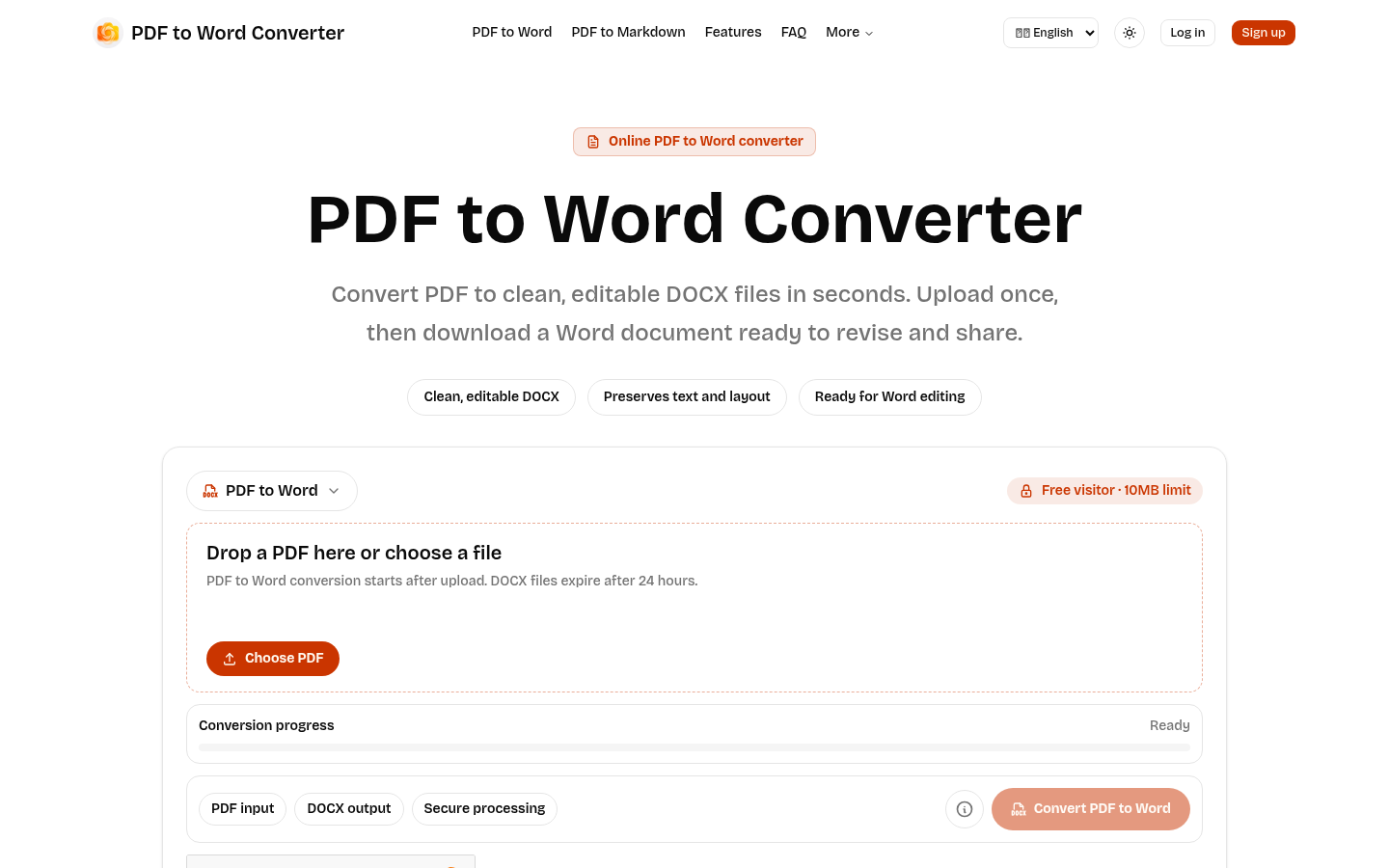
Screenshot archived from the listing page, for preview only.











