PDF to Video AI
Turn a PDF into a narrated video onlineUpload a PDF, get a video you can share
Highlights
What you can do with it
- Turn a training manual into a watchable video
- Convert a report or slide deck into a shareable summary
- Turn study notes into a visual learning video
How to use it
- 1 Upload your PDF document.
- 2 Let the AI analyze the text, images, and layout and generate an editable video.
- 3 Make quick edits to voice, timing, and design.
- 4 Export, then download the video or share it online.
Who it is for
Pros
- No editing skills required to get a first cut
- No registration needed to try it
- Multilingual narration included
Limitations
- Complex layouts may not translate cleanly into a video structure
- Free availability is a current claim and can change
- Generated narration should be reviewed for accuracy before wide distribution
What PDF to Video AI is
PDF to Video AI is an online tool that turns a PDF document into a presentation video. You upload the file and the AI reads the text, images, and layout, then builds a video with motion, animation, and narration on top of your content. The point is that a document people skim becomes something people watch.
The listing says it runs directly in the browser with no registration, and that it is free to create and share. It also states that the resulting videos can be used for personal, educational, or commercial purposes, which covers most of the reasons people convert a deck in the first place. Voice, timing, and design are adjustable, and narration can be generated in several languages.
What you can do with it
- Upload a PDF and get an editable video back.
- Adjust voice, timing, and design to fit your own style.
- Generate narration in multiple languages.
- Export the video for download or online sharing.
Who it is for
- Training teams turning manuals into something employees will actually finish.
- Marketers who need a product walkthrough without a video editor.
- Students and educators converting notes or slides into study material.
What to watch out for
Automatic conversion follows the structure of your PDF, so a document with dense paragraphs, unusual layouts, or heavy tables may produce a video that reads awkwardly. Expect to edit rather than accept the first output, and keep the source PDF as the authoritative version.
Narration is machine generated, so check names, numbers, and technical terms before you distribute it widely; a mispronounced product name in a training video undermines the whole thing. Free access is described as the current state and can change, so verify before you build a recurring process around it.
FAQ
Do I need to register?
The listing says you can use it immediately without registration.
Is it free?
The listing describes creating and sharing videos online for free.
What kinds of documents work?
Slideshows, reports, manuals, and training material are the examples given.
Can I use the output commercially?
The listing states the generated videos can be used for personal, educational, or commercial purposes.
Why it is free
What the official page says: for free
Free limits, trial length and features are decided by the official site and can change at any time.
Product preview
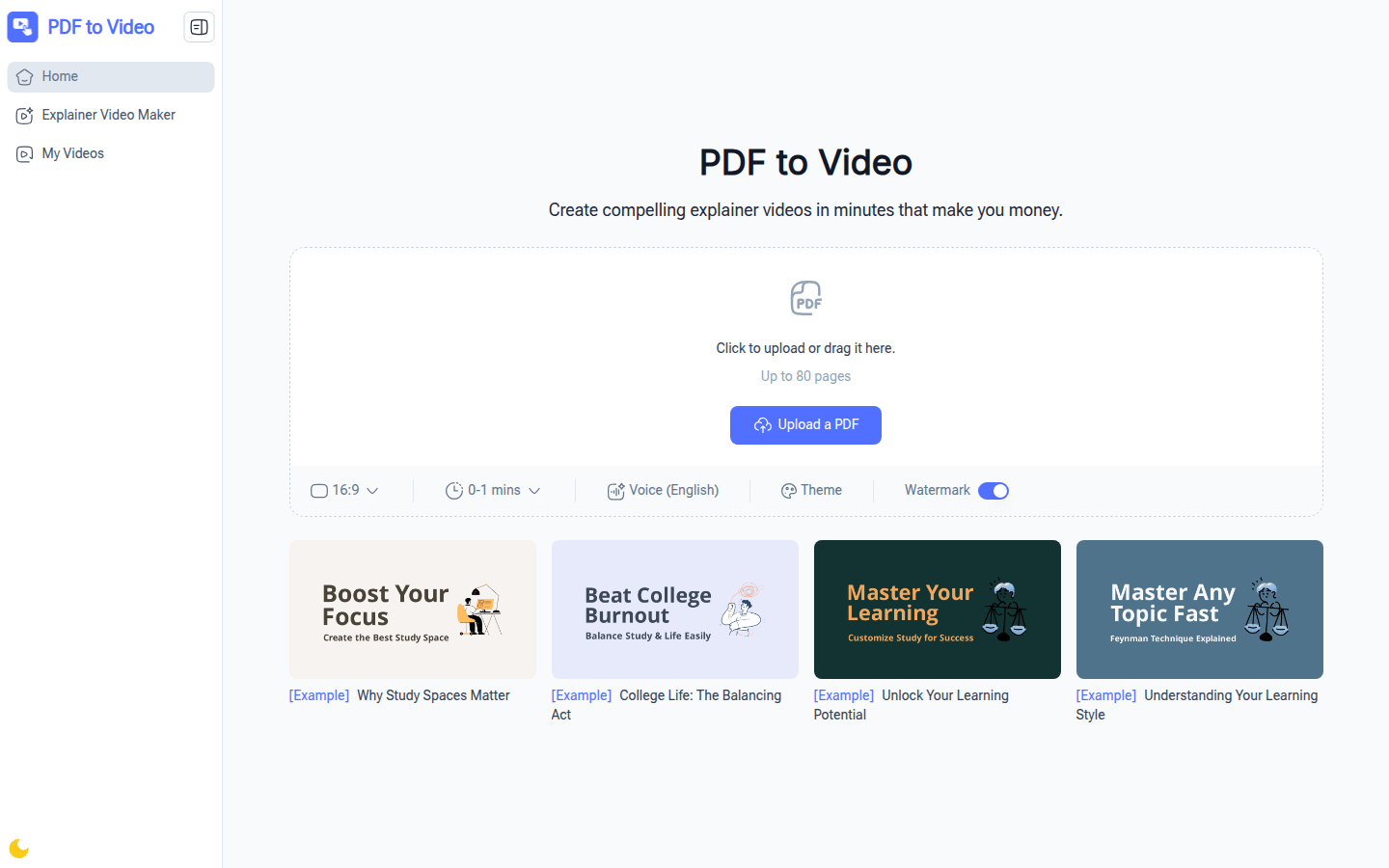
Screenshot archived from the listing page, for preview only.











