
PDF.MD
Chat with any PDF fileUpload a PDF and start asking questions
Highlights
What you can do with it
- Find specific details inside a long PDF
- Generate a summary of a document
- Extract data and key points for reuse
How to use it
- 1 Open the PDF.MD website
- 2 Upload the PDF file you want to read
- 3 Type your question about the document
- 4 Read the answer, summary, or extracted data
Who it is for
Pros
- A free plan is available alongside paid plans
- Saves time finding details inside PDFs
- Summaries and extraction in one place
Limitations
- Free plan limits can change over time
- Answers depend on the document and may be imperfect
- Very large or scanned PDFs may be harder to parse
What PDF.MD is
PDF.MD is an application that allows you to chat with any PDF file. You simply upload your file and start asking questions, which saves time and effort when you need specific information. With PDF.MD, you can quickly retrieve details, generate summaries, and extract data. It offers both free and paid plans, so you can start without paying and upgrade if you need more.
What you can do with it
- Chat with any uploaded PDF file
- Retrieve specific information fast
- Generate summaries of long documents
- Extract data and key points for reuse
Who it is for
- Students and researchers reading long papers
- Professionals who need answers from documents
- Anyone who wants quick summaries of a PDF
What to watch out for
It offers free and paid plans, but free plan limits can change over time. Answers depend on the document and the model, so they may be imperfect and should be checked against the source. Very large or scanned PDFs can be harder to parse. Because you upload files, be careful with sensitive or private documents. Behavior may vary across browsers and devices, so test before production use and consult the help docs if errors appear. Features and interface details may change between versions, so review the latest notes on the page before you start. Processing speed depends on file size and network conditions, so retry later if a task stalls during peak hours. Run one full task end to end first, then expand once you are comfortable with the workflow and the result quality. Name and archive exported files consistently so you can find and reuse them, and keep a backup copy of key data.
FAQ
Is PDF.MD free?
It offers both free and paid plans.
What can I do with it?
You can retrieve information, generate summaries, and extract data from a PDF by asking questions.
How do I start?
Upload your PDF file and start asking questions.
Why it is free
What the official page says: 免费
Free limits, trial length and features are decided by the official site and can change at any time.
Product preview
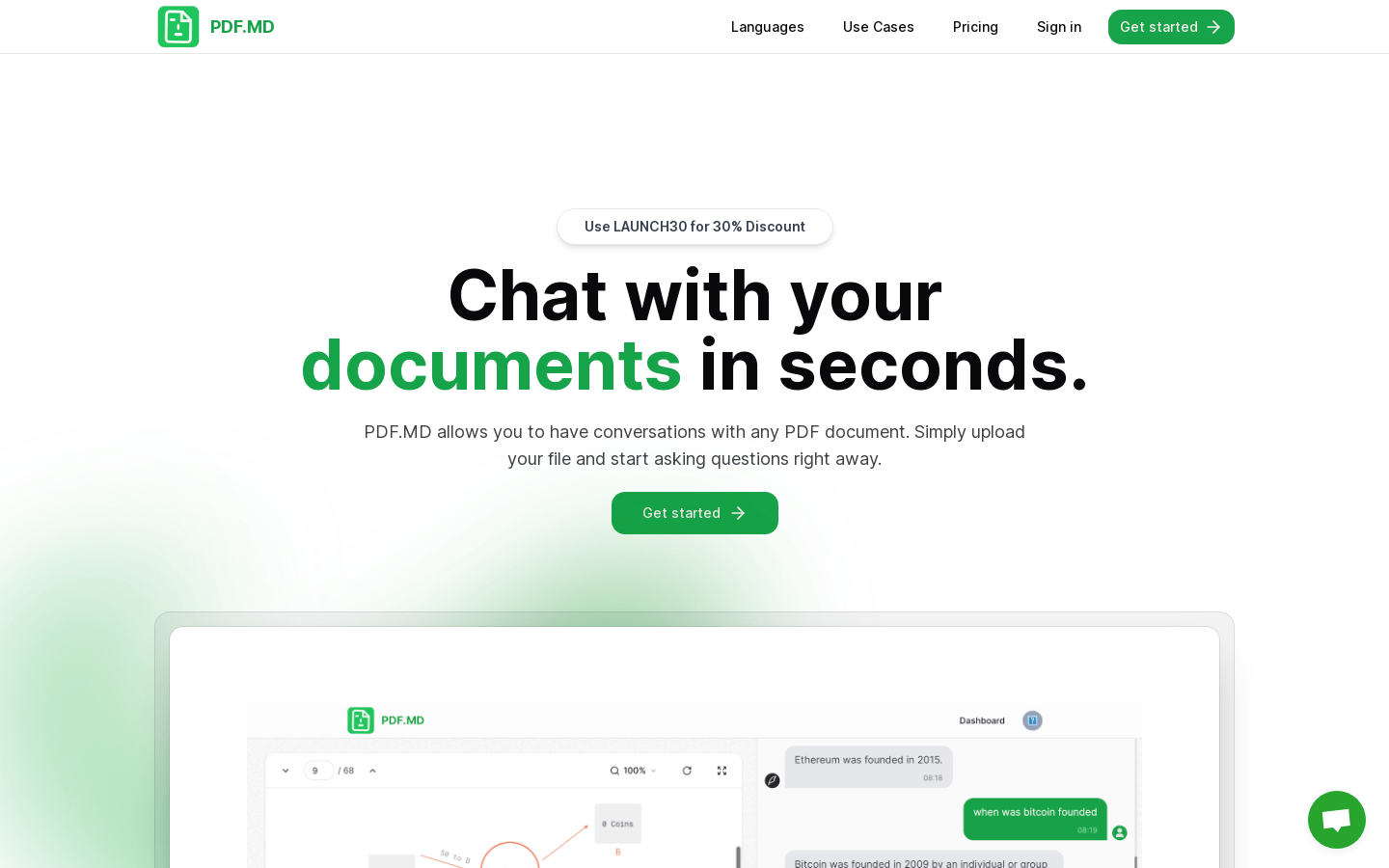
Screenshot archived from the listing page, for preview only.











