
PDF.ai
Chrome extension for PDF tasksBrowse, edit, convert, and merge PDFs
Highlights
What you can do with it
- Individual users editing and converting personal PDFs
- Businesses merging files and extracting content
- Students browsing and converting PDF study material
How to use it
- 1 Install the PDF.ai extension in Chrome
- 2 Open a PDF or upload the file you need
- 3 Pick the task such as edit, convert, extract, or merge
- 4 Save or export the finished file
Who it is for
Pros
- Convenient as a browser extension
- Covers the common PDF tasks in one place
- Free version available for basic use
Limitations
- Advanced features require the paid version
- Tied to Chrome, so other browsers are not covered
- A browser plugin, so very large files may be slow
What PDF.ai is
PDF.ai is a Chrome extension that handles everyday PDF work. Instead of installing a separate desktop program, you add the extension to Chrome and work on PDFs right in the browser. It covers the common tasks people need: browsing a PDF, editing it, converting it to another format, pulling content out of it, and merging several files into one. The goal is to save time and make document handling more efficient. There is a free version for basic needs and a paid version that adds more advanced features for heavier use.
What you can do with it
- Open and read PDF files in the browser.
- Edit text and pages in a PDF.
- Convert a PDF into another file format.
- Extract content out of a PDF for reuse.
- Merge multiple PDFs into a single document.
Who it is for
- Individuals who edit and convert personal PDFs.
- Businesses that merge files and pull out content.
- Students who browse and convert study materials.
- Anyone who wants quick PDF tools without extra software.
What to watch out for
Advanced features are locked behind the paid version, so the free tier is fairly basic. Because it is a Chrome extension, it will not help if you work in another browser. Very large or complex PDFs may be slow or limited inside a plugin compared with desktop software, and conversion quality can vary by file, so check the output before you rely on it. Free tiers and usage limits can change, so check the current rules on the official page before relying on it long term. Processing speed depends on file size and network conditions, so retry later if a task stalls during peak hours.
FAQ
Is PDF.ai free?
It offers a free version, and a paid version adds advanced features.
What can I do with it?
You can browse, edit, convert, extract content from, and merge PDF files.
Where does it run?
It is a Chrome extension, so it works inside the Chrome browser.
Why it is free
What the official page says: free version
Free limits, trial length and features are decided by the official site and can change at any time.
Product preview
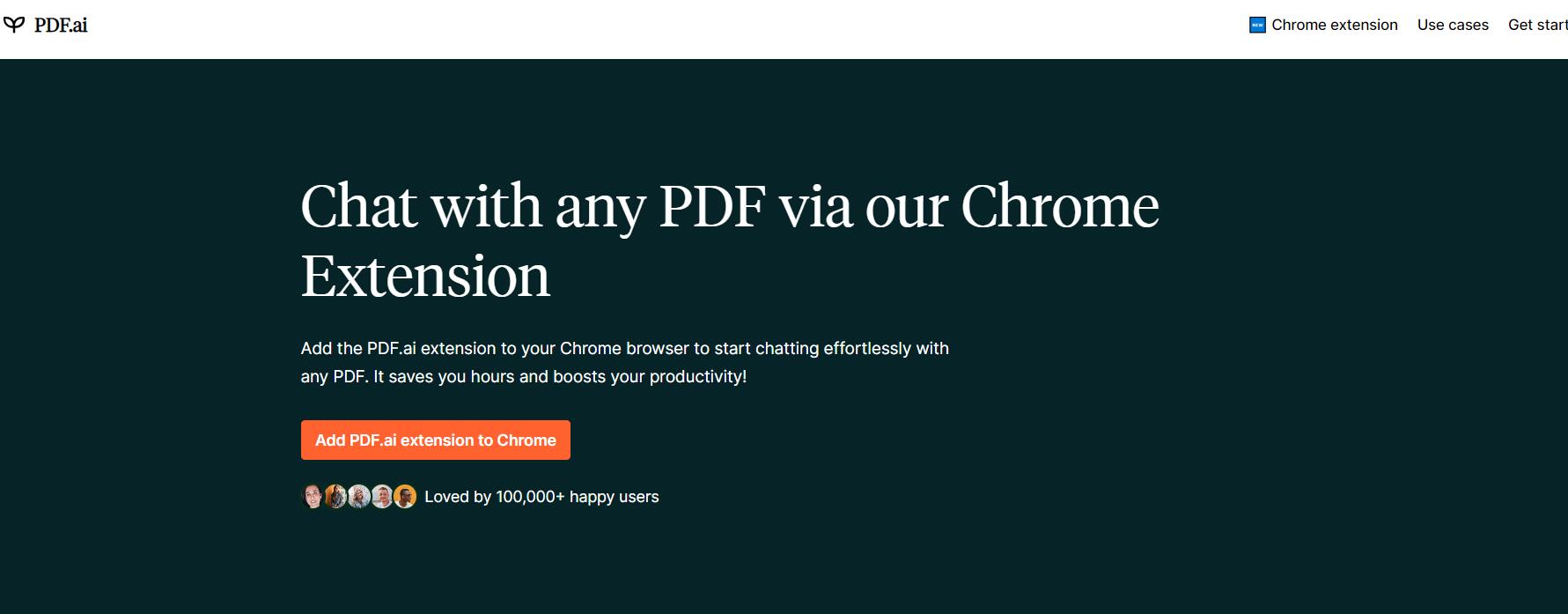
Screenshot archived from the listing page, for preview only.











