
PayPing
Manage and split subscriptionsTrack renewals, split bills, save money
Highlights
What you can do with it
- Individuals keeping streaming and app renewals visible
- Families splitting a shared membership
- Teams tracking software subscriptions and budgets
How to use it
- 1 Register or log in on the site
- 2 Add subscriptions manually or by email scan
- 3 Set reminder timing and splitting ratios
- 4 Review the analysis and act on AI suggestions
Who it is for
Pros
- Free plan for up to three subscriptions
- One time lifetime payment option
- Splitting and export included
Limitations
- Free plan is capped at three subscriptions
- AI suggestions are advice, not decisions
- Email scanning needs inbox access
What PayPing is
PayPing is a subscription manager available on web, iOS, and Android. It collects every recurring service you pay for in one list, tracks renewal dates, and sends reminders 7, 3, or 1 day before a charge so nothing renews by surprise. Spending is analysed through charts, subscription trends, renewal calendars, and category breakdowns, and an AI review points at services you are not using and suggests where to cut. Bills can be split with up to six people at a ratio you choose, using a shared link so everyone sees the same list. Budget tracking compares spending against a limit, and data exports to CSV or PDF. A free plan covers three subscriptions, and a one time payment is offered for lifetime access.
What you can do with it
- Track renewals across streaming, apps, and memberships
- Set reminder timing for each subscription
- Split bills with up to six people through a shared link
- Review spending analysis and act on AI suggestions
Who it is for
- Individuals with several recurring charges and no single view
- Families sharing memberships and dividing cost
- Small teams tracking software subscriptions
- Anyone trying to stop silent renewals draining money
What to watch out for
The free plan stops at three subscriptions, which is a trial rather than a solution for most people. Automatic import means connecting your email, so weigh that access against the convenience. AI suggestions are advice; cancelling a service is still your decision, and a service that looks unused may be used rarely on purpose. Export and analysis only reflect what was entered, so gaps in the data give gaps in the picture. Check current pricing, since the lifetime option may not remain available.
FAQ
How many on the free plan?
Up to three subscriptions.
Can I split bills?
Yes, with up to six people.
Is there a one time payment?
Yes, a lifetime option is offered.
Why it is free
What the official page says: free plan
Free limits, trial length and features are decided by the official site and can change at any time.
Product preview
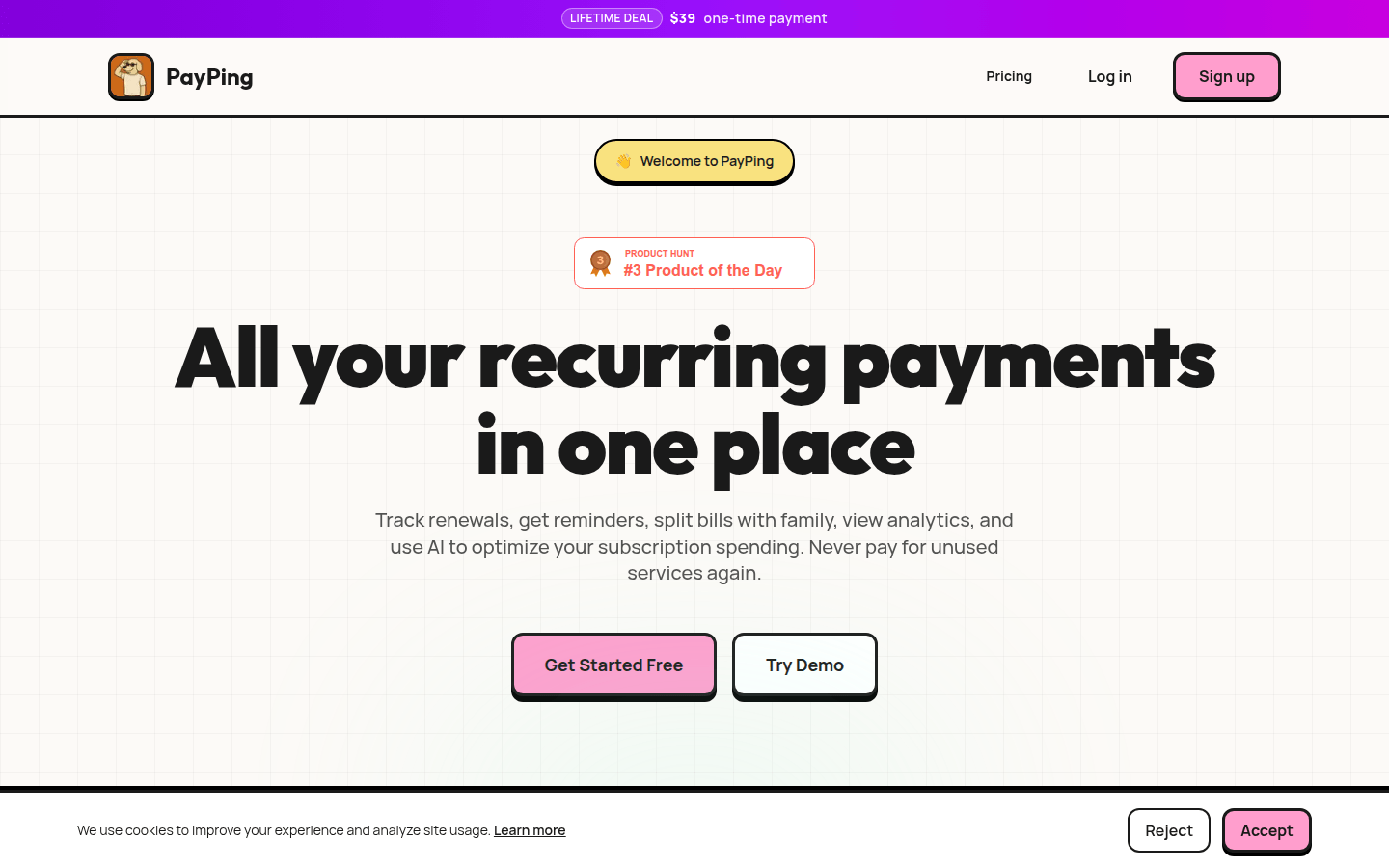
Screenshot archived from the listing page, for preview only.











