
PatentFig AI
AI platform that creates compliant patent drawings from text, photos, or sketches.Generate office-ready patent figures without drawing or CAD skills.
Highlights
What you can do with it
- Patent law firms generate 3D renderings and flowcharts for US filings.
- Inventors turn text and sketches into line drawings that meet office rules.
- Corporate IP teams produce multi-view design patent drawings for global filings.
- Agents speed up figure preparation across many cases.
How to use it
- 1 Describe the invention or upload a sketch or reference image.
- 2 Select the view angle you need, such as a 3D render or flowchart direction.
- 3 Let the AI generate figures with labels and leader lines.
- 4 Refine the result using chat-based edits in plain language.
- 5 Export the figures in a format ready for your filing.
Who it is for
Pros
- A free trial with no credit card, plus 20 free credits per month.
- No manual drawing or CAD skills are required.
- Supports multiple patent offices in one workflow.
- Chat-based editing makes figure changes quick and simple.
Limitations
- Free accounts are capped at 20 credits per month, and the free rules can change.
- Figures should be checked against each office's formal rules, since compliance varies.
- Higher credit limits require a paid plan, so heavy caseloads add cost.
- Uploaded designs can be sensitive, so confirm the privacy and deletion policy first.
What PatentFig AI is
PatentFig AI is an AI-native platform for creating patent drawings through a web interface, with no manual drawing or CAD skills required. You describe an invention or upload a photo or sketch, and it generates labeled line drawings, 3D renderings, and flowcharts that aim to meet the requirements of major patent offices such as the USPTO, EPO, JPO, KIPO, CNIPA, and the PCT. A chat-based editor lets you refine figures in plain language, and uploaded files are encrypted in transit and at rest and are not used to train the model. There is a free trial with no credit card, free accounts get 20 credits per month, and paid plans raise the limits. It serves patent lawyers, inventors, and corporate IP teams.
What you can do with it
- Generate compliant line drawings with reference numbers and leader lines from a photo or sketch.
- Produce 3D renderings and multiple views of an invention.
- Build flowcharts and system block diagrams for method or architecture claims.
- Edit figures by typing instructions, such as making an arrow thicker.
- Export files formatted for filings in several patent offices.
Who it is for
- Patent lawyers and agents who prepare many figures per case.
- Inventors without drawing or CAD experience.
- Corporate IP departments handling global filings.
What to watch out for
Free accounts are capped at 20 credits per month, and the free trial and credit rules can change, so check current terms if you file often. Generated figures should be reviewed against the specific office's formal rules before submission, since compliance requirements vary and errors can affect a filing. Higher credit limits require a paid plan, so heavy caseloads add cost. Uploaded material is often sensitive, so confirm the current privacy and deletion policy before sharing confidential designs, and keep your own copies of final files.
FAQ
Is there a free trial?
Yes. There is a free trial with no credit card, and free accounts get 20 credits per month.
Which patent offices does it support?
It supports workflows for offices such as the USPTO, EPO, JPO, KIPO, CNIPA, and the PCT.
Do I need drawing or CAD skills?
No. You describe the invention or upload a sketch, and the AI generates the figures.
Is my uploaded data private?
The page states files are encrypted in transit and at rest and are not used to train the model, with an option to delete them.
Why it is free
What the official page says: free trialfree account
Free limits, trial length and features are decided by the official site and can change at any time.
Product preview
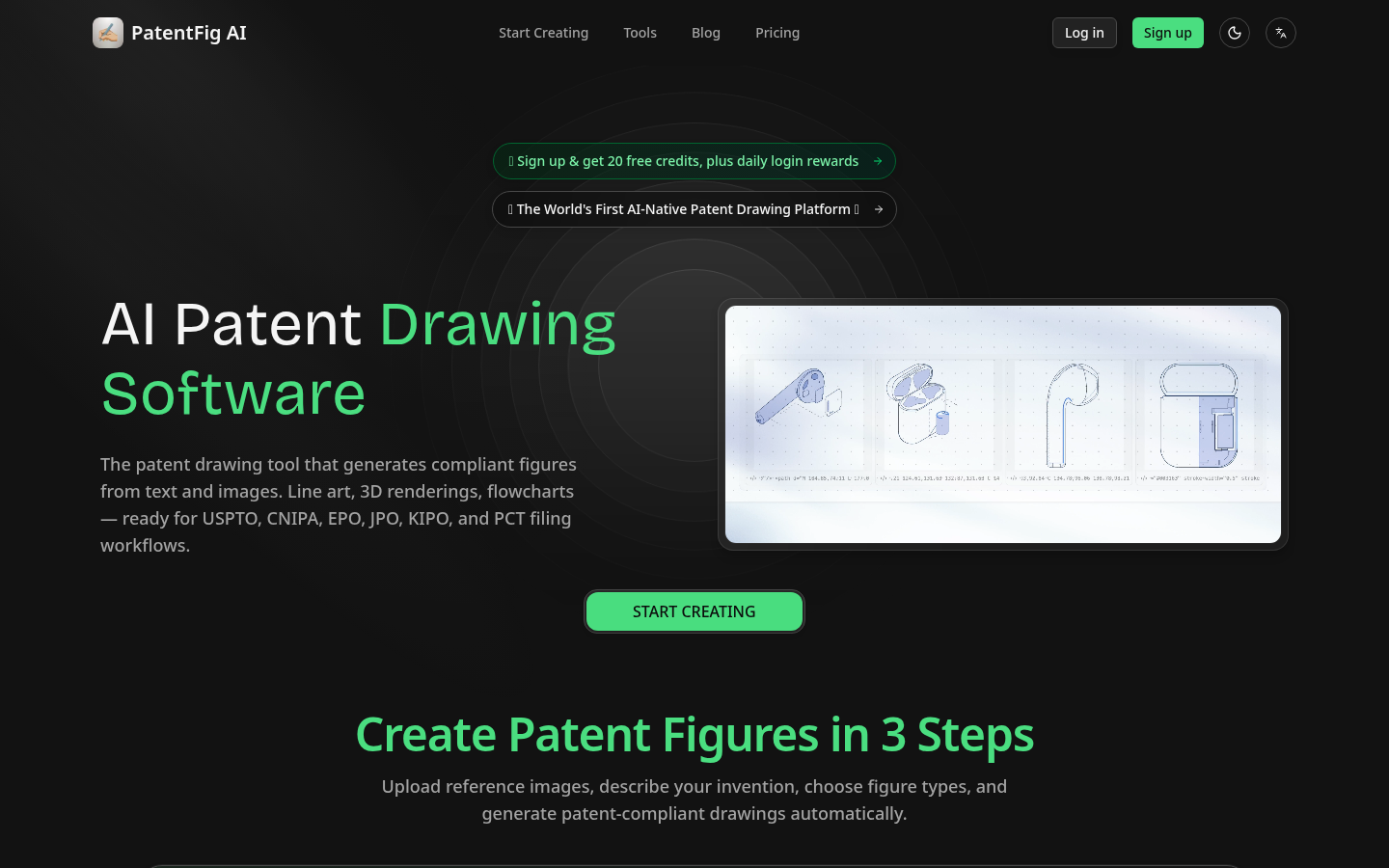
Screenshot archived from the listing page, for preview only.











