PartGenie
AI assistant for electronic component searchFind parts, check BOM risk, get CAD symbols
Highlights
What you can do with it
- Looking up a part number before placing an order
- Reviewing a BOM for supply or compatibility risk
- Downloading CAD symbols for a schematic or layout
How to use it
- 1 Create an account and start the free trial
- 2 Search by part number, description, or manufacturer
- 3 Review the component data and any BOM risk flags
- 4 Download CAD symbols if you need them for design work
- 5 Move to a paid plan if you need regular access
Who it is for
Pros
- Very large verified component database
- Combines search, risk checks, and CAD downloads in one place
- Free trial to test fit with your workflow
- Clear focus on the electronics workflow end to end
Limitations
- Free trial limits and paid pricing are not detailed on the page
- Coverage depends on manufacturer data, so some parts may be missing
- Risk flags are guidance, not a guarantee of supply or compliance
- It is scoped to electronics work and does not generalize to other fields
What PartGenie is
PartGenie is an AI powered platform that acts as an assistant across the electronics process, aimed at engineers and procurement professionals. Its listed features are component search, BOM risk assessment, and CAD symbol downloads. The page describes a carefully verified proprietary database covering over 22 million electronic components from about 7,700 global manufacturers and distributors, with data integrity and accuracy presented as the priority. The vendor says this simplifies component selection, BOM management, and procurement, helping users save time and effort. A free trial is offered so you can test the features before you commit to a plan.
What you can do with it
- Search for components by part number, description, or manufacturer
- Review a BOM and see risk flags before you commit to an order
- Download CAD symbols to drop straight into a schematic
- Compare parts across many manufacturers in one place
Who it is for
Electronics engineers doing component selection are the primary users, since the database and CAD downloads fit directly into design work. Procurement professionals checking parts, suppliers, and order risk get a faster route to verification. Hardware teams managing bills of materials can use the risk view to catch problems earlier. Small studios that lack a dedicated component librarian will find the search and download combination saves the most time.
What to watch out for
Free trial limits and paid pricing are not detailed on the page, so confirm current terms before you plan a project around the tool. Database coverage depends on manufacturer data, and some parts, especially new or niche ones, may be missing or incomplete. Risk flags are guidance rather than a guarantee: they cannot promise supply, pricing, or compliance, so verify critical items with the distributor. Finally, the platform is scoped to electronics work; if your needs span mechanical or other component families, you will still need other sources.
FAQ
How big is the database?
It covers over 22 million components from about 7,700 manufacturers and distributors.
Can it download CAD symbols?
Yes, CAD symbol downloads are listed among the features.
Does it check BOM risk?
Yes, BOM risk assessment is part of the platform.
Is there a free trial?
Yes, the site offers a free trial so you can test the features first.
Why it is free
What the official page says: 免费试用免费
Free limits, trial length and features are decided by the official site and can change at any time.
Product preview
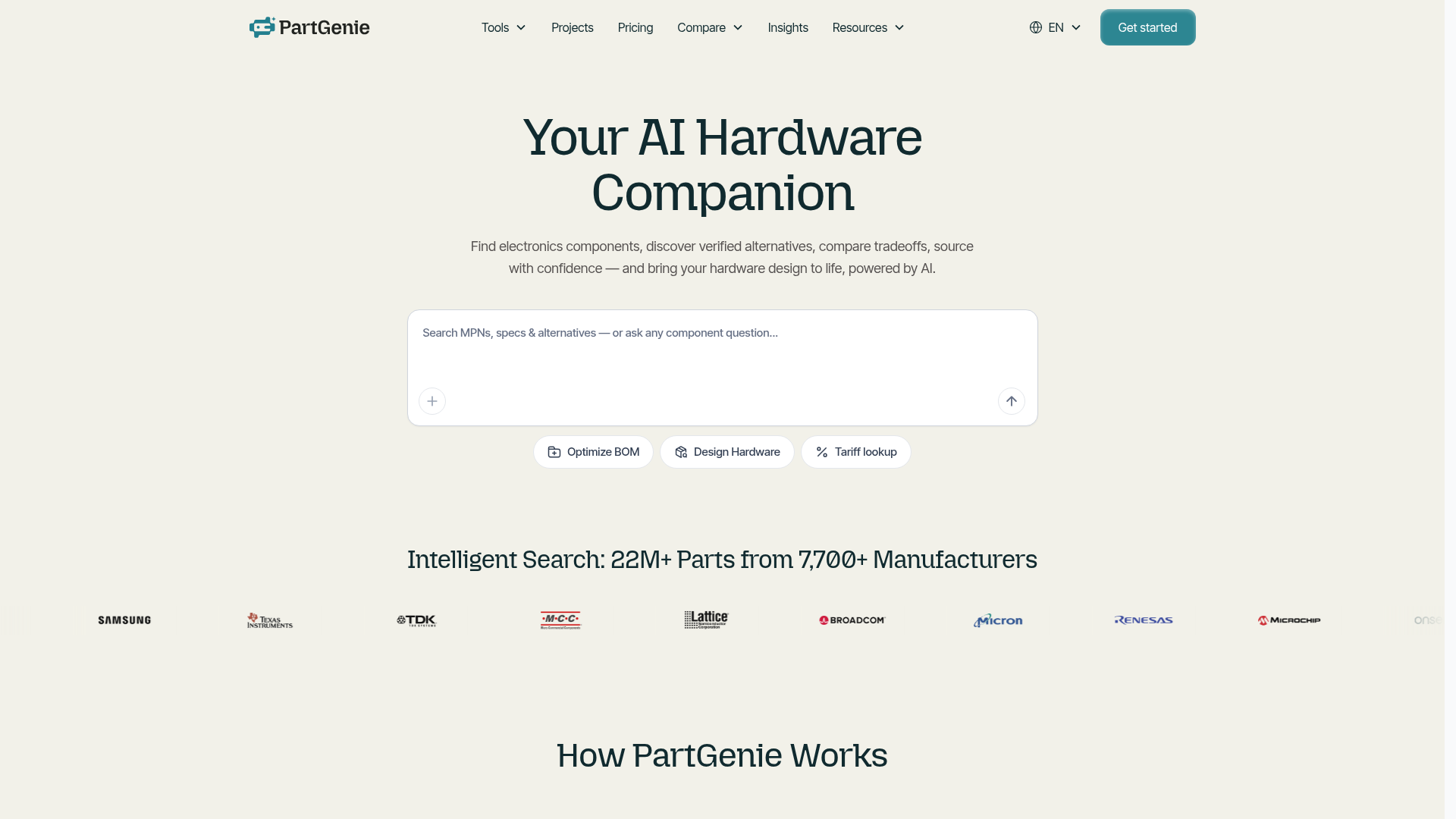
Screenshot archived from the listing page, for preview only.