
ParagraphAI
AI writing assistant appFix grammar and style as you write
Highlights
What you can do with it
- Clean up a business email before you send it
- Check an academic paper for grammar and spelling
- Polish everyday messages and posts
How to use it
- 1 Open ParagraphAI in your browser or app
- 2 Paste or type the text you want to improve
- 3 Review the grammar, spelling, and style suggestions
- 4 Accept the changes you want and keep writing
Who it is for
Pros
- Free to use
- Supports multiple languages
- Adapts to business, academic, and everyday writing
Limitations
- Free terms can change
- Suggestions still need a human read before you send
- Focused on writing help, so it does not cover research or design work
What ParagraphAI is
ParagraphAI is an AI writing assistant app that helps with grammar, spelling, and style. You write or paste text and it returns corrections and suggestions so the finished version reads cleanly and fluently. It supports multiple languages and adapts to different writing situations, so the same assistant handles business email, academic work, and everyday messages without you reconfiguring anything. The tools are described as free to use. For anyone who writes often and wants a second pass before hitting send, it covers the practical ground: catch the mistakes, smooth the phrasing, and keep moving.
What you can do with it
- Correct grammar and spelling errors in a draft.
- Get style and writing suggestions for clearer phrasing.
- Switch between languages within the same assistant.
- Apply it to business, academic, or everyday writing.
Who it is for
- Students polishing essays and academic papers.
- Professionals sending email that has to read well the first time.
- Anyone working in more than one language who wants a consistent check.
What to watch out for
Suggestions are suggestions. The app can catch a misspelling or a clumsy sentence, but it does not know your audience, your tone, or the facts behind your argument, so read the result before you send it. Free terms can change, and an assistant that is free today may add limits later. It is also a narrow tool by design: this is writing help, not research, citation management, or design, so expect to keep the rest of your workflow elsewhere. For best results, start with a small test file and review the output carefully before working on anything important. Free tiers can change over time, so it is worth checking the current limits on the official page before you rely on the tool daily.
FAQ
What does ParagraphAI do?
It corrects grammar and spelling and offers style and writing suggestions.
Does it support other languages?
Yes, it supports multiple languages and adapts to different writing needs.
Is it free?
The listing describes the AI tools as free to use.
Why it is free
What the official page says: 免费使用免费
Free limits, trial length and features are decided by the official site and can change at any time.
Product preview
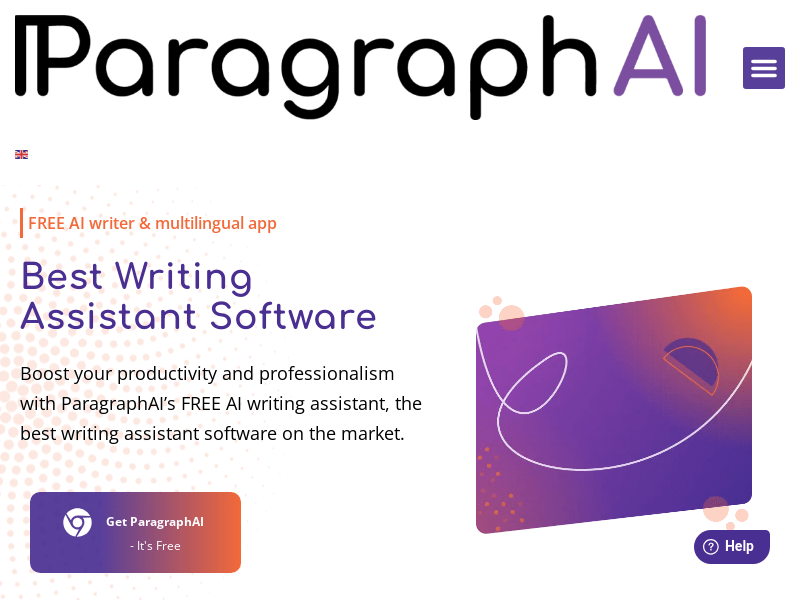
Screenshot archived from the listing page, for preview only.











