
PaperClaw
AI scientific chart makerPublication-ready figures from text or sketches
Highlights
What you can do with it
- Researchers making mechanism diagrams for papers
- Educators building teaching infographics
- Students turning sketches into project figures
How to use it
- 1 Open the PaperClaw site
- 2 Choose generate, edit, or enhance
- 3 Describe the chart or upload an existing one
- 4 Review and adjust the result
- 5 Download for your paper or teaching use
Who it is for
Pros
- 10 free starting credits
- No design software skills required
- Vector output scales for print
- Sketch conversion preserves your layout
Limitations
- Credits deplete beyond the free 10
- Complex figures may need manual refinement
- Journal requirements vary by publication
What PaperClaw is
PaperClaw is an AI scientific chart-making tool built for researchers and educators. Making a good figure for a paper usually means fighting with design software, and this tool replaces that with a description. You write in natural language what the chart should show, such as a mechanism diagram, workflow, or graphical abstract, and it produces a publication-level figure. If you already have a chart, you can upload it and edit by instruction: replace labels, recolor, correct text, or adjust spacing. Hand-drawn sketches and whiteboard photos can be converted into clean journal-style figures while keeping your original layout.
What you can do with it
- Generate charts from text descriptions
- Convert sketches into journal-level figures
- Edit existing charts with instructions
- Remove backgrounds and enlarge for print
- Export scalable vector graphics
Who it is for
- Researchers preparing figures for papers
- Educators building teaching infographics
- Students creating project and assignment graphics
What to watch out for
New users start with 10 free credits, and additional functions are charged by credit, so a heavy figure workload costs money and credit use should be tracked across a project. Complex diagrams with many entities and relationships may need manual refinement before they meet a journal's standard, and AI layout is not always publication-grade on the first pass. Requirements differ by publication, so check figure guidelines for resolution, font, and file type before submitting, since a rejected format wastes a submission cycle. As with any AI output, verify that labels and data in the generated chart match your actual results, since accuracy in a scientific figure is non-negotiable and a wrong axis or mislabeled pathway can mislead readers.
FAQ
What is PaperClaw?
An AI tool that creates publication-level scientific charts, graphical abstracts, and mechanism diagrams for research and teaching.
Is there a free option?
Some functions are free, and new users start with 10 free credits, with other functions charged by credit.
Can I edit an existing chart?
Yes, you can upload a chart and modify it with instructions such as replacing labels, recoloring, or correcting text.
Who is it for?
Researchers writing papers, educators preparing materials, and students completing projects.
Why it is free
What the official page says: 免费
Free limits, trial length and features are decided by the official site and can change at any time.
Product preview
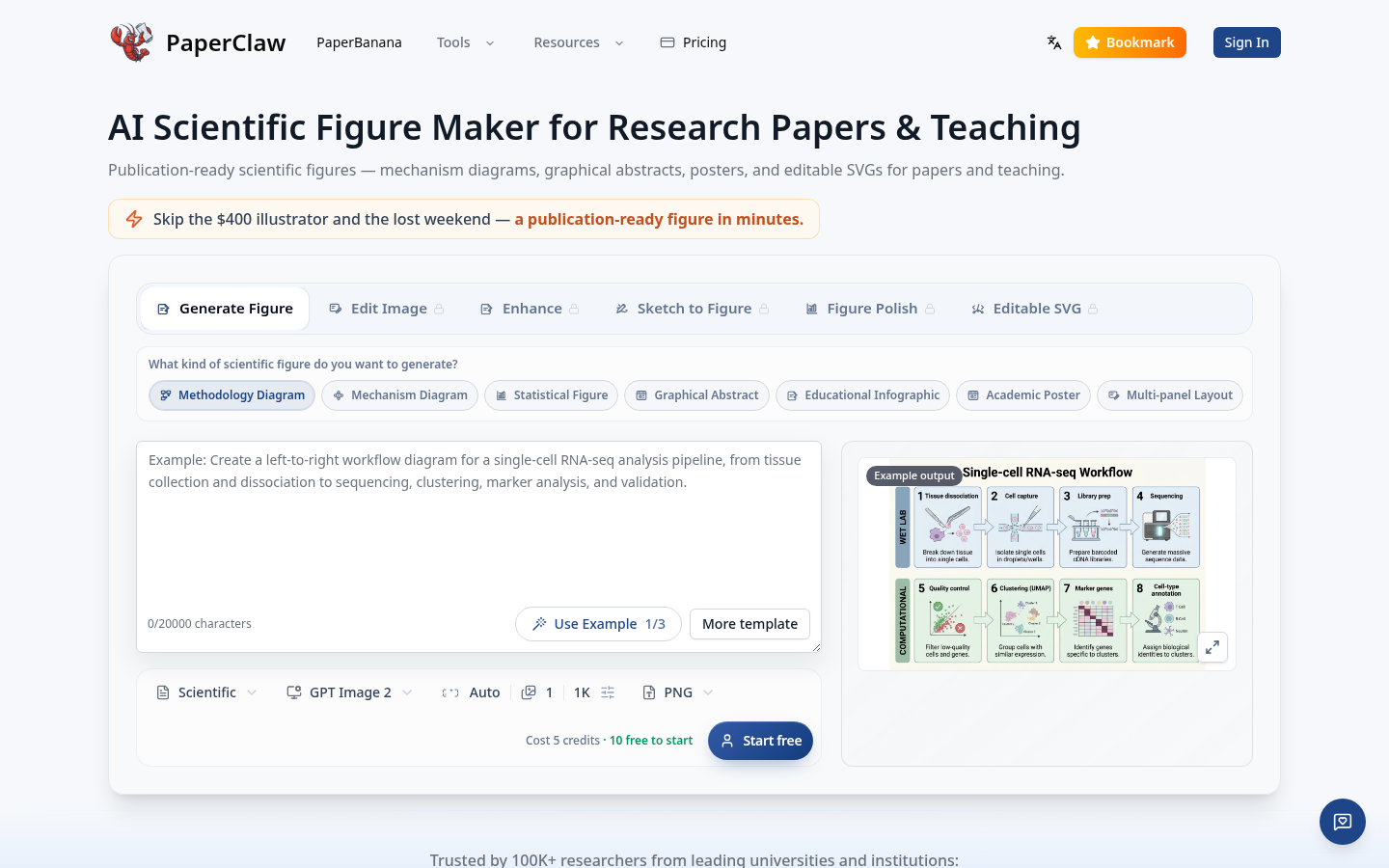
Screenshot archived from the listing page, for preview only.











