
Paper Banana
AI academic illustration and figure generatorFrom a paragraph to journal-ready figures
Highlights
What you can do with it
- Researchers building system architecture and data flow diagrams for a submission
- Doctoral students assembling multi-panel figures with microscope annotations
- Lecturers turning abstract concepts into teaching diagrams
How to use it
- 1 Register and log in on the Paper Banana site
- 2 Describe the figure you need, such as a method or a system flow
- 3 Pick an academic visual style and generate
- 4 Fine-tune labels, colors, and layers in the editor
- 5 Download the figure at up to 2048px
Who it is for
Pros
- Removes the learning curve of traditional drawing software
- Purpose-built styles for academic use rather than generic design
- Vector output keeps figures editable after generation
- Poster and multi-panel tools cover the whole submission workflow
Limitations
- The free trial is limited and academic plans are a recurring subscription cost
- Generated figures still need a subject expert to check the logic
- Complex or unusual diagrams may need heavy manual editing
- A very new platform, so templates and style coverage may not fit every field
What Paper Banana is
Paper Banana is an AI academic illustration platform built for researchers, university students, and educators. It exists because traditional drawing software has a steep learning curve and a fiddly layout process, and most academics need figures fast. You describe the diagram you want in ordinary text, choose an academic visual style, and the platform plans, renders, and cleans up the result. The pipeline runs five agents: a Retriever, a Planner, a Stylist, a Visualizer, and a Critic, which is there to keep charts accurate, clear, and presentable. Beyond single figures, it converts a PDF paper into a conference poster following the IMRaD structure, and it includes a figure editor for multi-panel layouts and microscope image annotation. A free trial is offered, with paid academic plans for heavier use.
What you can do with it
- Turn a written method or system description into a scientific figure
- Generate flowcharts, technical pattern diagrams, concept maps, and logical architecture diagrams
- Export editable SVG vectors and adjust labels, layers, and colors
- Build a conference poster from a PDF paper
- Assemble multi-panel figures and annotate microscope images
- Download output up to 2048px for print and conference screens
Who it is for
- Researchers preparing figures for papers and submissions
- Doctoral and graduate students assembling thesis and report visuals
- Lecturers and professors turning abstract concepts into teaching diagrams
What to watch out for
The free trial is limited and academic plans are a recurring subscription, so check the cost against how many figures you actually need per paper. Generated figures still need a domain expert to read them: the pipeline improves layout and clarity, but it cannot verify that your method is drawn correctly. Unusual or highly specific diagrams often need heavy manual editing after generation. The platform is young, so style coverage and templates may not match every discipline, and you should keep a fallback editor for the final submission version.
FAQ
What is Paper Banana for?
Generating academic illustrations, scientific figures, and conference posters from text.
How does it work?
A pipeline of Retriever, Planner, Stylist, Visualizer, and Critic turns a description into a figure.
What resolution can I export?
Up to 2048px, with editable SVG vector output available.
Is there a free trial?
Yes, a free trial is offered alongside paid academic plans.
Why it is free
What the official page says: free trial
Free limits, trial length and features are decided by the official site and can change at any time.
Product preview
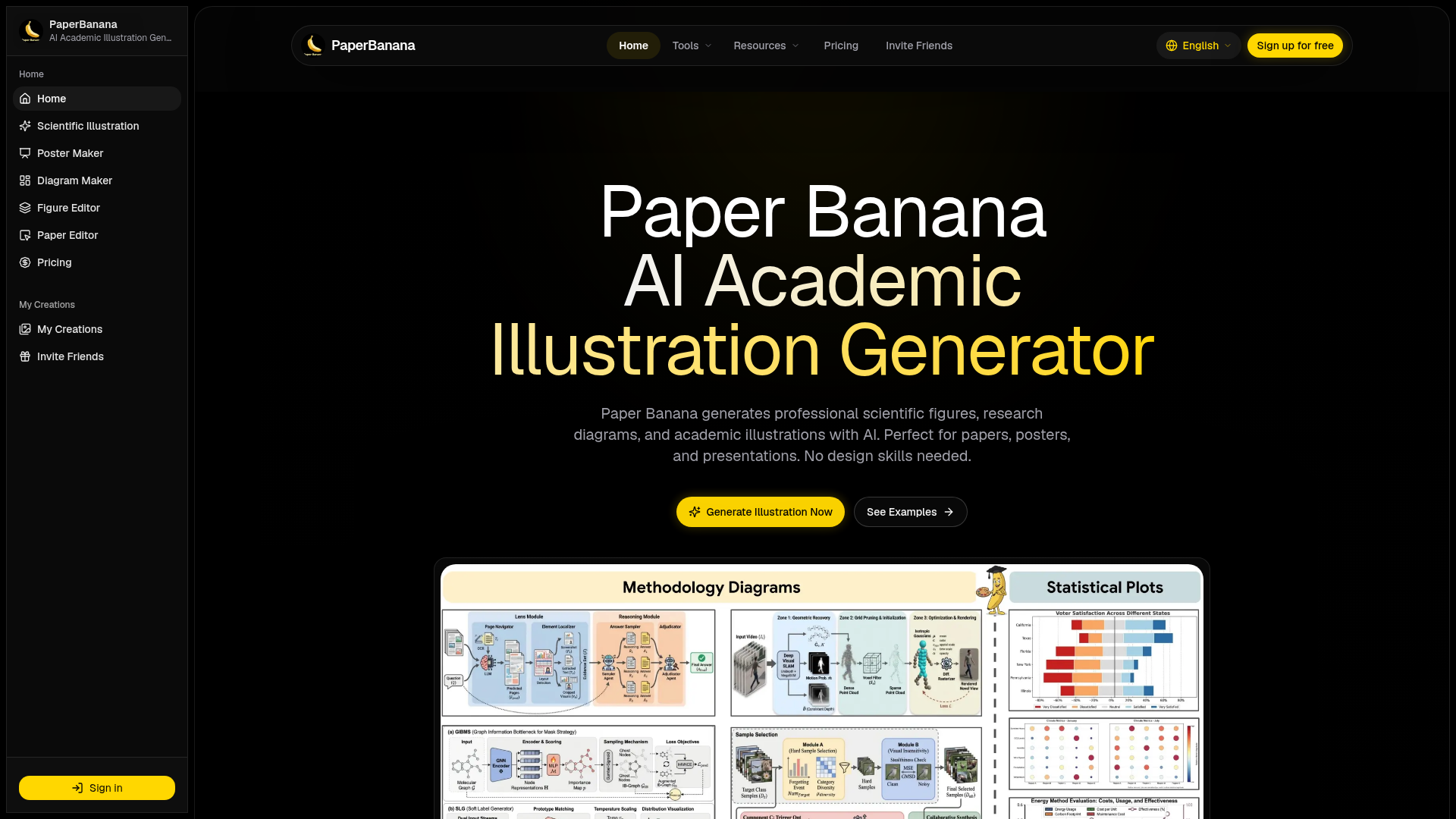
Screenshot archived from the listing page, for preview only.











