
Paper Animator Art
AI paper animation makerTurn photos into paper animations
Highlights
What you can do with it
- Make social posts stand out with torn-edge paper animations.
- Add a handmade feel to brand storytelling campaigns.
- Create product launch hero shots with transparent backgrounds.
How to use it
- 1 Upload a PNG or JPG image to the site.
- 2 Let AI add paper edges and an unfolding animation.
- 3 Tune edge thickness, animation size, and shadows.
- 4 Pick an aspect ratio and export as GIF or MP4.
Who it is for
Pros
- Fast background removal with no manual clipping.
- Each result gets unique, handmade-looking edges.
- High-quality GIF or MP4 export for social and ads.
Limitations
- Free package may have limits next to paid options.
- Free package and pricing rules can change over time.
- Complex subjects may need tuning for clean edges.
What Paper Animator Art is
Paper Animator Art is an online tool that turns static images into animations with a real paper texture. AI finds the subject, removes the background, and adds natural torn edges and shadows, so each result looks handmade. You can adjust edges, animation size, and shadows, then export as a looping GIF or MP4 for social media and marketing. The unfolding effect simulates paper opening from a crumpled state, and you can tune depth, curvature, and rhythm for a stop-motion feel. There are one-click background options such as classic paper, pure white, transparent PNG, or green screen. The tool offers a free package. The developer built it because existing image effects felt flat, and the goal is to give posts and campaigns a handmade, attention-grabbing look.
What you can do with it
- Remove the background from an image in seconds.
- Add organic torn edges and subtle shadow layers.
- Create a paper unfolding animation with tunable depth and rhythm.
- Export a looping GIF or MP4 for Reels, TikTok, and Shorts.
Who it is for
- Social media marketers making scroll-stopping posts.
- Brand teams adding a tactile feel to storytelling.
- Product launch crews and weekly content creators.
What to watch out for
The free package may have limits next to paid options, and free package and pricing rules can change over time, so confirm the current details before you plan a campaign around it. AI edge detection works best on clear subjects, so busy or low-contrast images may need manual tuning. Export size and length can affect file size, so test before you post. The look is stylized, so it may not fit brands that need a clean, photographic style. Review each export to make sure the motion and edges fit your message and platform.
FAQ
Is Paper Animator Art free?
It offers a free package. Paid options may add more, so check the site for current details.
What does it do to my image?
It removes the background, adds torn paper edges and shadows, and creates an unfolding animation with a real paper texture.
What can I export?
You can export high-quality looping GIF or MP4 files, with background choices like transparent PNG or green screen.
Why it is free
What the official page says: 免费免费套餐
Free limits, trial length and features are decided by the official site and can change at any time.
Product preview
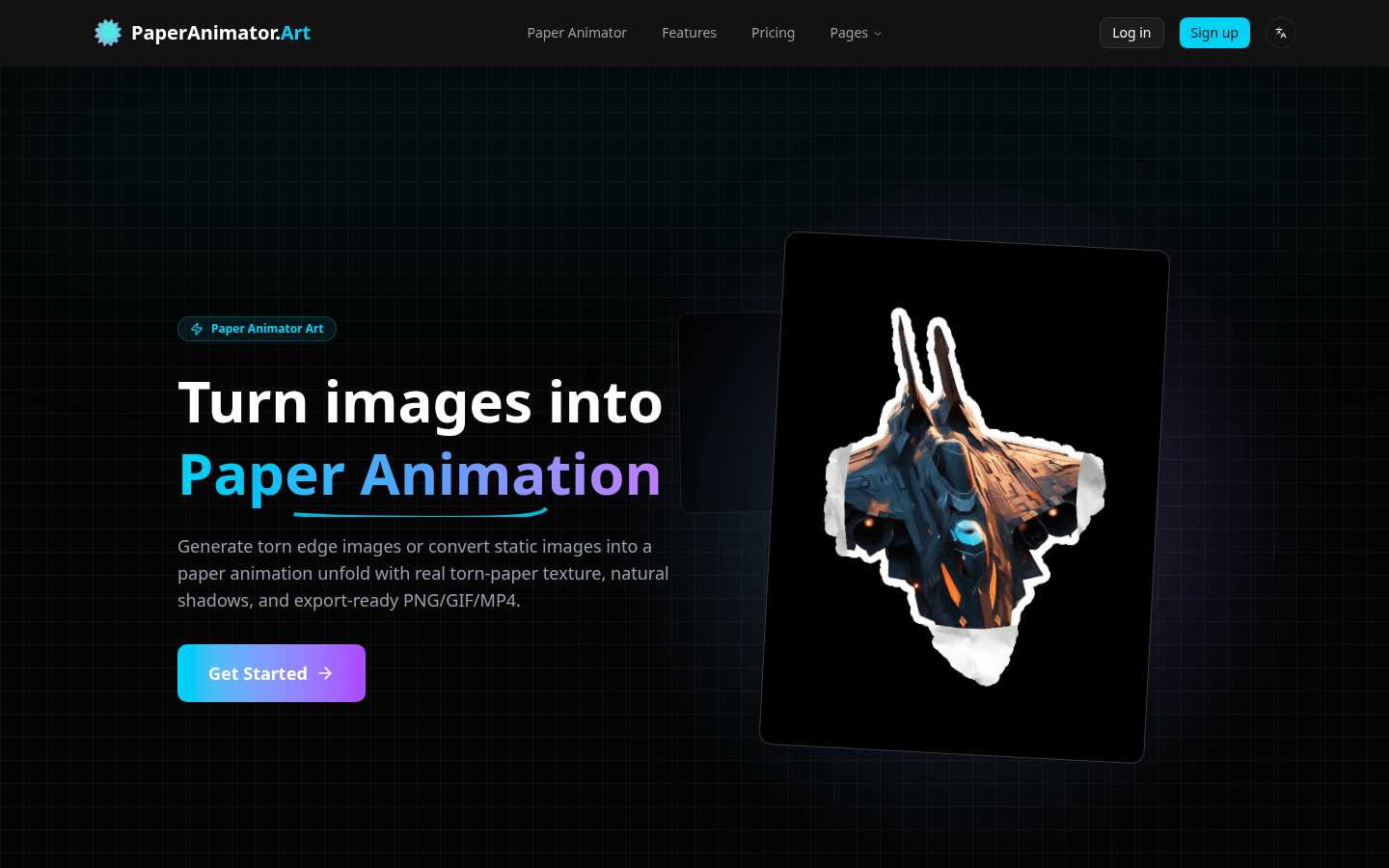
Screenshot archived from the listing page, for preview only.











